What is the 20 8 2 rule? It’s a simple movement pattern for desk work: in every 30-minute block, aim for 20 minutes sitting, 8 minutes standing, and 2 minutes moving. And that’s the real answer to what is the 20 8 2 rule for a home office: not just better posture, but lower cognitive fatigue, steadier alertness, and less stress from staying frozen at your desk for hours.
If you’ve ever finished a “productive” work session with a foggy head, tight shoulders, and the weird feeling that your brain quit before your task did, you’re not imagining it. Research on sedentary behavior and movement breaks, including evidence summarized by the National Library of Medicine on breaking up sitting time, suggests that how long you stay still affects more than your back. Thing is, a brain healthy home workstation setup isn’t only about comfort. It’s about removing physical and environmental friction so your attention stays on the work instead of on discomfort, distraction, or stress.
So here’s the deal. This article will answer what is the 20 8 2 rule fast, then show you what is a brain healthy workstation in practical terms: desk height, screen position, lighting for focus in home office, noise control, air quality, and movement timing. You’ll also get specific setups for small spaces, sit-stand users, and focus-sensitive readers who need to study in a noisy house without burning through mental energy.
I’m a software engineer, not a neuroscientist, but I’ve spent years building FreeBrain tools and testing workstation changes during long coding and study blocks. And yes, small tweaks matter more than most people think. If your goal is an ergonomic workstation for focus — one that helps you start faster, think clearer, and hold attention longer — this guide will also connect your physical setup to habits like an attention warm-up ritual so your desk actually supports deep work instead of draining it.
📑 Table of Contents
What is the 20-8-2 rule?
Now let’s make that idea practical. From my own long coding and study sessions building FreeBrain tools, this is one of the simplest ways I’ve found to cut desk fatigue before it wrecks focus.

The quick definition
If you’re asking what is the 20 8 2 rule, here’s the short answer: in each 30-minute block, aim for 20 minutes sitting, 8 minutes standing, and 2 minutes moving. Think of it as a sit-stand routine for a 20 8 2 rule workstation, not a rigid law.
A simple cycle looks like this: 9:00-9:20 sit, 9:20-9:28 stand, 9:28-9:30 move. Pair that with an attention warm-up ritual and it’s easier to start focused work fast.
Why movement matters more than perfect posture
Thing is, no posture stays “good” for hours. The rule comes from sit-stand workstation guidance and the broader ergonomics idea that posture variation beats staying still; even public health guidance on sedentary behavior points to the costs of too much uninterrupted sitting.
- Less stiffness and static muscle load
- More circulation and microbreaks
- Better odds of keeping attention steady
And no, standing isn’t automatically better than sitting. Alternating positions and adding short movement breaks is the point; research indexed by PubMed on prolonged sitting and workplace movement consistently supports reducing static postures.
Why this matters for focus, not just comfort
Sit for 3 straight hours and discomfort starts competing with your task. Break that into six 30-minute cycles, though, and you usually get lower cognitive fatigue, less stress buildup, and easier task re-entry after each reset. If noise also drains your attention, it helps to study in a noisy house with fewer environmental distractions.
Which brings us to the next step: building a brain-healthy workstation that lowers both physical friction and mental noise.
Build a brain-healthy workstation
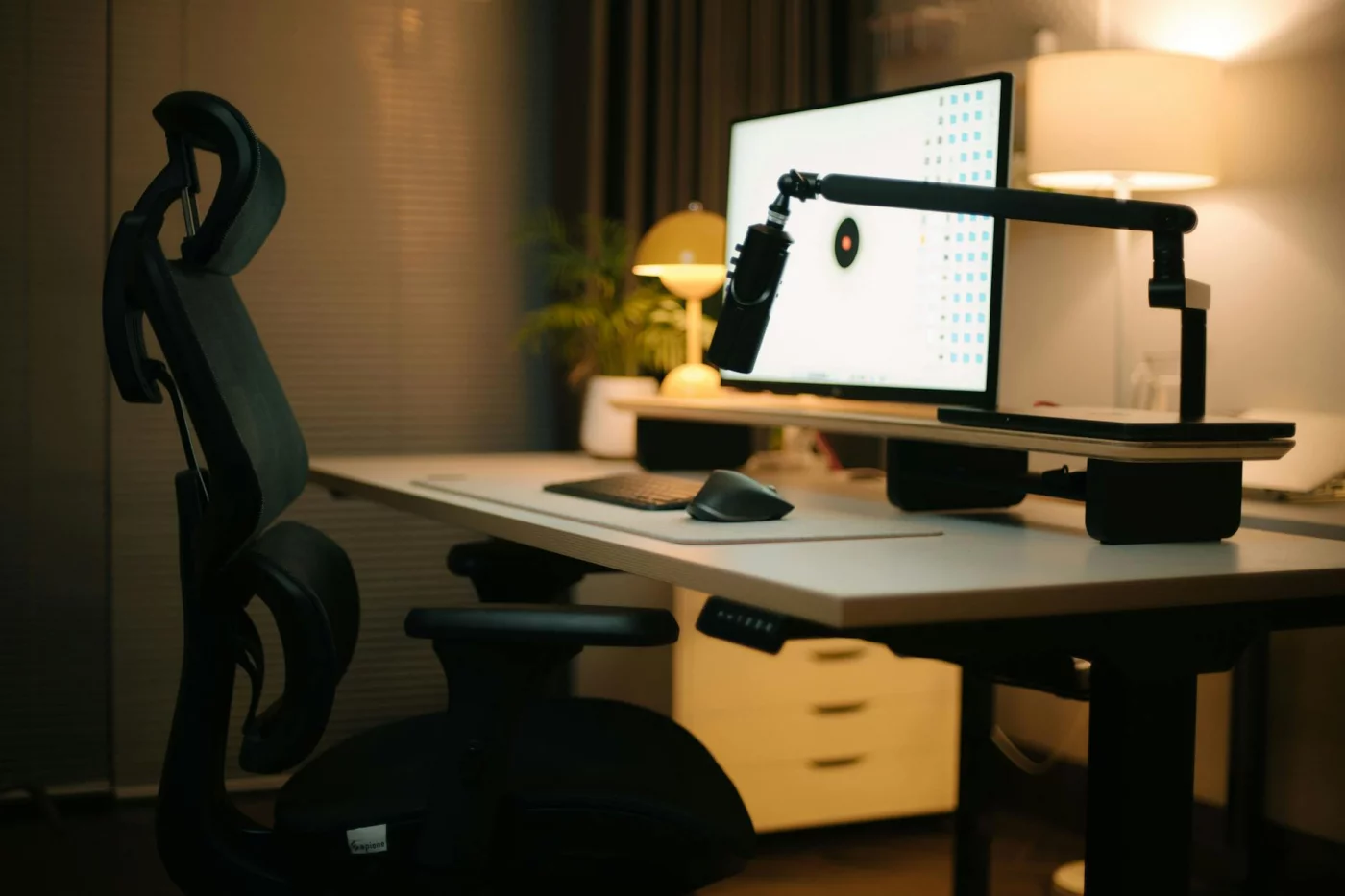
Now that you know what is the 20 8 2 rule, your setup needs to make that rhythm easy, not awkward. A brain-healthy workstation reduces physical strain and environmental friction so your attention stays on the task longer, and it pairs especially well with an attention warm-up ritual.
The five principles that actually matter
So what is a brain healthy workstation, really? Personally, I think five things matter more than buying fancy gear:
- Posture variation: change positions often so your body doesn’t lock up and your alertness stays higher.
- Visual comfort: reduce glare, squinting, and forward leaning to lower eye strain and mental fatigue.
- Low-friction reach zones: keep key tools close so you don’t waste energy on constant awkward reaches.
- Sensory control: manage noise and light; if that’s hard, learn how to study in a noisy house.
- Movement prompts: make standing and shifting automatic, which fits the logic behind what is the 20 8 2 rule.
Core measurements that make a difference
An ergonomic workstation for focus is usually simple: feet supported, hips slightly above knees if comfortable, elbows around 90-100 degrees, and wrists neutral. If you need to shrug to type, the surface is too high. If you lean forward to read, the screen is likely too far away or the text is too small.
| Element | Practical range |
|---|---|
| Monitor distance | About an arm’s length |
| Monitor height | Top at or slightly below eye level |
| Keyboard/mouse | Close enough to keep shoulders relaxed |
| Primary tools | Within easy reach |
Laptop only? Raise it and use an external keyboard and mouse. Dual screens? Put the main screen centered and the second off to the side. Research on office ergonomics summarized in the NCBI ergonomics overview supports matching workstation layout to task demands.
Task zoning for less distraction
This is the part most people miss. In a brain healthy home workstation setup, your primary zone holds the keyboard, mouse, and notebook; the secondary zone holds water and headphones; the distraction zone keeps your phone behind you or across the room.
And don’t stop at the desk. For a better home office setup for focus and productivity, use one active window, a clean desktop, and simple folders inspired by digital minimalism for students. Fewer awkward reaches and fewer context switches usually mean lower stress load and better mental clarity.
📋 Quick Reference
Feet flat or supported. Elbows 90-100 degrees. Screen about an arm’s length away. Top of screen at or slightly below eye level. Keyboard, mouse, and notebook centered. Phone out of reach.
Next, I’ll show you how to create a brain healthy workstation in five practical steps you can finish fast.
Set it up in 5 practical steps
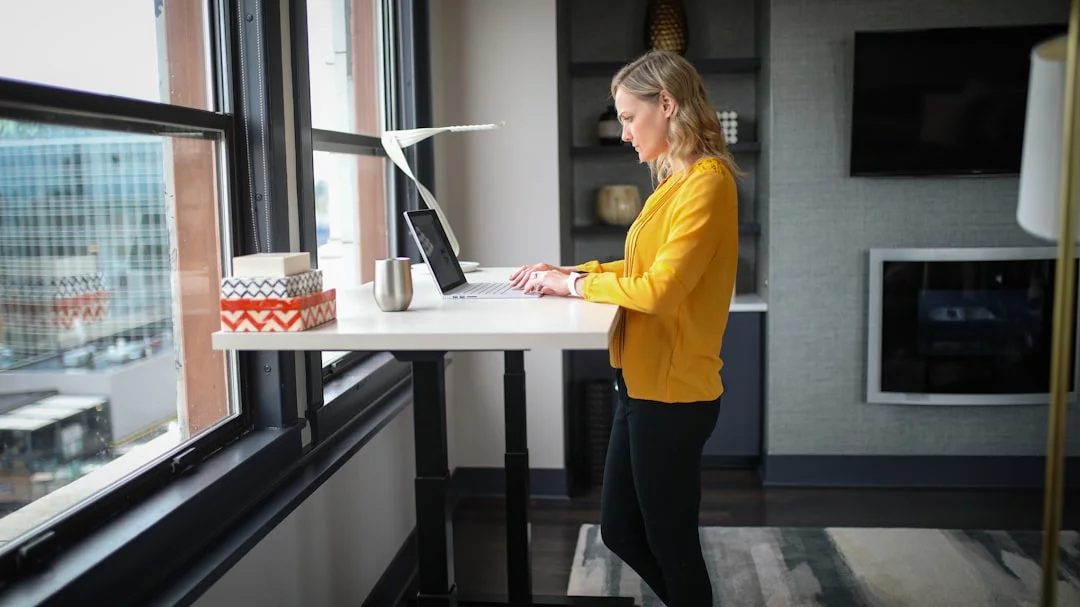
You don’t need a fancy desk to make this work. If you’re still wondering what is the 20 8 2 rule, this is the practical version: sit for 20 minutes, stand for 8, then move for 2.
How to set up your workstation fast
- Step 1: Support your feet and relax your shoulders.
- Step 2: Center the screen and raise it until the top is near eye level.
- Step 3: Put your most-used tools in easy reach and remove distractions.
- Step 4: Add a cue for movement every work cycle.
- Step 5: Adjust the setup to your space, budget, and focus needs.
Step 1-2: Fix the basics first
Start with your seat. Feet flat or on a footrest, hips slightly above knees, elbows around 90 degrees, shoulders loose. Then fix visibility: the screen should be centered, about an arm’s length away, with text large enough that you don’t lean in. Comfort and visibility beat accessories every time.
Step 3-4: Reduce friction and add movement
Place keyboard and mouse close, keep the phone out of reach, and cut visual clutter. Personally, I think this is where most people lose focus. For lighting for focus in home office, use daylight from the side, reduce glare, and add a lamp if the room feels dim. If noise pulls you off task, consistent background sound can help more than silence; for short resets, try one-minute mindfulness breaks. Open a window when you can.
Step 5: Match the setup to your real life
From experience with long coding and study sessions, small fixes often beat expensive upgrades. A small home office ergonomic setup might mean a laptop on books, an external keyboard, and vertical storage. ADHD or focus-sensitive setup? Keep one visible task list, simple colors, headphones, and the phone away. For a floor to standing desk setup, alternate surfaces and use a mat if it helps, but keep expectations realistic. Next, let’s cover the mistakes that quietly ruin a brain-healthy setup.
Mistakes to avoid + quick checklist
You’ve got the basics set. Now the part most people skip: avoiding the setup errors that quietly drain attention all day.
If you’re still wondering what is the 20 8 2 rule really for, it’s not posture perfection. It’s a simple way to reduce stiffness, stress load, and mental drag by changing position regularly.
The mistakes that drain focus fastest
The biggest errors hurt focus, not just comfort. Chasing “perfect posture,” standing too long, putting the monitor too low, keeping your phone in primary reach, and ignoring glare all raise friction. A laptop on a kitchen table usually means neck flexion, shrugged shoulders, and faster cognitive fatigue.
Research from the CDC and NIOSH has long emphasized neutral positioning, screen height, and movement variety over rigid stillness. And yes, more gear doesn’t automatically mean a better ergonomic workstation for focus. A pricey chair won’t fix overhead glare or constant notification reach.
Confused by the 30 30 rule ergonomics idea? Usually, it means using a 30-minute cue to reset posture or move briefly. That’s different from what is the 20 8 2 rule, but it can help if 20-minute changes feel too frequent. If stress is already high, pair your setup with routines to improve focus while stressed.
A 2-minute workstation self-audit
Screenshot this. If you answer “no” to any item, fix that first.
- Are your feet fully supported?
- Is the top of your screen near eye level?
- Can you reach your keyboard without shrugging?
- Is your phone outside your main work zone?
- Have you reduced glare from windows or overhead lights?
- Do you have a cue to move every 30 minutes?
Priority order is simple: screen height, feet support, keyboard position, glare, then movement cue. That’s a solid brain healthy workstation checklist for remote workers, and it’s often enough to improve mental clarity fast.
When to get professional help
This article is educational, not medical advice. Persistent pain, numbness, headaches, severe fatigue, sleep problems, or vision issues should be evaluated by a qualified clinician, ergonomist, optometrist, or occupational health professional.
So here’s your next move: fix one physical issue today, add one movement reminder, then pair your setup with FreeBrain routines for deep work, stress resets, and distraction control. Which brings us to the last questions people usually ask.
Frequently Asked Questions
What is the 20-8-2 rule for desk work?
What is the 20 8 2 rule? It’s a simple desk-work pattern: for every 30 minutes, spend 20 minutes sitting, 8 minutes standing, and 2 minutes moving. The point isn’t to stand all day. It’s to break up long static posture, vary how your body loads joints and muscles, and make movement a normal part of focused work.
What is a brain-healthy workstation?
What is a brain healthy workstation? It’s a setup that lowers physical strain and cuts down small sources of friction so your attention lasts longer. Three things matter most: posture variation, visual comfort, and low distraction. Add easy movement cues too—like a timer, water bottle refill routine, or a quick walk between tasks—so your desk supports focus instead of draining it.
What is the 30/30 rule in ergonomics?
What is the 30 30 rule in ergonomics? Usually, it’s a reminder-based rule that tells you to change position or take a brief break at regular 30-minute intervals to avoid staying frozen in one posture. It’s not exactly the same as the 20-8-2 pattern, which gives a more specific split of sitting, standing, and moving. And yes, naming varies by source, so it’s smart to focus on the principle—regular posture change—rather than the label alone. For broader ergonomics guidance, see CDC ergonomics resources.
Does a standing desk improve focus at home?
Does a standing desk improve focus? It can help some people feel more alert, especially during low-energy parts of the day, but standing by itself isn’t a guaranteed fix for attention. Personally, I think this is the part most people get wrong: the real benefit usually comes from alternating positions and moving regularly, not from replacing sitting with standing. If you want better results, pair your desk setup with timed posture changes and short movement breaks.
How can I reduce cognitive fatigue at my desk?
If you’re asking, how can I reduce cognitive fatigue at my desk, start with the basics that remove constant low-level strain: raise or lower your screen so you’re not craning your neck, cut glare, keep your keyboard and mouse in an easy reach zone, and schedule movement breaks. But wait—there are hidden drains too. Noise, badly timed light exposure, and visual clutter can quietly wear down attention, so a cleaner workspace and better light control often help more than people expect. If you want a practical way to build better work-break rhythms, check FreeBrain’s study and focus tools on FreeBrain.
How far should a monitor be from your eyes?
How far should a monitor be from your eyes? For many people, about an arm’s length is a good starting point, then you adjust based on screen size, resolution, and text size. If you keep leaning forward to read, don’t assume distance is the only problem. Often the real fix is larger text, better screen height, or better placement of the monitor in your visual field rather than moving it closer.
Conclusion
If you remember just four things, make them these: sit for about 20 minutes, stand for 8, and move for 2; set your desk so your screen is at eye level and your elbows stay close to 90 degrees; use prompts like timers or calendar blocks so posture changes actually happen; and avoid the common trap of “perfect setup, zero movement.” That’s really the heart of what is the 20 8 2 rule—not buying fancy gear, but building a workstation rhythm your brain and body can sustain through real workdays.
And honestly, you don’t need to overhaul your whole office by tonight. Start small. Raise your laptop with a stack of books, take one 2-minute walk each half hour, and notice how your focus feels by the end of the day. Personally, I think this is the part most people miss: consistency beats intensity. A slightly better setup you use every day will help more than a “perfect” desk routine you quit after three days.
Want to keep improving your setup and study energy? Explore more practical guides on FreeBrain, including how to study for long hours without losing focus and how to improve concentration while studying. If you came here asking what is the 20 8 2 rule, the next step is simple: set a timer, make your first desk adjustment, and test the rhythm today.