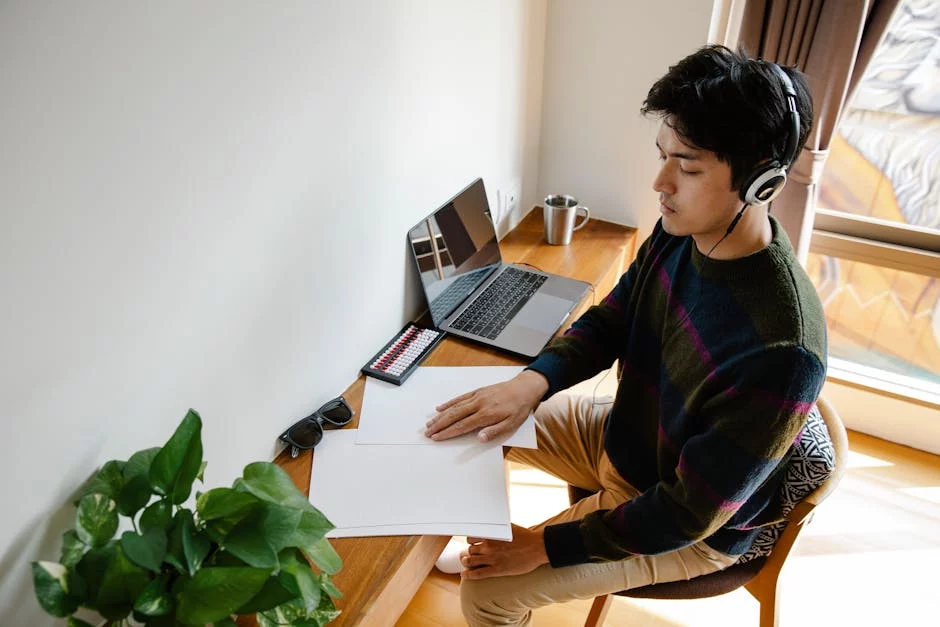

What is digital minimalism? For students, it means using your phone and apps on purpose so they support your goals instead of interrupting them every few minutes. In plain English, what is digital minimalism really asking? It’s asking how to keep the useful parts of tech—lecture slides, calendars, maps, group chats—without letting your phone hijack your attention, study time, and sleep.
If that sounds familiar, you’re not lazy. You’re dealing with a device designed to pull you back in, often right when you’re trying to read one more page or stop the procrastination cycle. And yes, this gets worse in student life: dorm noise, LMS notifications, class group chats, and the constant feeling that you might miss something important.
Research has linked heavy smartphone use with worse sleep, more distraction, and poorer academic performance in many students, which is why PubMed’s free research archive on smartphone use and student health is worth browsing if you want the evidence behind the problem. But wait. The answer isn’t throwing your phone in a drawer and pretending college happens on paper now.
This article will show you what is digital minimalism in a student-first way: not vague “be less online” advice, but seven phone rules that actually fit lectures, study blocks, dorm life, social media, and exam season. You’ll also learn how to practice digital minimalism without deleting every app you enjoy, plus a short digital declutter for students who need results fast.
And here’s the practical payoff: fewer reflexive checks, better focus during deep work, cleaner boundaries around sleep, and less mental clutter when you sit down to use 90-minute study blocks. Personally, I think this is the part most people get wrong—what is digital minimalism isn’t anti-tech at all. It’s a system for deciding what earns a place on your phone and what doesn’t.
I’m a software engineer and self-taught learner who built FreeBrain tools for focus and study systems, so I care about one thing: rules you can actually use when your phone is also your clock, calculator, campus map, and class portal. So if you’ve been wondering what is digital minimalism and whether it can work in real student life, you’re in the right place.
📑 Table of Contents
- What is digital minimalism for students? A practical definition that actually helps
- How to practice digital minimalism: a 15-minute declutter and 7 phone rules
- Benefits of digital minimalism for students — and the common mistakes to avoid
- Quick reference: a 7-day digital minimalism reset for students
- Frequently Asked Questions
- What is digital minimalism for students?
- How can students reduce screen time without hurting school performance?
- How do I stop phone distractions while studying?
- Is digital minimalism good for college students?
- How do you do a digital declutter for school?
- How can students use social media without losing focus?
- Conclusion
What is digital minimalism for students? A practical definition that actually helps
So here’s the deal. If you’re wondering what is digital minimalism, the short answer is this: using technology intentionally so it supports your goals instead of constantly interrupting them. For students, that usually means your phone stops being a default escape hatch when work gets uncomfortable, which is also why it helps to learn how to stop the procrastination cycle. For more on productivity and focus, see our productivity and focus guide.

And no, what is digital minimalism for students doesn’t mean deleting every app, quitting your laptop, or pretending college works without Canvas, lecture slides, calendars, or group chats. As a software engineer and self-taught learner who built FreeBrain tools, I care about systems that fit real class schedules, dorm life, and exam weeks—not vague anti-tech advice.
A simple student-friendly definition
What is digital minimalism in one sentence? It’s a rule-based approach to tech where you keep the digital tools that clearly help and reduce the ones that steal attention.
In practice, digital minimalism for students looks boring in the best way. You check Canvas at set times instead of reacting to every notification. You use Maps to get to class, then put the phone away and use 90-minute study blocks instead of opening Instagram between every task.
- Class: silence nonessential alerts during lectures
- Dorm: charge your phone away from the bed
- Study block: decide in advance when you’ll check messages
That’s really what is digital minimalism for students: fewer low-value digital inputs, plus clearer rules for when, why, and how you use your phone.
Digital minimalism is not quitting useful tech
But wait. Students still need laptops, LMS tools, email, calendars, note apps, and group chats. The goal isn’t less technology at any cost; it’s less friction, less noise, and fewer attention traps.
This is the part most people get wrong. Digital minimalism for college students is not the same as collecting productivity apps. More tools often mean more logins, more notifications, and more maintenance. If you’re deciding what stays, it helps to use the Eisenhower Matrix on your apps and ask: does this tool help me study, or just make me feel “organized”?
Why this matters for focus, sleep, and procrastination
Frequent task switching has a cost. The American Psychological Association has summarized how switching attention can reduce efficiency and increase errors, which fits what students feel when phone distraction keeps breaking momentum. And here’s the kicker—novelty is sticky, so student screen time habits often turn five-second checks into twenty-minute detours.
Sleep matters too. Guidance from the CDC on healthy sleep habits and NIH News in Health on why sleep supports health and attention supports being careful with bedtime device use, especially when late-night scrolling pushes sleep later and leaves you foggy the next morning.
This section is educational, not medical advice. If ADHD, anxiety, compulsive phone use, or major sleep problems are getting in the way, talk with a qualified clinician or school counselor. Next, I’ll show you how to practice digital minimalism with a fast declutter and seven phone rules you can use this week.
How to practice digital minimalism: a 15-minute declutter and 7 phone rules
So now that you’ve got a practical answer to what is digital minimalism, the next question is obvious: how do you actually do it without deleting your whole digital life? For most students, what is digital minimalism becomes real the moment you stop treating your phone like default background noise and start treating it like a tool.
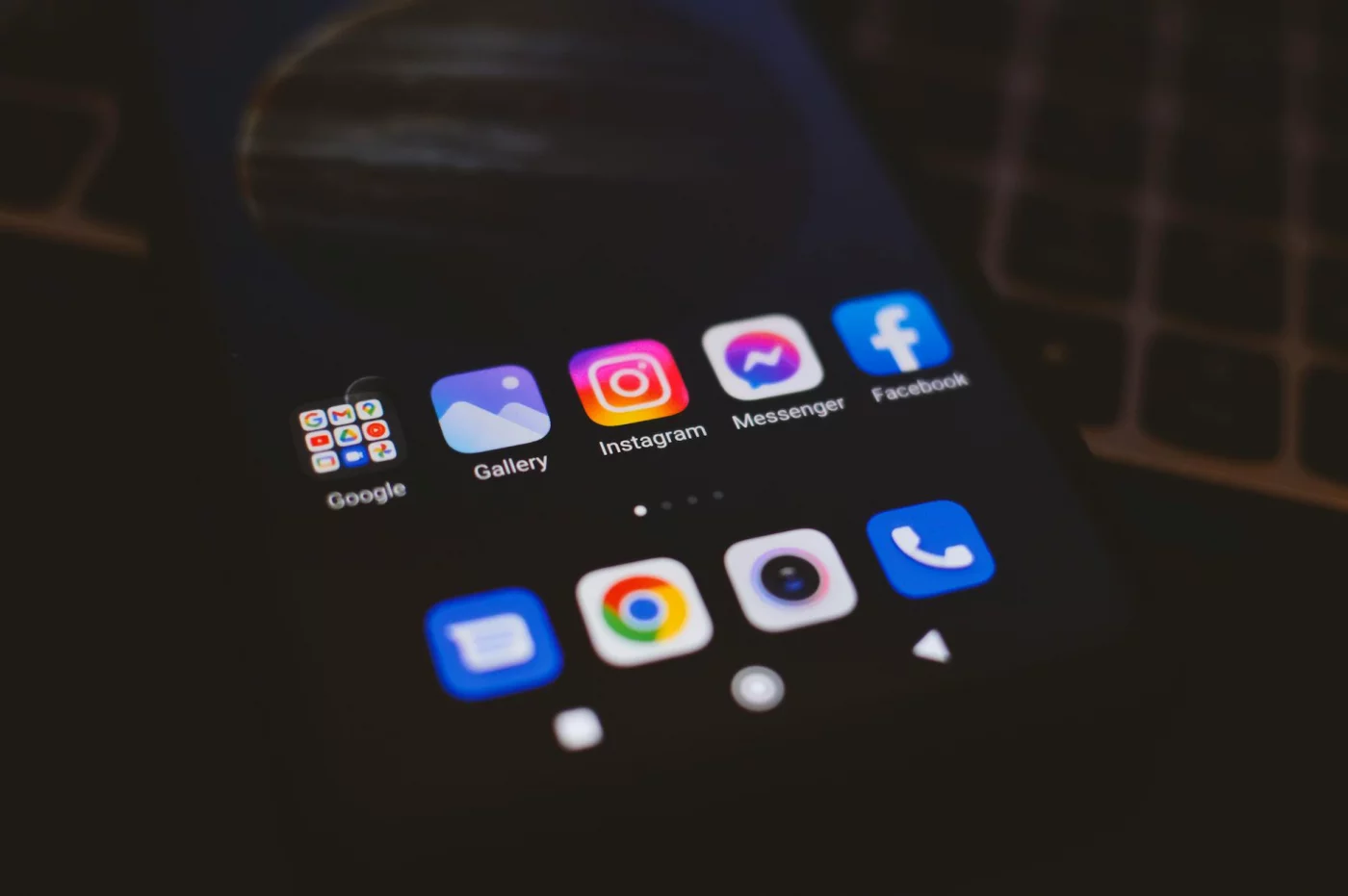
Phones often become a fast escape hatch when work feels boring, unclear, or hard. If that sounds familiar, it helps to also stop the procrastination cycle, because distraction usually isn’t random.
How to do a fast digital reset
- Step 1: Audit your apps in 10 minutes.
- Step 2: Build a notification hierarchy in 5 minutes.
- Step 3: Follow 7 phone rules for classes, study blocks, and sleep.
Step 1: Do a fast app audit
Start with your home screen. Ask one blunt question: does this app help school, relationships, logistics, or recovery? If not, why is it still on page one?
This is the part most people get wrong. They organize apps by category, not by cost to attention. A better digital declutter checklist for students uses three filters: purpose, frequency, and attention cost. Personally, I think that one change explains half of what is digital minimalism in practice.
Sort every app into four buckets: Keep, Limit, Remove, and Move Off Home Screen. If you’re unsure, use the Eisenhower Matrix to separate useful tools from optional or distracting ones.
- Keep: calendar, maps, notes, camera, LMS, timer
- Limit: YouTube, messaging, browser, music
- Remove: low-value games, duplicate social apps, shopping apps
- Move Off Home Screen: social media, news, anything you check on impulse
Step 2: Build a notification hierarchy
Notification overload kills attention because every buzz asks your brain to switch context. Research on task switching and attention suggests those small interruptions add real cognitive cost, and the American Psychological Association’s overview of multitasking research explains why constant switching hurts performance.
Make three levels. High priority: family emergencies, calendar alerts, rides, one key class channel. Medium priority: direct messages from teammates or professors. Low priority: group chat distractions, likes, promos, badges, streaks, and “someone posted” alerts.
Turn off sounds, vibration, previews, and badges for low-value apps. And yes, badges count. They quietly keep your brain in pending-task mode, which is the opposite of what is digital minimalism.
The 7 phone rules that actually work for students
- Keep the home screen boring. Page one should hold only essentials: calendar, maps, notes, camera, LMS, and timer.
- Use class mode during lectures. Turn on Do Not Disturb or Focus Mode, keep your phone face down or in your bag, and whitelist urgent contacts only.
- Put the phone out of reach during study blocks. In the library, leave it in your backpack; in a dorm, put it across the room. Better yet, use 90-minute study blocks so checking your phone becomes scheduled, not constant.
- Check messages on a schedule. Try after class, at lunch, and at the end of a study block instead of every urge.
- Separate school tools from entertainment. Use different screens, folders, browser-only access, or app limits for social media.
- Protect sleep with a nightly cutoff. Stop phone use 30 to 60 minutes before bed, charge it across the room, and use a real alarm if needed. Sleep research from the CDC’s sleep hygiene guidance supports reducing stimulating habits before bed.
- Make exam season stricter. Remove social apps for 7 days, tighten notification rules, and cut optional media until exams are done.
Well, actually, that’s the whole system: fewer decisions, fewer interruptions, better defaults. If you’re still wondering what is digital minimalism, it’s this: keeping the digital tools that serve your goals and making the rest harder to reach. Which brings us to the payoff — the benefits of digital minimalism for students, and the mistakes that make it fail.
Benefits of digital minimalism for students — and the common mistakes to avoid
If the last section was about rules, this part is about results. Once you understand what is digital minimalism, the first wins usually show up fast: fewer interruptions, clearer study blocks, and less of that low-grade mental noise that makes hard work feel heavier than it is.

And yes, what is digital minimalism matters for students specifically because your phone often doubles as planner, classroom portal, social life, and procrastination escape hatch. If that sounds familiar, it can help to stop the procrastination cycle before every tough assignment turns into “just a quick check.”
What improves first: focus, time, and stress
The biggest benefit of digital minimalism is usually better control over attention. Not perfect focus. Better control. That means getting through a 45-minute reading block without checking your phone, or finishing lecture notes before opening messages.
Research from the University of California, Irvine has found that interruptions can leave an attention residue, making it harder to fully return to the task you were doing. For students, that shows up as slower reading, more rereading, and more mental fatigue by the end of the day. So when people ask what is digital minimalism, a practical answer is this: reducing the number of cues that constantly pull your attention away from schoolwork.
Sleep often improves too. Not because digital minimalism magically fixes everything, but because fewer late-night scroll sessions usually means a more consistent wind-down routine, which supports next-day attention and memory. If you want the deeper connection, here’s how sleep, stress, memory, and focus interact during studying.
Three realistic benefits of digital minimalism for students show up again and again:
- Fewer accidental 20-minute scroll sessions between classes
- More deliberate breaks instead of reflexive checking
- Lower perceived stress because your attention feels less scattered
But wait. What is digital minimalism not? It won’t fix burnout, weak study methods, anxiety, or sleep disorders on its own. It reduces friction. It doesn’t replace recovery, planning, or professional help when you need it.
Common mistakes students make with digital minimalism
This is the part most people get wrong. They hear what is digital minimalism, delete half their apps in one burst of motivation, and then rebuild the same chaos a week later.
- Deleting everything at once instead of removing the worst distractions first
- Making rules too vague, like “use my phone less”
- Keeping social apps on the dock or home screen
- Using bedtime scrolling as a reward after studying
- Measuring only screen time, not pickups and interruptions
- Relying on willpower alone in dorms, libraries, and lecture halls full of cues
Another trap is digital minimalism vs productivity apps. Students remove Instagram, then install five habit trackers, two focus timers, and a new task app — and yes, that still creates distraction. Personally, I think the best apps for digital minimalism are often the fewest apps you can realistically stick with.
And about dopamine: novelty and variable rewards can absolutely pull attention, especially with feeds and notifications. But digital minimalism is not the same as a “dopamine detox.” If you want the nuance, this breakdown of does dopamine detox work explains why the idea gets oversimplified.
From experience: simpler systems beat complicated ones
After building and testing FreeBrain learning tools, I keep seeing the same pattern: simpler systems win. One calendar, one task system, one note system, and one clear focus rule usually beats a stack of overlapping tools.
For digital minimalism for students, a minimum effective stack is often enough: your school LMS, one calendar, one notes app, and one blocker or focus mode. That’s it. Every extra tool adds setup cost, another notification stream, and another chance to drift away from actual studying.
So what is digital minimalism in college productivity terms? Keeping the tech that clearly helps academic performance, and removing the rest until your student screen time habits stop running your day. In the next section, I’ll turn that into a practical 7-day reset you can actually follow.
Quick reference: a 7-day digital minimalism reset for students
The benefits matter, but routines are what make them stick. If you’re still asking what is digital minimalism, this is the practical version: a short reset that helps you study with fewer interruptions and less mindless scrolling.
📋 Quick Reference
Track 4 metrics all week: daily screen time, phone pickups, uninterrupted study blocks completed, and whether your phone stayed out of reach during lectures.
Goal: not zero screen time. Better control, fewer reflex checks, and clearer boundaries for class, study, and sleep.
A simple 7-day reset students can try
So here’s the deal. What is digital minimalism for students? Keeping the digital tools that help school, cutting the ones that hijack attention, and turning that into rules you can actually follow in dorms, libraries, and online classes.
- Day 1: Audit apps. Keep, delete, or hide each one. If a phone app mostly feeds procrastination, remove it and build replacement routines with Atomic Habits for students.
- Day 2: Turn off non-human notifications. Track pickups.
- Day 3: Make your home screen boring: only maps, calendar, camera, and school tools.
- Day 4: Use “lecture mode”: phone silent, face down, out of reach.
- Day 5: During study blocks, put your phone across the room or in a bag.
- Day 6: Set a nightly cutoff, ideally 30–60 minutes before sleep.
- Day 7: Create an exam-week version: stricter app limits, fewer group-chat checks, tighter sleep protection.
How to measure whether it is working
Research on attention suggests task-switching carries a real cost, and nighttime screen habits can hurt sleep. But wait. What is digital minimalism if not perfect abstinence? It’s fewer interruptions per hour and more intentional technology use.
- Pickups trending down
- More uninterrupted study blocks
- Bedtime cutoff followed at least 5 of 7 nights
- Fewer urge-checks during lectures
If you have ADHD or a high-distraction environment, add more friction: app blockers, grayscale, sticky-note cues, body doubling, or separate devices for school and entertainment when possible. If compulsive phone use, anxiety, or sleep problems are severe or persistent, get support from a qualified clinician, counselor, or mental health professional.
Bottom line: use technology on purpose
Personally, I think this is the part most people miss. What is digital minimalism in practice? Fewer low-value inputs, more control over attention, and rules you can keep during normal weeks and exam season. For next steps, review FreeBrain resources on procrastination, sleep, ADHD-friendly focus strategies, and habit building. And next, I’ll answer the most common questions and wrap this up clearly.
Frequently Asked Questions
What is digital minimalism for students?
What is digital minimalism for students? It’s a way of using technology on purpose so your devices support school, sleep, and focus instead of interrupting you all day. If you’re wondering what is digital minimalism, the short answer is this: keep the tools that clearly help you learn, and reduce the ones that steal attention without giving much back. That doesn’t mean quitting useful tech like your LMS, email, calendar, note-taking apps, or lecture recordings. It means building rules so those tools stay useful rather than turning into constant background noise.
How can students reduce screen time without hurting school performance?
If you’re asking how can students reduce screen time, start by cutting low-value phone use first, not school-related tech that actually helps you study. A practical version of what is digital minimalism is separating “needed for school” from “easy to overuse”: keep class platforms, documents, and research tools available, but make entertainment apps harder to reach. Try three simple rules: scheduled message checks, a boring home screen with only essentials, and separate spaces for school tools and entertainment. And yes, this is the part most people get wrong — reducing screen time works best when you remove random checking, not when you make studying harder.
How do I stop phone distractions while studying?
How do I stop phone distractions while studying? Put your phone out of reach, turn on Focus Mode or Do Not Disturb, and check messages only during planned breaks. If you want a real-world answer to what is digital minimalism, it’s designing your environment so attention doesn’t depend on willpower alone. Pair that setup with a defined study block — say 25, 40, or 50 minutes — and one clear task, because vague studying creates boredom fast, and boredom sends you right back to your phone. If you want help structuring those blocks, use a study timer or session planner on FreeBrain so your breaks stay intentional instead of turning into a 40-minute scroll.
Is digital minimalism good for college students?
Yes — is digital minimalism good for college students? Usually, yes, when it’s realistic and built around class schedules, dorm life, and group projects. What is digital minimalism in college, really? It’s not perfection, and it definitely isn’t throwing away useful tools; it’s reducing interruptions, protecting sleep, and making attention easier to manage in an environment full of pings, tabs, and social pressure. Research on attention and sleep hygiene suggests that fewer unnecessary notifications and less late-night device use can help students stay more consistent, and resources from the CDC on sleep habits are a good place to start if your phone use is pushing your bedtime later.
How do you do a digital declutter for school?
If you want to know how do you do a digital declutter for school, start with a quick app audit and sort everything into four groups: Keep, Limit, Remove, and Move Off Home Screen. That’s one of the clearest ways to apply what is digital minimalism without making your setup complicated. After that, create a notification hierarchy so only urgent people and essential school tools can interrupt you; everything else should be silent, batched, or checked on your schedule. Personally, I think this one change does more than most students expect, because it lowers the number of tiny attention breaks that make studying feel harder than it should.
How can students use social media without losing focus?
How can students use social media without losing focus? Use social apps on a schedule, not as the default thing you do between every task, class, or study block. If you’re still trying to figure out what is digital minimalism, this is a good example: you don’t have to quit social media, but you do need rules that stop it from filling every empty minute. Keep social apps off the home screen, turn off nonessential notifications, and make your rules stricter during exam weeks — for example, social only after your last study block or only on desktop. And if you need a reset, reading more about attention-friendly study systems on FreeBrain can help you build routines that leave less room for automatic scrolling.
Conclusion
If you’re still asking what is digital minimalism, here’s the simplest answer: it’s using your phone on purpose instead of by default. For students, that means doing a fast app declutter, turning off nonessential notifications, moving distracting apps off your home screen, setting clear check-in times, and following a few rules you can actually keep. And here’s the kicker — the goal isn’t to use your phone less just for the sake of it. It’s to protect your attention for studying, sleep, and the parts of life you don’t want swallowed by scrolling.
You do not need a perfect reset. You need a repeatable one. Personally, I think this is the part most people get wrong: they try to become “disciplined” overnight, then quit when their old habits come back. But wait. A better approach is smaller and steadier. If you use even two or three of these phone rules this week, you’ll probably notice more focus, less mental noise, and fewer accidental 45-minute detours. That’s what what is digital minimalism really looks like in practice — not extreme restriction, but better defaults.
Want help building those defaults? Explore more on FreeBrain.net, starting with how to focus while studying and spaced repetition. If you’re serious about turning what is digital minimalism into a study habit instead of a nice idea, pick one phone rule right now, apply it before you close this tab, and give it seven days. Small change. Real payoff. Start today.