If you’re searching for how to stop obsessively checking email, you probably already know the pattern: refresh, scan, switch tasks, repeat. It feels responsible for a second, but it shreds your attention and makes real work harder to finish. The fix isn’t more willpower. It’s email batching — checking your inbox at set times instead of reacting to every ping.
And yeah, this habit gets sneaky fast. You open your inbox “for one minute,” then 20 minutes disappear, your brain is half-stuck on three unread threads, and the important task in front of you suddenly feels heavier. Research on attention and task switching helps explain why this happens, and if you want the deeper version, here’s a practical breakdown of how attention affects learning. Even the American Psychological Association’s overview of stress notes how stress can affect focus and mental bandwidth.
This guide will show you how to stop obsessively checking email without missing important messages or becoming “that person” who replies too late. You’ll get a simple batching workflow, a 7-day reset plan, device-specific steps for iPhone, Gmail, and Outlook, and clear scripts for how to stop checking work email at home — especially on evenings and weekends. We’ll also cover the part most people skip: the difference between a normal habit loop, email anxiety and compulsive checking, and when it makes sense to talk to a qualified professional.
So here’s the quick version of what you’ll do:
1) Turn off the triggers.
2) Pick 2-4 email windows per day.
3) Use a fast triage method.
4) Set after-hours boundaries.
5) Reset the habit loop that keeps pulling you back.
I’m coming at this as a software engineer and the builder of FreeBrain’s learning tools, not a clinician. But after testing focus systems personally — and digging into the behavior-change research behind how to build habits that stick — I can tell you this: if you want to learn how to stop obsessively checking email, you need a system that works with your brain, not against it.
📑 Table of Contents
- Start Here: Why Email Checking Takes Over
- Why You Keep Refreshing Your Inbox
- How to Stop Obsessively Checking Email
- Set Up Your Devices and Boundaries
- 7-Day Reset, Mistakes, and Quick Reference
- Frequently Asked Questions
- Why do I obsessively check my email?
- Why do I keep checking my email every few minutes?
- Is constantly checking email a sign of anxiety?
- Is constantly checking something OCD?
- How often should you check email at work?
- How do I stop checking work email at home?
- How do I stop checking email on evenings and weekends?
- How do I batch email checking for productivity?
- Conclusion
Start Here: Why Email Checking Takes Over
So here’s the deal. Checking your inbox every 5 to 10 minutes can feel responsible, but it quietly wrecks focus by forcing constant task switching right when deep work is trying to start.
If you’re searching for how to stop obsessively checking email, start with one idea: control the timing. Research on how attention affects learning makes the cost obvious, and if you want to protect concentration more broadly, FreeBrain’s focus resources are a good next stop.
- Turn off alerts
- Set 2 to 4 email windows
- Create one urgent channel
- Use a simple triage rule
- Review the system weekly
Email batching means checking messages in planned windows, not whenever your brain gets a cue. Usually that’s 2 to 4 times per day instead of reacting all day long.
📋 Quick Reference
Email batching = scheduled inbox checks, controlled responsiveness, fewer interruptions, better focus. Full article ahead: a 7-step reset, device-specific fixes for iPhone, Gmail, and Outlook, plus evening and weekend scripts.
What email batching means in real life
For many office workers, the best way to batch email checking looks like 11:00 AM, 2:30 PM, and 4:45 PM. For students on study-heavy days, try 12:00 PM and 5:00 PM.
And no, email batching isn’t Inbox Zero. It’s not ignoring people either. It’s controlled responsiveness, built the same way you build habits that stick: clear cue, clear routine, clear boundary.
Why constant checking feels useful but backfires
This is the part most people get wrong. Clearing easy messages feels like progress because it gives you a fast reward, but it often replaces meaningful work that needs sustained attention.
The APA explains that multitasking carries switching costs, and APA material on multitasking and attention shows why performance drops when you bounce between tasks. In plain English, attention residue means part of your mind stays stuck on the last thing you touched, even after a quick inbox check. That’s bad for writing, coding, studying, and analysis — and yes, I’ve seen it constantly while building FreeBrain tools for self-learners and knowledge workers trying to focus in an open office.
Want the brain-level version? Research collected by the National Library of Medicine on attention and executive functioning helps explain why fragmented focus lowers work quality.
The 30-second plan readers can try today
Try this now: mute alerts, move your mail app off the home screen, pick your first two check times, and tell one coworker what counts as urgent. If you’re serious about how to stop obsessively checking email, that tiny setup does more than motivation ever will.
But wait. The first few days usually feel weird because the habit loop is still active. Which brings us to the real question: why does refreshing your inbox feel so hard to resist in the first place?
Why You Keep Refreshing Your Inbox
If the last section made you think, “OK, that’s me,” you’re not imagining it. Learning how to stop obsessively checking email starts with seeing the loop clearly: cue, routine, reward.
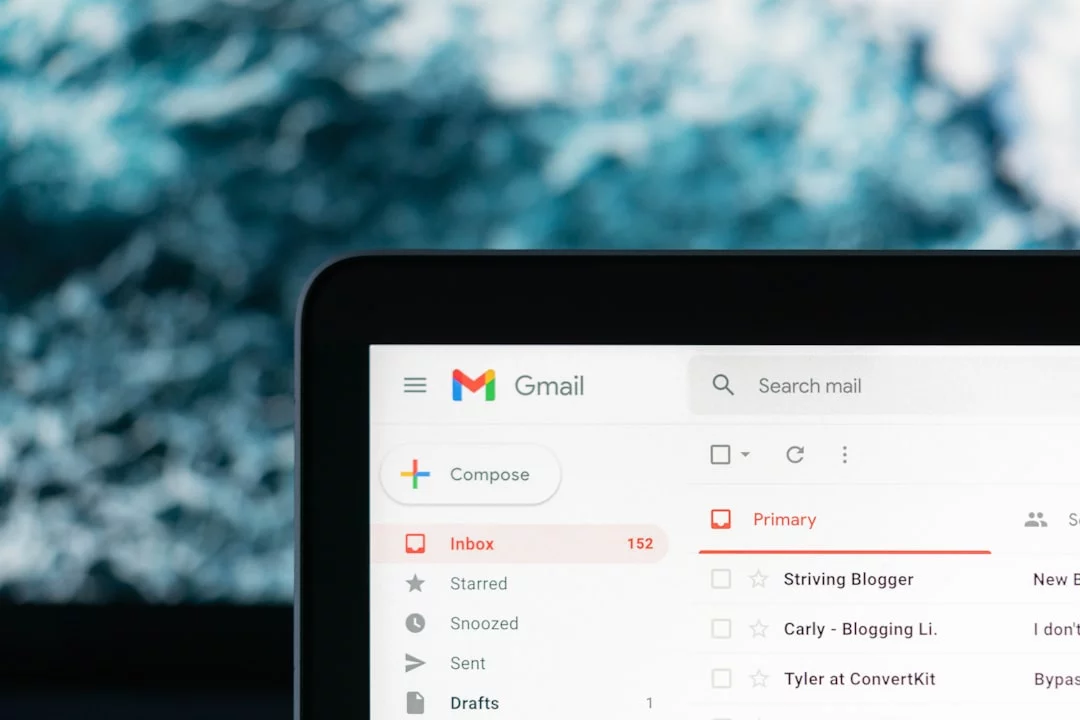
The habit loop behind compulsive checking
Compulsive email checking usually isn’t about email itself. It’s about what the inbox gives you in the moment: relief, certainty, and a tiny burst of novelty.
Common cues include a phone vibration, a tab badge, a Slack ping, finishing a small task, or getting stuck on a hard one. Then comes the routine: open inbox, scan, maybe reply. The reward is often emotional, not practical — and that’s why it sticks. If you want the focus side of this explained more deeply, see how attention affects learning and why constant switching drains concentration.
- Cue: notification, boredom, uncertainty, or friction in deep work
- Routine: check inbox “for a second”
- Reward: relief, progress, novelty, feeling caught up
And here’s the kicker — most checks aren’t useful, but occasional important messages train repetition through intermittent reinforcement. That pattern is well established in behavior research, and it’s a big reason people ask why do I obsessively check my email.
When stress and uncertainty drive the habit
Email also becomes avoidance. When demanding work feels mentally expensive, the inbox offers quick wins and visible completion, which is part of why easy tasks get procrastinated less than hard, ambiguous ones.
Remote work, client roles, exams, and vague deadlines make uncertainty louder. So why do I keep checking my email every few minutes? Often because checking briefly lowers tension, especially if you’re worried about missing something. The American Psychological Association’s overview of stress and our guide to stress, focus, and brain health both point to the same pattern: short-term soothing can strengthen a long-term habit.
Habit, anxiety, or something that needs support?
Sometimes it’s mostly habit. If checking is cue-driven, still controllable, and improves when you change notifications or work setup, that’s different from persistent distress.
But wait. If you’re checking late into the night, panicking when you can’t check, losing sleep, straining relationships, or repeatedly seeking reassurance, it may be worth talking with a qualified mental health professional. This article is educational, not medical advice. For careful background on anxiety symptoms, Mayo Clinic’s anxiety symptoms overview is a solid starting point.
Which brings us to the practical part: how to stop compulsively checking email without missing what actually matters.
How to Stop Obsessively Checking Email
Now you know why the inbox keeps pulling you back. So here’s the deal: if you want to learn how to stop obsessively checking email, you need a system, not more willpower, because frequent switching wrecks concentration and fragments the kind of attention explained in how attention affects learning.
Step 1 to 3: Measure, schedule, mute
How to reset your email habit
- Step 1: Track every check for 48 hours in Notes or on paper: total checks, first check time, last check time, and whether each one was planned or reflexive. Most people underestimate by half when they finally count.
- Step 2: Set 2 to 4 email windows. Start with 3 if your work feels reactive: office worker = 10:30 AM, 1:30 PM, 4:30 PM; student or freelancer = 12:00 PM and 5:00 PM.
- Step 3: Turn off nonessential alerts: banners, badges, sounds, lock-screen previews, smartwatch mirroring, and desktop pop-ups.
This is behavior change 101. And yes, it works better when you build habits that stick by changing cues before you try to change effort.
Step 4 to 5: Remove triggers and triage fast
Next, add friction. Move mail off your first screen, log out on one device, close pinned tabs, disable auto-open at startup, and keep inboxes off your browser home page. Even one extra tap can cut reflex checks.
Then batch hard. The best way to batch email checking for productivity is a simple triage rule, similar to GTD-style next actions and supported by task-switching research summarized by the American Psychological Association on multitasking. If 10 emails arrive, process them like this:
- 4 delete or archive
- 2 reply now if under 2 minutes
- 3 convert into tasks or calendar blocks
- 1 escalate if truly urgent
If you work around constant interruptions, the same rules that help you focus in an open office also protect your email-free focus blocks.
Step 6 to 7: Build safety and review weekly
But wait. Batching only feels safe when people know how to reach you. Use one backup rule: “If something truly needs me within 2 hours, text or call me.” Research on attention and interruption costs from the National Library of Medicine helps explain why this boundary matters for performance via NCBI’s research archive.
Review once a week. Score four things: total checks, planned vs. unplanned, stress from 1 to 10, and focus blocks completed. Then tighten one weak point. Can you remove one inbox session next week? That’s usually how to stop constantly checking email without backlash. In the next section, we’ll set up your devices and boundaries so this routine sticks.
Set Up Your Devices and Boundaries
Mindset helps, but your devices still need to stop baiting you. If you want to learn how attention affects learning, start here: remove the cues, because badges and pings keep dragging your brain back to the inbox.
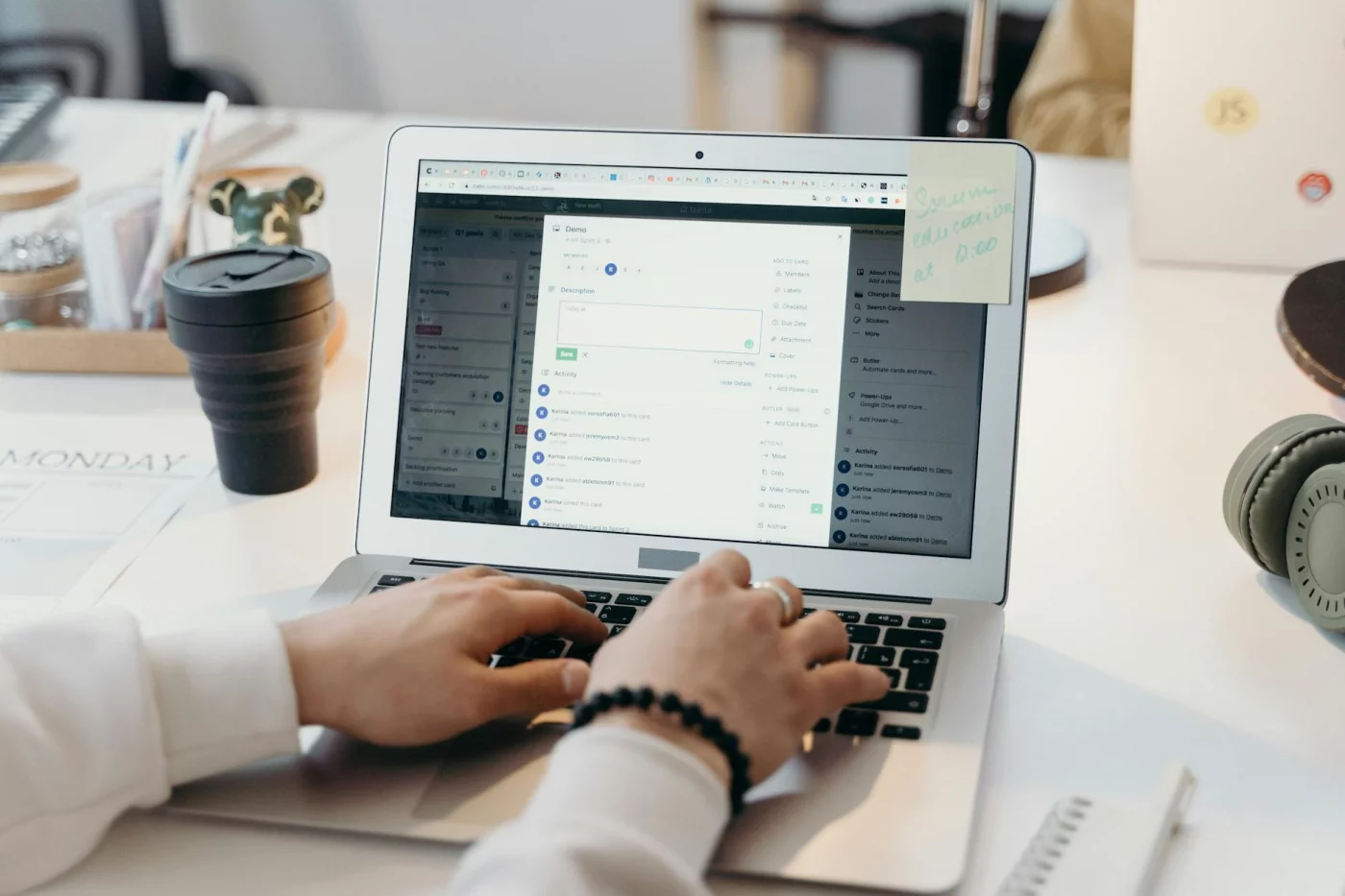
iPhone, Gmail, and Outlook fixes
- iPhone: Turn off notifications for Mail, Gmail, and Outlook; disable badges; remove previews from the lock screen; use a Work Focus; and move email off your dock. That’s the fastest answer to how to stop checking email constantly on iPhone.
- Gmail: Disable desktop alerts, pause mobile notifications, turn off tab badges if you use them, hide unread counts, and don’t keep Gmail pinned all day. If you’re serious about how to stop checking email constantly Gmail, kill the red numbers first.
- Outlook: Turn off desktop alerts, sounds, the taskbar envelope, badge counts, and mobile push alerts where possible. Same idea for how to stop checking email constantly Outlook.
And yes, badges matter more than people think. They’re sticky visual cues, which is exactly why learning to build habits that stick starts with changing what you see.
After-hours rules that still feel safe
Use one rule: no email after 7 PM unless you’re on call or there’s a pre-agreed exception. Browser-wise, close pinned inbox tabs, use a separate work profile, block mail during focus blocks, and apply the same setup you’d use to focus in an open office.
Want to know how to stop checking work email at home? Remove work mail from your personal phone if policy allows, then use Focus or Do Not Disturb at night. The CDC’s guidance on healthy sleep habits also supports reducing stimulating screens before bed, which fits late-night email and blue light and sleep problems.
Copy-paste scripts for work and clients
- Manager: “I check email at 11, 2, and 4:30 so I can protect focus time. If something is urgent, text or call.”
- Coworkers: “I’m batching email to reduce context switching, but I’m still responsive during my check windows.”
- Clients: “I reply the same business day when possible, or the next business morning. For urgent issues, please call.”
That’s how to stop obsessively checking email without feeling reckless. Next, I’ll show you a simple 7-day reset, the mistakes that trip people up, and a quick reference you can actually use.
7-Day Reset, Mistakes, and Quick Reference
You’ve set the boundaries. Now make them stick. If you’re serious about build habits that stick, the next step is a short reset that changes your cues, not just your intentions.
A realistic 7-day reset plan
Keep each day under 15 minutes. That’s the point. After building focus-oriented tools and watching how tiny cues derail study sessions, I’ve found the biggest wins usually come from changing the environment first, not relying on willpower.
- Day 1: Count every email check. Get your baseline.
- Day 2: Turn off badges, banners, sounds, and previews.
- Day 3: Set 2 to 4 checking windows.
- Day 4: Choose one urgent channel outside email.
- Day 5: Create an after-hours cutoff.
- Day 6: Add friction: log out, move apps, close pinned tabs.
- Day 7: Review what dropped your checking frequency.
Success by Day 7? Fewer reflex checks, clearer work blocks, and less evening spillover. That’s the real answer to how to stop obsessively checking email.
Common mistakes that keep the habit alive
This is the part most people get wrong. They make windows so strict that one stressful day triggers rebound checking. Then they keep badges on, treat every message as urgent, or use inbox scans as a break from hard work.
And yes, inbox zero can become a trap. Controlled checking beats constant clearing. Also, don’t swap email for Slack, Teams, or text checking; digital distractions just change costumes.
Quick reference: your new email rules
📋 Quick Reference
Tracker: checks/day, planned vs unplanned, stress 1-10, focus blocks completed, last email check time.
- Use 2 to 4 email windows
- Keep alerts and badges off
- Set one urgent channel
- Triage fast; don’t camp in the inbox
- Review weekly and adjust
If you want to know how to stop checking messages and email constantly, start small: pick tomorrow’s windows, mute alerts tonight, set one urgent channel, and explore FreeBrain resources on focus, habits, and how to learn better. Next, I’ll answer the common questions that usually come up once you try this in real life.
Frequently Asked Questions
Why do I obsessively check my email?
If you’re asking why do I obsessively check my email, the short answer is that email easily becomes a cue-routine-reward loop: a cue like boredom or a notification triggers checking, and the reward is novelty, relief, or the chance of something important. Uncertainty makes this loop stronger because your brain keeps thinking, “Maybe this time there’s good news, a problem, or something urgent.” And here’s the part most people miss — email also works as a low-effort escape from harder thinking, so when deep work feels mentally heavy, inbox checking can feel easier in the moment.
Why do I keep checking my email every few minutes?
Why do I keep checking my email every few minutes? Usually it’s a mix of triggers: notifications, unread badges, idle moments, stress, and the habit of reaching for something easy when your attention dips. Intermittent rewards matter too — most emails are unimportant, but the occasional urgent or useful one trains your brain to keep checking “just in case.” If that sounds familiar, muting alerts and setting fixed inbox windows is often the fastest way to start breaking the pattern.
Is constantly checking email a sign of anxiety?
If you’re wondering is constantly checking email a sign of anxiety, it can be for some people, but not always. Sometimes it’s just a learned habit shaped by stress, workplace expectations, or fear of missing something important; other times it may be tied to anxious thinking and a need for reassurance. If checking feels uncontrollable, causes distress, affects your sleep, or gets in the way of work or relationships, it’s a good idea to consult a qualified mental health professional or review general guidance from the National Institute of Mental Health.
Is constantly checking something OCD?
Is constantly checking something OCD? Not by itself. Repetitive checking can happen for lots of reasons — habit, stress, perfectionism, job pressure, or anxiety — and it does not automatically mean obsessive-compulsive disorder. But if you’re dealing with intrusive thoughts, feel driven to check to reduce distress, or the behavior is taking up a lot of time and causing real impairment, talk with a qualified mental health professional for an actual assessment.
How often should you check email at work?
For most knowledge work, how often should you check email at work comes down to planned windows rather than constant monitoring: 2 to 4 times per day is a solid starting range. If you’re nervous about missing something, start with 3 windows — for example 10:30 a.m., 1:30 p.m., and 4:30 p.m. — and adjust based on your role. Quick rule: if your job truly requires rapid response, keep urgent communication in chat or phone, not in an inbox that interrupts your whole day.
How do I stop checking work email at home?
If you’re trying to figure out how to stop checking work email at home, set a clear shutdown time, mute or disable work email after hours, and create one backup channel for true emergencies. A simple script helps: “After 6 p.m., I’m offline from email. If something is genuinely urgent, please call or message me on [channel].” That makes expectations visible, which is a big part of how to stop obsessively checking email when work keeps bleeding into home time.
How do I stop checking email on evenings and weekends?
How to stop checking email on evenings and weekends starts with friction: turn on Focus modes, remove work mail from your home screen, or log out so checking takes effort instead of happening on autopilot. Decide in advance what counts as urgent — not “someone might want a fast reply,” but a real exception with a clear rule. Personally, I think this works better when you connect it to something concrete like better sleep, lower stress, and actual recovery; if you want help building that boundary, our sleep hygiene checklist pairs well with any plan for how to stop obsessively checking email.
How do I batch email checking for productivity?
If you want to know how to batch email checking for productivity, choose 2 to 4 inbox windows, use a simple triage rule, and move urgent issues to another channel. A practical triage looks like this: delete or archive, reply if it takes under 2 minutes, defer with a task, or file for reference. Review your system once a week, notice when unplanned checks happen, and gradually reduce them — that’s usually more sustainable than trying to quit inbox checking all at once.
Conclusion
If you want a simple answer to how to stop obsessively checking email, it comes down to four moves: batch your inbox into set check-in times, turn off the triggers that keep pulling you back, make your phone and laptop a little less convenient for impulse refreshing, and follow a short reset period long enough for the habit loop to weaken. That’s the real shift. Not “more discipline.” Better defaults. And yes, the small stuff matters more than most people think: removing badges, logging out on one device, using a delayed send-and-reply window, and deciding in advance when you’ll check messages instead of negotiating with yourself all day.
And if this feels harder than it “should” be, you’re not failing. You’re dealing with a system designed to reward constant checking. But wait — that also means you can redesign the system. One calmer work block. One skipped inbox refresh. One day of batching. That’s how the change starts. Personally, I think this is the part people underestimate: once your attention stops getting chopped into tiny pieces, work feels lighter, not just more productive.
Want help building better focus habits beyond email? Explore more on FreeBrain.net, including How to Focus Better While Studying and How to Stop Procrastinating. Which brings us to your next step: pick your first email window, mute the triggers, and protect the next hour like it matters — because it does.