

If your team feels busy all day but still misses details, repeats decisions, and loses focus in chat, meetings, and email, the problem usually isn’t effort. It’s attention. That’s exactly how neuroscience improves team communication productivity: by designing communication around the brain’s limits on focus, working memory, and context switching instead of pretending people can process everything at once.
Brain-based communication means structuring messages, meetings, and channels so they fit how people actually pay attention, remember information, and make decisions. In practice, how neuroscience improves team communication productivity comes down to a few simple moves: reduce overload, lower switching costs, make priorities obvious, and send information in formats the brain can encode and recall.
You’ve probably seen the modern version of this problem. A Slack ping interrupts deep work, an email repeats what was already said in a meeting, then a “quick call” creates three more follow-ups. Research on human attention and cognitive limits helps explain why this drains performance so fast — and why communication should be treated as a productivity system, not just a soft skill.
So here’s the deal. In this guide, you’ll learn how neuroscience improves team communication productivity across the places work actually happens: meetings, Slack, email, docs, async updates, and remote collaboration. You’ll get practical communication strategies to improve productivity at work, clearer rules for email vs Slack for productivity, better meeting communication strategies for focus, and specific ways to reduce communication overload without slowing your team down.
I’m a software engineer, not a neuroscientist, and that’s partly why I care so much about this topic. After building FreeBrain tools and testing systems to protect deep work, I kept seeing the same pattern: communication problems were really attention-management problems, which is why I often connect them to time and energy management and even a simple attention warm-up ritual before high-stakes work. And yes, that sounds nerdy. But it works.
📑 Table of Contents
- Why communication drains focus
- The brain science that changes communication
- A 6-step system for clearer team communication
- Common mistakes that create overload
- Quick reset for this week
- Frequently Asked Questions
- How does neuroscience improve team communication?
- What is brain-based communication for productivity?
- Why do meetings reduce focus and productivity?
- How do notifications affect attention and communication?
- Does Slack reduce productivity compared to email?
- How can remote teams communicate without overload?
- How do you reduce cognitive load in communication?
- How can managers use brain science to communicate better?
- Conclusion
Why communication drains focus
So here’s the deal: communication isn’t separate from productivity. It is the system your work moves through. Curious about productivity and focus beyond this article? Our productivity and focus guide goes deeper.
Brain-based communication means designing messages, meetings, and channels around how attention, working memory, stress, and memory actually work. That’s the core of how neuroscience improves team communication productivity: fewer interruptions, clearer inputs, and better follow-through because you’re working with the brain’s limits instead of against them.
Modern work runs through meetings, chat, email, docs, and notifications, all competing for the same mental bandwidth. That’s why communication is really a time and energy management problem, not just a people problem.
What brain-based communication actually means
In plain English, brain-based communication for productivity means sending information in ways people can actually process, remember, and act on. Personally, I think this is the part most teams miss.
The neuroscience of communication in the workplace doesn’t give you magic scripts. But it does point to useful habits: shorter messages, better channel choice, fewer pings, and clearer next steps. If working memory is limited — and research in cognitive load and attention suggests it is — then every extra thread, tab, and interruption raises the odds of confusion.
Useful translation looks like this:
- Use chat for quick coordination, not complex decisions
- Chunk long updates so people can scan and recall them
- Protect deep work blocks with an attention warm-up ritual
Research on task switching and interruptions suggests fragmented communication makes knowledge work slower and more error-prone. Even the well-known overview of working memory is enough to explain why overloaded inputs hurt recall and decision quality.
Why this matters more now
Hybrid work changed the math. You’re not just talking to coworkers anymore; you’re monitoring systems all day.
Slack sprawl, meeting creep, notification fatigue and productivity at work are now tightly linked. And yes, AI-assisted communication can make this worse by increasing message volume without increasing clarity, which is why teams need standards, not just more tools. FreeBrain’s own workflow testing pushed us toward stricter message structure and fewer low-signal updates, and our AI productivity apps guide makes the same point from another angle.
Quick trust note: these ideas come from published evidence, plus what we’ve tested while building FreeBrain tools and writing workflows. They’re educational guidance, not medical or organizational consulting advice. If persistent stress, anxiety, sleep problems, or attention issues are hurting your work, check guidance from the National Institute of Mental Health on caring for your mental health and talk with a qualified professional.
Which brings us to the next question: what, exactly, is happening in the brain when communication helps focus instead of draining it?
The brain science that changes communication
So here’s the deal: communication drains focus because your brain has tight processing limits. That’s exactly how neuroscience improves team communication productivity — by designing messages around working memory, attention, and stress instead of assuming people can track everything at once.
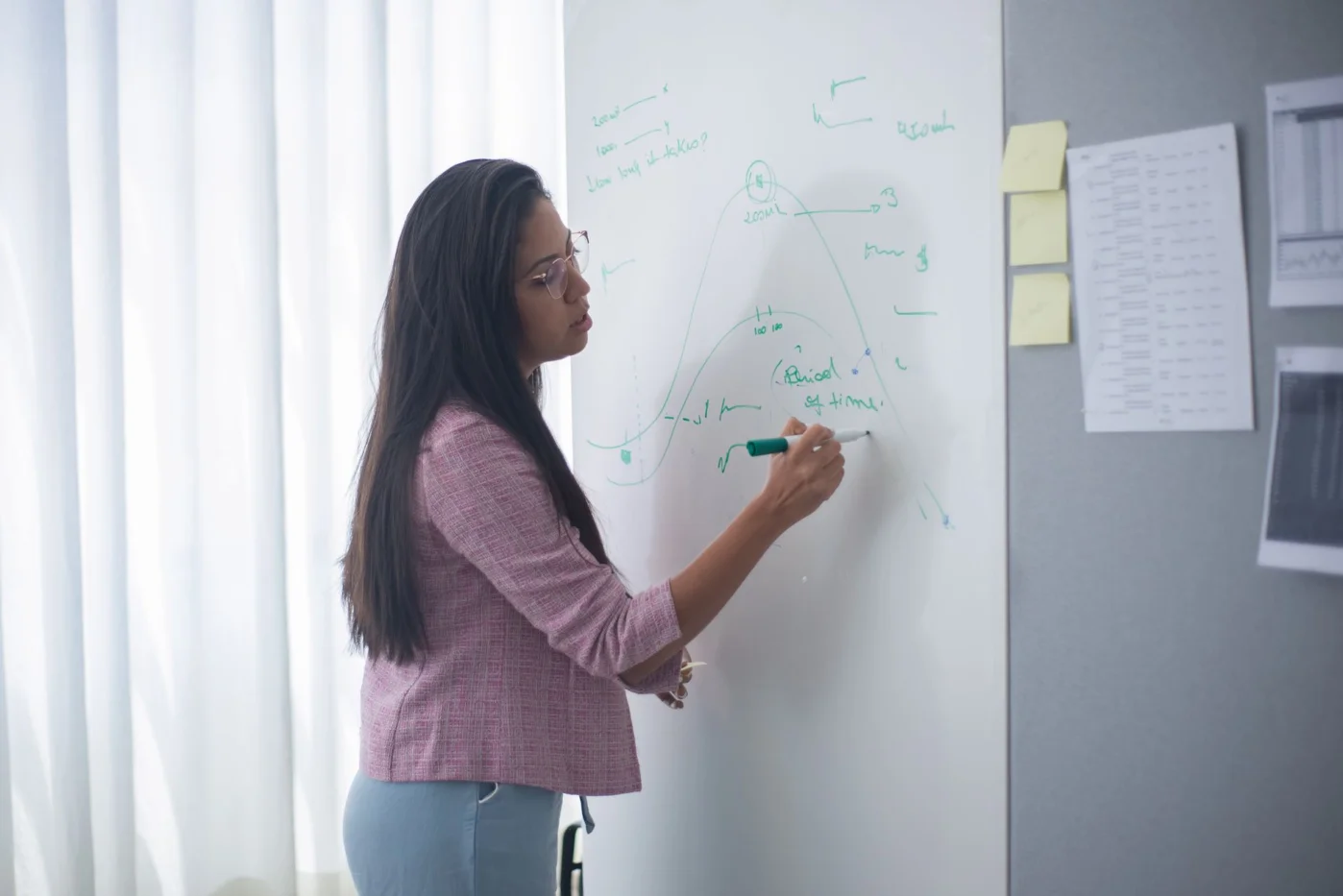
Research on working memory and attention summarized in the NCBI overview of working memory helps explain why long, mixed-purpose messages fail. People can only hold a small amount in mind, which is why a Slack thread with updates, requests, deadlines, and side notes often loses the actual next step. If you want better follow-through, pair clearer writing with an attention warm-up ritual and better time and energy management.
Why overloaded messages fail
A bad message usually has four problems: vague subject, too many asks, hidden deadline, and weak signal-to-noise ratio. OK wait, let me back up. The brain doesn’t fail because people are careless; it fails because cognitive load gets too high.
- Chunking lowers load
- Clear labels guide attention
- One-decision messages improve memory retention
Before: “Quick update — client notes attached, can you revise slides, check budget, and maybe send legal the draft by Thursday?” After: “Action needed by Thu 3 PM: revise slides only. Budget review comes Friday.” If you want to short-term memory explained in practical terms, that’s the core idea.
Stress, threat, and psychological safety
When people feel rushed, judged, or unclear, they process less and ask fewer questions. The APA’s overview of psychological safety at work aligns with what managers see every day: threat narrows attention.
Three things help: clarify priorities, name tradeoffs, and separate feedback from blame. Persistent stress symptoms are different — that belongs in a conversation with a qualified professional.
From experience: what actually moved the needle
After analyzing FreeBrain learning and focus workflows, the biggest wins came from reducing ambiguity and interruption frequency, not from writing more. Personally, I think this is the part most teams miss. Fewer channels, cleaner handoffs, and less low-signal noise beat endless reminders — especially if you’re also trying to avoid the shallow output problems covered in our AI productivity apps guide.
That’s how neuroscience improves team communication productivity in real life: protect attention, reduce switching, and make the next action obvious. Which brings us to the practical part — a 6-step system you can use right away.
A 6-step system for clearer team communication
So here’s the deal: if the last section explained why your brain gets overloaded, this is the fix. How neuroscience improves team communication productivity becomes practical when you reduce working-memory strain, cut interruptions, and make decisions easier to track.
Communication is really an attention problem, which is why teams that care about attention warm-up ritual habits and time and energy management usually communicate better too.
How to apply the 6-step workflow
- Step 1: Audit channels, interruptions, meetings, and response expectations.
- Step 2: Match the message to the channel.
- Step 3: Write one-decision messages with one owner and one deadline.
- Step 4: Redesign meetings around agendas, pre-reads, and recaps.
- Step 5: Build async defaults for remote teams.
- Step 6: Protect focus with notification rules and escalation paths.
Step 1: Audit where attention gets lost
List every active channel, then count messages per day, meetings per week, average response expectation, and how many apps you check before noon. That simple audit exposes information overload fast.
Step 2: Choose the right channel
Email vs Slack for productivity? Email works better for formal requests and decision records. Slack is fine for quick coordination, but meetings should be reserved for ambiguity, conflict, or fast decisions. Async docs are ideal for distributed teams, and working memory research summarized on Wikipedia helps explain why scattered channels raise brain cost.
- Email — formal request — medium brain cost — slower but searchable
- Slack/chat — quick coordination — high interruption cost — faster, less clear
- Meeting — ambiguity/conflict — highest brain cost — rich, but expensive
- Async doc — updates/pre-reads — low brain cost — slower feedback, better clarity
- Voice note — nuance — medium cost — fast to send, slower to scan
Step 3: Reduce load in every message
Use one-decision structure: Decision needed / Context / Deadline / Owner / Link. A Slack update might say, “Need approval on launch copy by 3 p.m. — draft linked — owner: Maya.” An email request: “Please confirm budget by Thursday; context below.” That’s how neuroscience improves team communication productivity in real life.
Step 4 to 6: Meetings, async, and notifications
No agenda, no meeting. Send the pre-read early, name the decision owner, and end with a standup recap: “Blocked on API access; Jen owns fix; next update tomorrow.” Research on attention from the American Psychological Association’s overview of attention supports this: focus drops when tasks compete.
For async communication best practices for productivity, define response windows like “same day” or “within 24 hours,” and use handoff notes such as: “Completed parser; open bug in line 84; next owner: Sam.” Batch checks, mute low-value channels, and create a real urgency path. And yes, tools can draft or summarize, but if nobody edits them, you get noise—see our AI productivity apps guide. Next, let’s look at the habits that quietly create overload anyway.
Common mistakes that create overload
The 6-step system works only if you stop feeding the noise. That’s the part most teams miss, because attention warm-up ritual habits collapse when every ping feels urgent and communication starts stealing focus from actual work.
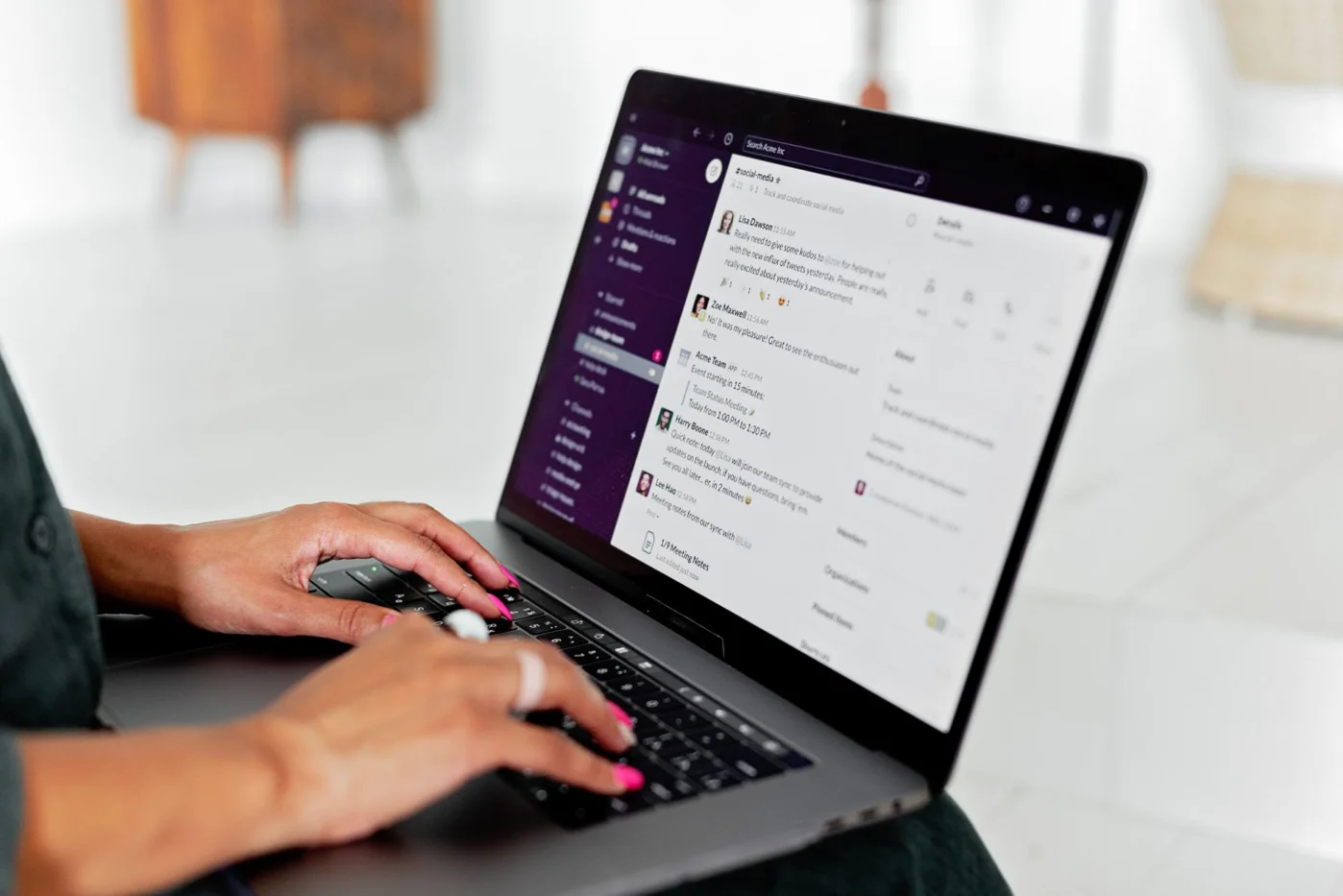
From a brain-and-productivity angle, how neuroscience improves team communication productivity is often about subtraction, not adding more channels. Personally, I think this is really a time and energy management problem first.
What bad communication looks like in real life
Email: “A few thoughts below…” followed by five topics, two hidden asks, and no deadline. Slack: “quick question?” then three back-and-forths before the real issue appears. Meeting creep? A recurring 30-minute sync with no pre-read, no owner, and no decision.
- Urgent-by-default messages destroy prioritization.
- Chat for complex decisions creates rework and fragmented context.
- Instant-reply culture rewards speed over quality.
Research on attention residue helps explain why notification fatigue and productivity at work are tightly linked. And yes, this is exactly where how neuroscience improves team communication productivity becomes practical.
How to fix each mistake fast
Replace “quick question?” with: “Need your approval on Option B by 3 PM because design depends on it.” Replace chat-based debate with a short doc when email vs Slack for productivity clearly favors context over speed. And for AI, use summaries, not fluff—our AI slop at work guide covers that trap well.
Bad meeting invite: “Weekly catch-up.” Better: “Decide launch date; pre-read attached; owner: Maya; outcome: yes/no decision.” Set boundaries at work as a team norm, not a personal quirk. Next, let’s turn this into a quick reset for this week.
Quick reset for this week
If the last section felt uncomfortably familiar, good news: you don’t need a full workflow overhaul. The fastest win in how neuroscience improves team communication productivity is usually reducing avoidable brain friction, not adding more messages.
10-minute communication reset
Start with one team, one project, or one recurring meeting. And yes, keep it small. Working memory is limited, so simple rules stick better than big policy docs; if you need help protecting focus around those rules, this guide on how to set boundaries at work is a solid next step.
- Pick one channel rule: “Urgent = call, updates = async, decisions = documented.”
- Pick one meeting rule: cancel if no decision, owner, or agenda exists.
- Pick one notification rule: mute noncritical alerts for a defined focus block.
- Audit one overload point, rewrite one recurring message, redesign one low-value meeting, and define one async response window.
📋 Quick Reference
Better communication isn’t about saying more. It’s about reducing switching costs, clarifying ownership, and making the next action obvious so good work can happen.
What to track over the next 2 weeks
Use a lightweight communication audit checklist. Track meeting length, follow-up clarification messages, response clarity, notification interruptions, and whether decisions get owners on the first pass. That’s how neuroscience improves team communication productivity in practice: fewer context switches, faster recall, and less ambiguity.
Also watch the softer signals. Are there fewer duplicate questions, calmer handoffs, less after-hours checking, and better team productivity overall? Which brings us to the FAQ and conclusion: if this reset helps, keep going with FreeBrain resources on boundaries, stress, memory, and focus recovery.
Frequently Asked Questions
How does neuroscience improve team communication?
How does neuroscience improve team communication? It helps teams build communication around real brain limits like attention, working memory, and stress instead of assuming that more messages create more clarity. That usually means choosing the right channel, making one clear ask at a time, reducing interruptions, and confirming next steps so people actually follow through. In practice, that’s a big part of how neuroscience improves team communication productivity: less mental overload, fewer dropped details, and better execution.

What is brain-based communication for productivity?
What is brain based communication for productivity? It’s a practical way to write, speak, and run meetings so people can understand, remember, and act without burning extra mental energy. Think shorter messages, clearer priorities, fewer topic switches, and better timing. If you want the short version, the goal is simple: reduce cognitive load and protect attention so important information actually sticks.
Why do meetings reduce focus and productivity?
Why do meetings reduce focus and productivity? Because they interrupt deep work, force context switching, and often dump too much information on people at once. Research on attention and task switching suggests that getting back into focused work has a real mental cost, especially when meetings are frequent or poorly scoped. Meetings earn their place when they resolve ambiguity, unblock decisions, or handle sensitive discussion; if the content is just status updates, a shared doc is usually better.
How do notifications affect attention and communication?
How do notifications affect attention and communication? They fragment attention and make it harder to return to the original task with the same level of focus. They also create urgency bias: people start responding to whatever pings first instead of what matters most. If your team wants better communication, try fewer default alerts, set response windows, and batch non-urgent messages rather than treating every update like an emergency.
Does Slack reduce productivity compared to email?
Does Slack reduce productivity compared to email? Not always. Slack works well for quick coordination, fast clarification, and lightweight teamwork, but it gets expensive when teams use it for complex decisions, constant check-ins, or long back-and-forth threads that nobody can easily find later. Email is often better for structured requests and records, while async documents are better for updates that don’t need interruption; for more on attention and interruption costs, see NCBI resources on cognitive science and attention.
How can remote teams communicate without overload?
How can remote teams communicate without overload? Start with four rules: clear channel purpose, expected response times, documented decisions, and fewer assumptions about instant availability. Async-first habits usually work best, but not for everything; live meetings still matter when the team needs fast alignment, conflict resolution, or a real decision. This is one of the clearest examples of how neuroscience improves team communication productivity, because it respects limited attention instead of scattering it across the whole day.
How do you reduce cognitive load in communication?
How do you reduce cognitive load in communication? Keep each message focused on one decision, chunk information into small sections, put the ask first, and move side topics into a separate thread. In meetings, send a pre-read, name the goal at the start, and end with a recap so people don’t have to hold everything in working memory. If you’re trying to build better habits here, our article on cognitive load theory can help you spot where communication gets mentally heavier than it needs to be.
How can managers use brain science to communicate better?
How can managers use brain science to communicate better? The biggest wins are usually simple: clarify priorities, lower unnecessary threat, listen actively, and separate feedback from blame. When people feel confused or defensive, recall drops and miscommunication rises, so good managers reduce mixed signals and make it safe to ask questions early. Personally, I think this is the part most teams miss — better manager communication isn’t about sounding smarter, it’s about making the next action obvious.
Conclusion
If you want better team output, start smaller than most people think. Reduce unnecessary context switching, make channel rules explicit, batch low-urgency updates, and use a simple 6-step communication system so people know what matters, what action is needed, and by when. Add one weekly reset to clear open loops, and you’ll cut a surprising amount of mental friction. That’s the practical core of how neuroscience improves team communication productivity: protect attention, lower cognitive load, and make decisions easier for the brain to process.
And yes, this can feel awkward at first. Changing how your team messages, meets, and follows up isn’t instant. But wait a week or two and the difference usually becomes obvious: fewer repeated questions, less hidden stress, and more energy for real work. Personally, I think this is the part most teams miss—they try to fix productivity with effort, when the better move is to fix the communication environment your brain has to work in every day.
If you want to keep improving, explore more practical systems on FreeBrain.net. You might start with How to Focus Better at Work for strategies that protect deep work, and Cognitive Load Theory Explained to understand why overloaded communication breaks learning, thinking, and execution. Read one, pick a single change for this week, and put it into practice today.