
If you want to learn technical skills faster, the biggest mistake is trying to learn too much at once. Most beginners do not need more courses, more tabs, or longer study sessions. They need a smaller target, more hands-on practice, and a review system they can actually repeat next week.
This guide shows a practical way to learn coding, spreadsheets, IT support, design tools, and similar technical skills without burning out. You’ll use a simple 7-step system, then apply it to a 7-day, 30-day, and 90-day plan so you always know what to do next. The goal is not instant mastery. It is faster progress through focused practice, quick feedback, and visible outputs. If you want extra help building your study process, FreeBrain’s How to Learn Better guide and Study Method Picker can help you choose methods that fit the skill you’re learning.
In this article, I’ll show you exactly how to learn technical skills faster online or offline using a realistic 7-day, 30-day, and 90-day roadmap. You’ll see beginner-friendly examples for coding, spreadsheets, IT support, design tools, and AI workflows. We’ll also answer the questions people actually ask, like can technical knowledge be self taught, how long does it take to learn a tech skill, and how to make steady progress without slipping into hustle-culture burnout.
I’m a software engineer, not a neuroscientist. But I’ve spent years building learning tools at FreeBrain and testing what actually helps self-learners retain hard material, especially when they’re starting from scratch. Personally, I think that matters more than hype. You don’t need a superhuman schedule. You need a repeatable system that helps you learn skills faster and still have enough energy to come back tomorrow.
📑 Table of Contents
- Start Here: The Fastest Way to Learn
- The 7-Step System
- Choose Smart and Practice Better
- Your 7-, 30-, and 90-Day Roadmap
- Avoid Burnout and Common Mistakes
- Frequently Asked Questions
- How do I learn new technical skills fast?
- Can technical knowledge be self-taught?
- How long does it take to learn a tech skill?
- What is the best way to learn technical skills?
- How can beginners learn tech skills quickly?
- How can I practice technical skills effectively?
- How do you make technical studying addictive?
- How can I learn technical skills without burnout?
- Conclusion
Start Here: The Fastest Way to Learn
So here’s the short version. If you’re wondering how to learn technical skills faster, the answer isn’t more tutorials—it’s tighter scope, faster practice, and better feedback. For more on learning and study skills, see our learning and study skills guide.
Interest in coding, machine learning, AI tools, and other future-proof skills keeps climbing, but beginners still lose weeks watching lessons without shipping anything. I’m Anas Kalthoum, a software engineer who built FreeBrain after struggling with self-directed technical learning myself, and this guide is grounded in learning science—not hustle culture. This is educational content, not medical advice; if burnout, anxiety, sleep problems, or attention difficulties are seriously affecting your functioning, consult a qualified healthcare professional.
The 7-step answer in one glance
- Choose one narrow skill with a clear use case.
- Make a 7-day plan with one daily output.
- Practice by building, not just watching.
- Use active recall to test what you remember.
- Get feedback fast from tools, peers, or real tasks.
- Study in focused sprints instead of marathon sessions.
- Track outputs weekly so progress stays visible.
If you want the best way to learn technical skills, that’s the framework. The rest of this article will show coding, data, IT, design, and AI examples, plus the scientifically proven study techniques behind it.
📋 Quick Reference
7 days: make one small usable thing.
30 days: finish a mini-project you can show.
90 days: reach basic independent competence in a narrow area.
Why most beginners stay stuck
A 3-hour course feels productive. But wait—feeling productive and learning are not the same thing. Research on working memory and attention and working memory suggests that too much new information at once overloads your mental bandwidth.
That’s cognitive load in plain English: your brain can’t hold ten fresh concepts and use them well at the same time. Evidence around active recall and retrieval practice shows that pulling information from memory beats rereading, and pomodoro tweaks for focus can help keep sessions short enough to stay sharp. And yes, mixing related subskills later can help too—interleaving in learning is one reason focused variety beats random cramming.
What results you can realistically expect
How do I learn new technical skills fast without kidding myself? Measure outputs, not hours. With 30 to 60 focused minutes a day, many beginners can make a tiny script, dashboard, automation, or design mockup in 7 days; with 2 hours a day, a portfolio-style mini-project in 30 days is realistic.
Can technical knowledge be self taught? Usually, yes—if you narrow the target and practice on purpose. There’s no universal timeline, because Python basics, IT support troubleshooting, Figma components, and machine learning workflows differ a lot. Which brings us to the full system: next, I’ll break these ideas into the 7 steps you can actually follow.
The 7-Step System
You don’t need a bigger course library. You need a tighter system. If you’re serious about how to learn technical skills faster, use evidence-based methods from scientifically proven study techniques and attach them to real outputs, not passive notes.
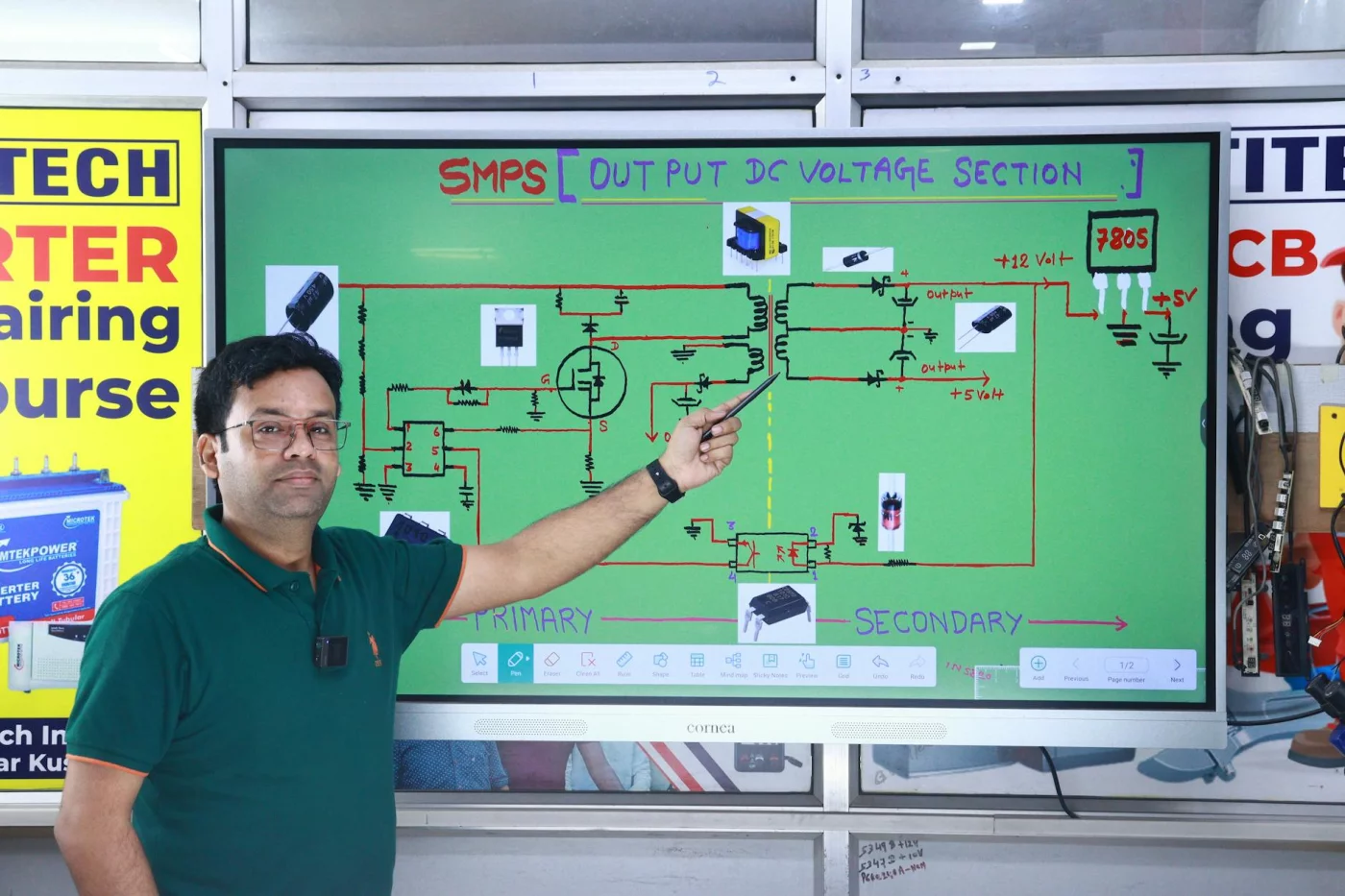
How to learn technical skills faster
Use this 7-step system to make progress without turning learning into a second full-time job.
Step 1: Pick one narrow skill. Choose a skill that leads to one visible result in 7 days. Good examples: write a Python script that renames files, build one SQL query that answers a real question, create one 3-screen Figma mockup, or practice one help-desk troubleshooting flow. Bad examples: “learn programming,” “learn data,” or “learn design.” If your goal needs more than one main tool, it is probably still too broad.
Step 2: Define one output before you study. Start each week with a finish line. Ask: what will exist by Sunday that does not exist now? A script, dashboard, checklist, prototype, or automation is better than “understand the basics.” Outputs make progress measurable.
Step 3: Use a 30-45 minute build-first session. Spend the first part of the session learning one concept, then use the rest to apply it immediately. A simple rule is 10 minutes learn, 20 minutes do, 5 minutes test, 5 minutes note what broke. If you only have 25 minutes, shrink the task, not the habit.
Step 4: Test from memory. After each session, close the tutorial, notes, or docs and reproduce the step yourself. Can you write the formula again, rebuild the chart, repeat the command, or explain the workflow out loud? If not, you were exposed to the material, but you did not fully learn it yet. The Active Recall Builder can help turn lessons into quick recall prompts.
Step 5: Get feedback within 24 to 48 hours. Fast feedback prevents bad habits from hardening. For code, run tests or compare outputs. For design, compare your screen against the reference and revise one weak area. For IT support, walk through a mock ticket and check whether your steps are complete and in order. If feedback takes a week, your learning loop is too slow.
Step 6: Stay with one tool stack for 2 to 4 weeks. Beginners often lose speed by switching between too many tools. If you are learning Python, stay in one editor and one project type. If you are learning spreadsheets, stick to one workbook problem until the workflow feels familiar. Depth beats novelty early on.
Step 7: Review outputs weekly. At the end of the week, ask four questions: What did I ship? What can I now do without help? Where did I get stuck twice? What is the next smallest useful task? That review tells you whether to repeat, simplify, or move forward. If you want a cleaner review process, this study dashboard guide can help you track what to practice next.
The pattern is simple: one narrow skill, one weekly output, short build sessions, memory checks, fast feedback, and a weekly review. That is usually faster than trying to absorb an entire course before making anything real.
Choose Smart and Practice Better
Now apply the 7-step system to the right starting skill. If you want to know how to learn technical skills faster, this is the part most people get wrong: they pick a trendy skill, not the one with the fastest feedback for their goal.
Good first skills by goal
For scientifically proven study techniques to work, your first target has to be narrow enough to practice often. And because attention and working memory are limited, beginners do better with one clear workflow than five half-learned tools.
- Career switcher into tech support: ticket triage, operating system basics, password resets, and common troubleshooting flows.
- Analytical learner: spreadsheets, SQL basics, and simple dashboards before machine learning.
- Creative learner: Figma, Canva, or one repeatable design workflow before full UI systems.
- Automation-focused learner: prompt design and no-code AI workflows before model architecture.
Those are practical technical skills for beginners because they create visible results fast. And yes, they’re also easy technical skills to learn compared with jumping straight into advanced code, cloud systems, or neural nets.
Passive study vs real practice
Passive study is when you recognize the material while looking at it. Real practice is when you can use it without being led step by step. That difference matters because technical skills are performance skills, not just reading skills.
Here is a simple way to turn any lesson into real practice:
1. Watch or read one small chunk only. Stop after one concept, command, formula, or workflow. Do not finish the whole lesson first.
2. Rebuild it without looking. Close the tab and try to repeat the step from memory. If you are learning SQL, write the query again. If you are learning Figma, recreate the layout. If you are learning IT support, explain the troubleshooting order out loud.
3. Change one variable. This is where learning becomes flexible. Change the file name, dataset, button layout, prompt wording, or support scenario. If the skill breaks when one detail changes, you need another repetition.
4. Solve one tiny problem. Ask a practical question: can this script handle a second folder, can this chart use a different column, can this design work on mobile, can this checklist handle a password-reset case? Problem-solving is where technical confidence starts to form.
5. Save the result and note the sticking point. Keep a short log: what worked, what failed, what to retry tomorrow. This makes your next session easier to start.
A quick test helps: if you only watched it, it was exposure. If you rebuilt it, changed it, and used it, it was practice.
Examples:
Python: do not just copy a tutorial calculator. Rebuild it from memory, then add one new operation.
Spreadsheets: do not just follow a chart lesson. Recreate the chart on a different dataset and explain each step.
Design: do not just watch a Figma walkthrough. Rebuild one screen, then adjust spacing and hierarchy for a different use case.
If you tend to overload yourself with too much input, read How to Study Complex Topics Without Getting Mentally Overloaded. The goal is not to consume more material. It is to make each lesson produce a usable action.
From experience: what actually speeds things up
As a software engineer building FreeBrain tools, I’ve seen the biggest gains come from three things: narrow the scope, test recall, ship tiny projects. Personally, I think the 80 20 rule for studying matters even more in technical learning because a few core actions drive most early progress.
Can technical knowledge be self taught? Absolutely — but only if you build structure and feedback on purpose. Which brings us to your 7-, 30-, and 90-day roadmap.
Your 7-, 30-, and 90-Day Roadmap
Smart practice matters. But to understand how to learn technical skills faster, you also need a realistic clock and clear outputs, not vague “I feel better” progress. Research on retrieval practice summarized by evidence reviewed in Perspectives on Psychological Science suggests that recalling and using knowledge beats rereading, which is why short build-test-review cycles work so well.
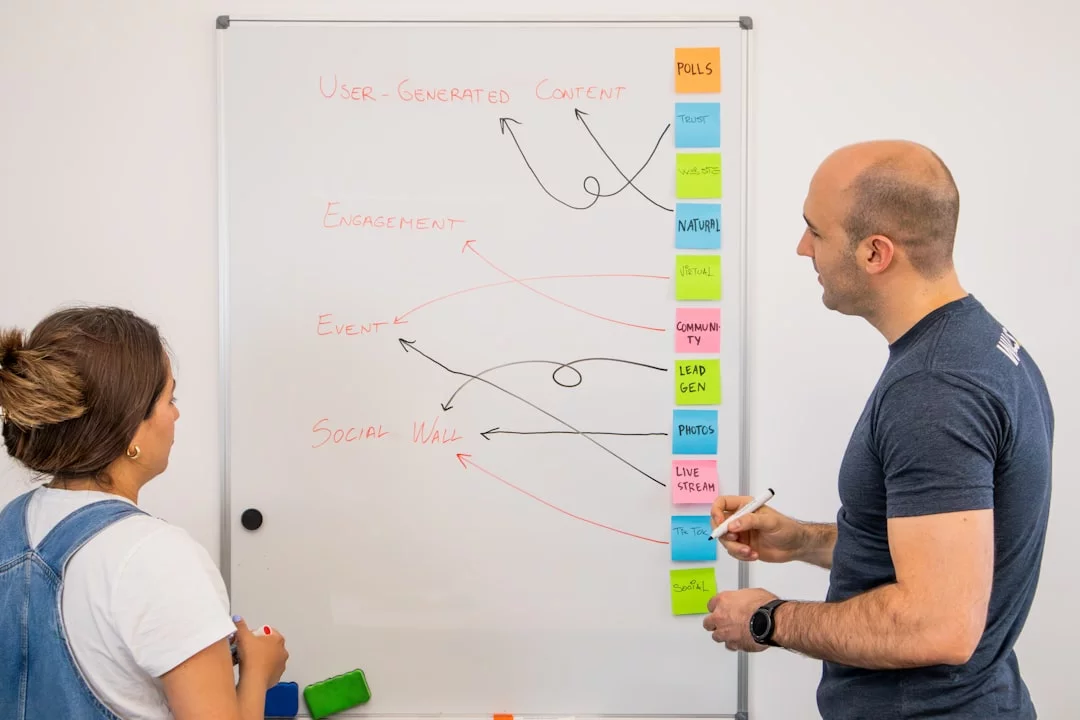
Keep sessions focused, because attention and working memory are limited. And if you want the study mechanics behind this roadmap, start with these scientifically proven study techniques.
What to do in the first 7 days
Start narrower than you want. Choose one skill, one tool, one project, and one study schedule. For beginners, 4 to 6 focused sessions is enough to learn new technical skills fast if each session ends with active recall and one visible output.
- Skill: Python, Excel, Figma, help desk workflows, or prompt engineering
- Tool: one editor, one app, one platform
- Project: one tiny task tied to real use
By day 7, ship something small: a script, chart, mock support fix, screen design, or AI workflow. That’s the beginner version of how to learn technical skills faster for beginners.
What to build by day 30
Your 30 day plan to learn technical skills faster should produce one mini-project that solves a real problem. Think: a Python script that renames files, a dashboard from messy CSV data, a troubleshooting checklist, a 3-screen Figma prototype, or an AI prompt workflow that saves 30 minutes a week.
Add one feedback cycle and one revision cycle. Personally, I think this is where most people level up, because project based learning exposes gaps fast. If you’re mixing related subskills, use this interleaved practice guide so variety helps instead of scattering your effort.
What competence looks like by day 90
A solid 90 day skill roadmap doesn’t promise mastery. It promises beginner competence: you can complete common tasks without step-by-step hand-holding. That might mean debugging simple code, cleaning and visualizing data, resolving routine support issues, designing a small interface, or automating a repeatable task.
So, how long does it take to learn a tech skill? About 90 days is often enough for visible, practical progress, while advanced fluency takes longer. And if you want extra help with focus, memory, and motivation, explore FreeBrain’s related study-skill articles before we get into the next big risk: burnout and common mistakes.
Avoid Burnout and Common Mistakes
Your 7-, 30-, and 90-day plan only works if you avoid the traps that quietly slow learning down. This is where most people trying to figure out how to learn technical skills faster lose weeks without noticing.
Mistake 1: Tutorial bingeing
Watching five lessons in a row feels productive, but it mostly creates familiarity, not usable skill. Research on retrieval practice suggests you learn more when you stop, recall, and reproduce the step yourself rather than just rewatching it.
So here’s the fix: pause every 10 to 15 minutes and rebuild the step from memory. One lesson, one task, one recall check. If you’re learning Python, write the function without looking. If it’s Excel or Figma, recreate the workflow cold. That’s one of the best scientifically proven study techniques for how to learn new skills faster.
Mistake 2: Switching tools too often
Python on Monday, SQL on Wednesday, AI prompting on Friday? Sounds ambitious. But it fragments attention and increases cognitive load, which makes transfer weaker and your learning curve steeper.
Stick with one main tool for 2 to 4 weeks. You can sample later. If you want to know how to learn technical skills faster online, depth beats novelty early on.
Mistake 3: Studying too hard to be consistent
Most beginners do better with 30 to 90 minutes a day than with random 5-hour marathons. Intensity isn’t the same as progress — and yes, this is the part most people get wrong.
Use deep work in small doses, take breaks, protect sleep, and keep one lighter review day each week. And if stress, anxiety, sleep problems, or attention issues are seriously affecting learning or daily life, consult a qualified healthcare professional. Also worth reading: toxic productivity explained. Wait, scratch that — you only need one internal link here, so skip the extra article and keep the rule simple: stop before exhaustion.
Quick reference: the repeatable checklist
Weekly Learning Checklist
- Choose one skill and one concrete output
- Practice actively, not passively
- Review on a schedule
- Get feedback fast
- Work in short sprints
- Track outputs weekly
Today: pick one project. This week: finish one small output. This month: review what shipped, what stuck, and what to cut. That’s how to learn technical skills faster without burning out. Next, I’ll wrap this up with the key FAQs and final takeaways on focus, memory, motivation, and sustainable study systems.
A Weekly Learning Workflow You Can Actually Sustain
If you are learning technical skills online, speed usually comes from a repeatable weekly workflow, not from one perfect study day. A good system should tell you what to do when you are fresh, what to do when you are tired, and how to know whether you are actually improving.
Use this simple weekly structure:
Day 1: Choose one output. Pick one small result you can finish this week. Examples: a Python script that renames files, a spreadsheet dashboard with one chart, a Figma screen for a login flow, or a troubleshooting checklist for common support issues.
Day 2 and Day 3: Learn and build. Do two focused sessions where each session ends with something visible. If you watched a lesson, you should also rebuild the step yourself before stopping. The Focus Session Planner is useful here if you need a clear start-stop structure.
Day 4: Recall and fix. Try the task again from memory. Do not aim for perfection. Aim to find the weak spots. If you forget the same step twice, that is your next practice target. The Spaced Repetition Generator can help you schedule what to revisit instead of guessing.
Day 5: Get feedback. Compare your result to the goal. Did the script work on a second example? Did the chart still make sense with new data? Did the design hold up when you changed the text length? Did the troubleshooting flow cover the common failure points? Feedback does not have to be formal. It just has to be specific.
Day 6: Ship a small version. Finish the smallest version that works. Many learners stay stuck because they keep “improving” unfinished work. A rough finished output teaches more than a polished half-project.
Day 7: Review and choose the next bottleneck. Ask yourself:
What can I now do without looking things up?What still feels slow or confusing?What mistake kept repeating?What is the next smallest useful upgrade?
This review matters because it tells you whether to repeat the same skill, expand the project slightly, or stay with the same tool for another week.
Here is a simple decision rule: if you cannot reproduce the core task from memory, repeat the same scope next week. If you can reproduce it but not adapt it, keep the same skill and change one variable. If you can reproduce and adapt it, expand the project slightly.
One more rule helps prevent burnout: keep one “minimum day” version of your practice. On busy days, do 15 minutes of recall, one bug fix, or one tiny revision instead of skipping the habit completely. Consistency beats intensity for most beginners. If stress is making it hard to keep a realistic pace, the Stress Worry Plan Builder can help you reduce overload before it turns into avoidance.
The goal is not to study every day at maximum effort. The goal is to keep the loop alive: choose, build, recall, get feedback, ship, review, repeat.
Frequently Asked Questions
How do I learn new technical skills fast?
If you’re asking how do i learn new technical skills fast, start smaller than you think. Pick one narrow skill and one clear output — like writing a Python script that renames files or building a basic SQL query dashboard — instead of trying to learn an entire field at once. The fastest path is active practice, spaced review, and fast feedback, not hours of passive tutorial watching. Measure progress by what you can build, fix, explain, or reproduce from memory, because that’s usually the real answer to how to learn technical skills faster.

Can technical knowledge be self-taught?
Yes — and can technical knowledge be self taught is really a question about structure, not talent. Many technical skills can be learned on your own if you use clear practice tasks, regular review, and some kind of feedback loop from tests, project results, documentation, or experienced peers. The hard part usually isn’t finding information; it’s turning information into usable skill. A self-taught path works best when you focus on outputs you can finish and review what you learned before it fades.
How long does it take to learn a tech skill?
How long does it take to learn a tech skill depends on the skill itself, your starting point, and how many focused hours you can put in each week without burning out. In many cases, a beginner can make a small useful output in 7 days, finish a mini-project in 30 days, and reach basic working competence in around 90 days if practice is consistent. But wait — advanced fluency takes much longer, especially in broad areas like software engineering, cybersecurity, or data science. So don’t judge progress by mastery alone; judge it by whether your projects are getting more independent, accurate, and faster to complete.
What is the best way to learn technical skills?
If you’re wondering what is the best way to learn technical skills, the short answer is this: combine deliberate practice, project-based learning, retrieval practice, and feedback. Reading and watching help, sure, but they should support doing rather than replace it. A simple weekly system usually works better than random motivation bursts: learn one concept, use it in a project, test yourself from memory, then review mistakes. For building that kind of study loop, you can also use FreeBrain’s learning tools and planners to make your sessions more structured and easier to repeat.
How can beginners learn tech skills quickly?
How to learn technical skills faster for beginners usually comes down to choosing a small skill with visible results and a low setup cost. Good starting points include spreadsheet automation, basic Python scripting, SQL queries, Figma mockups, or simple AI workflows, because you can see progress quickly and finish something real. This is the part most people get wrong: they pick a project that’s too big. Your first project should feel almost too easy, because finishing builds momentum and gives you feedback you can actually use.
How can I practice technical skills effectively?
If you’re asking how can i practice technical skills effectively, use short cycles instead of long, blurry study sessions. A solid loop looks like this:
- Learn one concept from a lesson, doc, or example
- Apply it immediately to a task or mini-problem
- Test yourself from memory without looking at notes
- Review later so the skill sticks
Effective practice feels effortful because you’re producing and retrieving, not just recognizing familiar content. Research summarized by PubMed on retrieval-based learning supports this general idea: recall strengthens learning better than re-reading alone.
How do you make technical studying addictive?
How to make technical studying addictive starts with making progress visible. Use tiny wins, scorecards, streaks, and projects that solve a real problem in your life, because vague studying feels draining while visible progress feels rewarding. Keep sessions short, make the next action obvious, and get feedback fast — even a script that finally works can be enough to pull you back in tomorrow. Novelty helps, sure, but consistency matters more than chasing excitement every day.
How can I learn technical skills without burnout?
How to learn technical skills without burnout means using a pace you can repeat for months, not just one intense weekend. Try focused sprints, realistic weekly goals, and recovery time instead of marathon sessions that leave you exhausted and unable to study for the next three days. Personally, I think sustainable learning is a huge part of how to learn technical skills faster, because consistency beats intensity over time. If stress, anxiety, sleep problems, or attention issues are seriously interfering with learning, consult a qualified healthcare professional; for sleep basics, the CDC’s sleep guidance is a useful place to start.
The Simple Rule to Keep Progressing
If you want a real answer to how to learn technical skills faster, keep it simple: pick one clear target skill, break it into small subskills, practice by building and solving real problems, and review on a schedule instead of cramming. Add a 7-, 30-, and 90-day plan so you always know what to do next. And just as important, protect your energy. Short focused sessions, deliberate practice, and regular recovery will beat random marathon study every time.
Thing is, learning technical skills can feel messy at first. You forget syntax, hit bugs you don’t understand, and wonder if you’re too slow. You’re not. That friction is part of the process. Personally, I think this is the part most people get wrong: they assume struggle means failure, when it usually means your brain is doing the hard work of building durable skill. Keep going. A few consistent weeks can change a lot more than one intense weekend ever will.
And if you want help turning this into a system, explore more guides on FreeBrain.net. Start with Spaced Repetition for Studying to make review stick, then read Deliberate Practice Examples to sharpen the way you train. The goal isn’t just to study harder. It’s to learn technical skills faster, with less wasted effort and far less burnout. Pick your next subskill, schedule your first focused session, and start today.