
A digital detox for students sounds smart until you picture missed deadlines, unanswered messages, and grades slipping. But a real digital detox for students isn’t about quitting tech — it’s about cutting low-value screen time while protecting the digital work that actually matters.
That’s the part most advice gets wrong. You don’t need an all-day phone ban or some dramatic reset; you need a system that helps you study, reply, and show up without getting dragged into constant checking. Sometimes the best place to start is one protected block, like a no-phone morning routine, not a total shutdown.
If you’re like most students, your phone isn’t just entertainment. It’s your class portal, group chat, calendar, notes app, and emergency procrastination machine. And here’s the kicker — research on attention and media multitasking suggests that frequent switching can hurt working memory and focus, which is exactly why replacing reflexive checking with mindful transitions between tasks can work better than relying on willpower alone. For context, guidance from the American Psychological Association on screen time and digital habits highlights how digital use affects attention, sleep, and stress.
So here’s the deal. This guide will show you how to do a digital detox for students without losing productivity, how to protect deep work, how to set communication rules so you don’t fall behind, and how to measure whether your new setup is actually helping. You’ll also get a practical checklist, a 7-day plan, and role-specific advice for both students and remote workers.
I’m a software engineer, not a neuroscientist — but after building learning tools and studying the research behind attention, I’ve found that the best digital detox for students is the one you can keep using during real school weeks. And yes, that means your digital detox for students has to fit deadlines, group projects, and normal life.
📑 Table of Contents
- What a digital detox for students really means — and why it can improve focus without hurting output
- Start with a digital detox for students audit: screen time, triggers, and productivity risk
- The 9-step digital detox for students without losing productivity
- Digital detox checklist and 7-day schedule for students, college learners, and remote workers
- Real-world application: digital detox for students, remote workers, and ADHD-friendly setups
- Common digital detox mistakes to avoid, how long it should last, and your next steps
- Frequently Asked Questions
- Conclusion
What a digital detox for students really means — and why it can improve focus without hurting output
So here’s the deal. A digital detox for students should lower screen overload, not wreck your grades, deadlines, or response time. If you want fewer distractions but still need to submit work, attend lectures, and answer messages, that tension is exactly what this guide solves. For more on learning and study skills, see our learning and study skills guide.
A simple definition of digital detox for students
A digital detox for students means cutting low-value digital inputs—notifications, reactive scrolling, random checking, and late-night screen drift—while keeping high-value digital work like lectures, assignments, research, calendars, and essential communication. In other words, you remove noise, not the tools that help you perform.
That’s the practical answer to what is a digital detox for students. Doomscrolling for 25 minutes? Low value. Uploading coursework, reviewing notes, or sending a planned reply at 4 p.m.? High value. And yes, a detox can start small, like protecting your first hour with a no-phone morning routine instead of attempting an all-day ban.
Why reducing screen time feels risky when you still need to perform
This is the part most people get wrong. Students and remote workers rely on screens for LMS platforms, docs, Slack, email, video calls, and research, so “delete every app for a week” is usually bad advice. A better digital detox for students uses friction reduction, communication rules, and protected focus blocks.
Why does that work? Because the problem usually isn’t work on a screen. It’s interruption. Research on task switching and attention residue suggests that even brief context shifts can drag performance, which is why short resets and mindful transitions between tasks matter more than performative quitting.
Late-night device use can also hit sleep timing, and the CDC’s sleep guidance specifically recommends limiting screens before bed. Speaking of which—constant inputs can raise stress load too, which lines up with APA resources on stress and overload.
What this guide will help you protect first
From building FreeBrain tools and watching how people study, I’ve noticed a pattern: most detox attempts fail because people remove tools instead of redesigning defaults. Personally, I think a digital detox for students should protect four things first:
- Grades and assignment quality
- Deadlines and due dates
- Reasonable response windows
- Deep work time without constant checking
We’ll track simple benchmarks later: daily screen time, deep work minutes, assignment completion, missed messages, and your own focus rating. And yes, environment matters—a phone-free desk and better workspace design for focus can do more than another willpower speech.
This guide is educational, not treatment. If compulsive use, severe sleep problems, anxiety, depression, ADHD symptoms, or burnout are significant for you, consult a qualified clinician or therapist. Next, we’ll start the digital detox for students audit: your screen time, triggers, and actual productivity risk.
Start with a digital detox for students audit: screen time, triggers, and productivity risk
If the last section defined what a digital detox for students really means, this section shows where to begin. Before you change a single app or notification, run a quick audit so your plan targets real attention leaks instead of guessing.
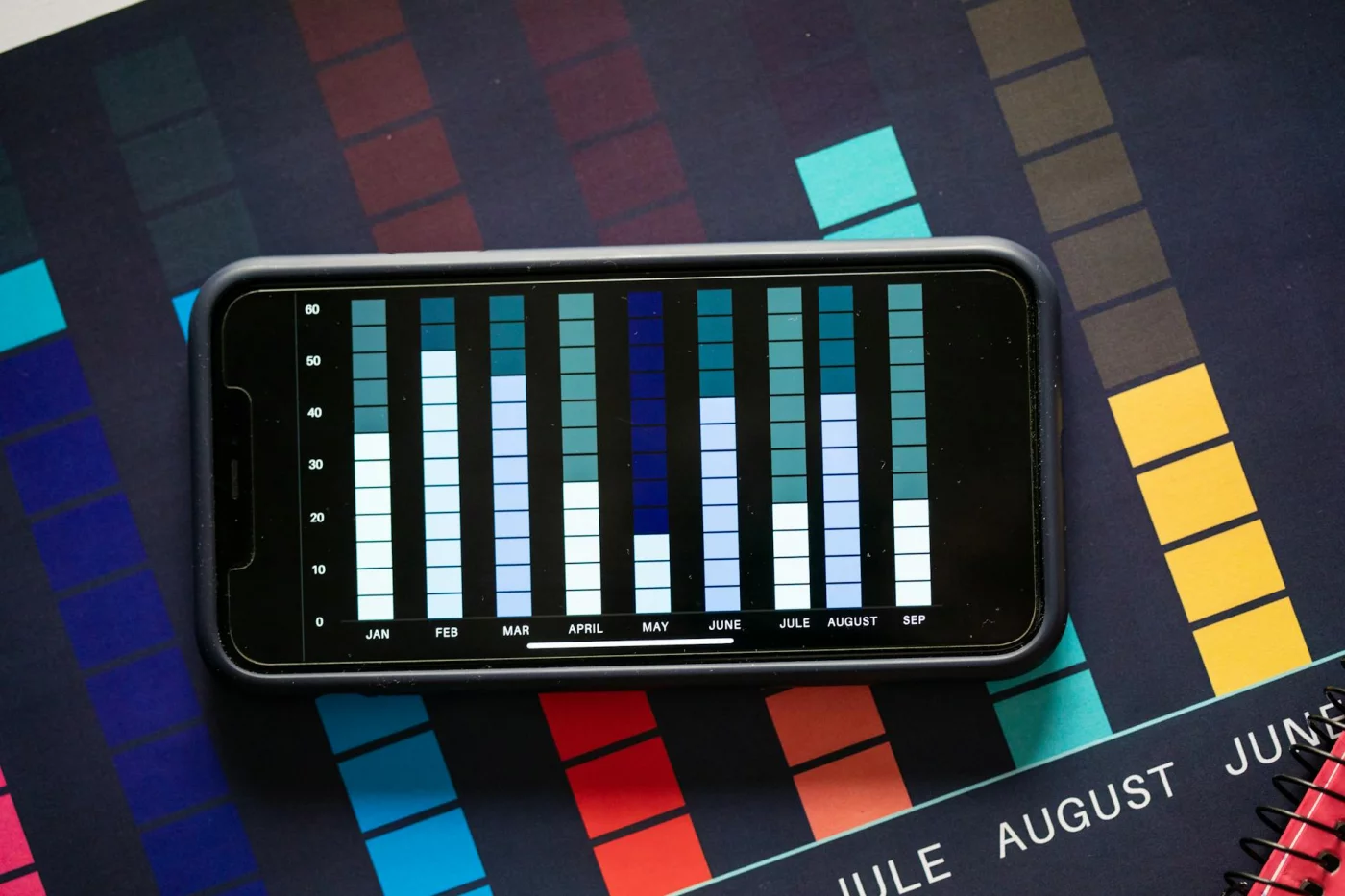
This is the part most people skip. And honestly, that’s why a lot of detox plans fail: they cut tools that support output while leaving the actual triggers untouched.
Audit 1: Where your screen time actually goes
Start with seven days of real data. On iPhone, open Screen Time. On Android, check Digital Wellbeing. Then add browser history and laptop app reports so your digital detox for students includes the devices where work actually happens, not just your phone.
Sort usage into three buckets: essential, optional, and harmful. Essential usually includes your LMS, Google Docs, Zoom, calendar, maps, and class communication. Optional use might include YouTube tutorials, Reddit threads, or Discord servers that are sometimes useful and sometimes pure drift.
Harmful use is simpler than people think. If an app pulls you in without a clear purpose, breaks focus, and leaves you feeling scattered, it belongs in the high-distraction bucket.
- Red flags worth redesigning: 3+ hours a day on social media
- Behavioral warning signs: 50+ phone pickups a day
- Pattern to watch: checking messages every 5-10 minutes during study or work
- Sleep risk: repeated after-10 p.m. checking
Late-night use matters more than most students realize. Research on mobile phone use, sleep quality, and daytime functioning suggests that bedtime device habits can spill into next-day attention and fatigue.
Quick sidebar: a digital detox for students doesn’t have to mean banning your phone all day. For a lot of people, protecting one block first — like a no-phone morning routine — works better because it reduces friction and preserves academic tools.
Audit 2: What to cut, keep, or redesign
Now rate each app on two scales: value and distraction, both from 1 to 5. High value and low distraction apps stay. Low value and high distraction apps become the first cut-or-redesign targets in your digital detox checklist.
Here’s a simple way to think about it. LMS, Google Docs, Zoom, your calendar, and maps are usually essential. YouTube, Reddit, Instagram, Discord, and news alerts are mixed. Casino-style games, autoplay feeds, and nonstop group chats often create the worst study distractions because they combine novelty, social reward, and zero stopping cues.
And here’s the kicker — redesign often beats deletion. You can remove an app from your home screen, log out after each use, mute group chats, disable badges, or keep access on desktop only. That’s notification management, not willpower theater.
If you also study at home, pair this with a phone-free desk setup and better workspace design for focus. Environment changes cut decision fatigue fast.
A college student might find 4.5 hours a day on their phone, but only 90 minutes are actually academic. A remote worker might discover Slack and email aren’t the main problem at all; the real issue is reflexively checking them 40 times between actual tasks.
Audit 3: When distractions hit during study or work
Last, map the moment before the distraction. Was it boredom? Uncertainty? Stress? Waiting for a file to load? The awkward gap between finishing one task and starting the next? That’s where a digital detox for productivity gets real.
Psychology research on attention and distraction from the American Psychological Association lines up with what I’ve seen building learning tools: attention doesn’t just “break.” It gets pulled by cues, habits, and attention residue from the previous task.
So don’t rely on motivation alone. Use short resets and mindful transitions between tasks to replace reflexive checking. Well, actually, that one change often matters more than app deletion because many people grab their phone during transitions, not during true deep work.
Write down your top trigger moments for three days. Then note what happened right before the check, what app you opened, and whether it helped. That log becomes the foundation of your digital detox for students plan — and later, your full digital detox checklist.
Which brings us to the next step: turning this audit into a practical 9-step digital detox for students that protects focus without tanking productivity.
The 9-step digital detox for students without losing productivity
You’ve done the audit. Now the goal is simpler: run a digital detox for students that cuts distraction without wrecking grades, deadlines, or response time. And no, this doesn’t mean disappearing offline all day — a protected morning block or even a no-phone morning routine can be enough to start.
Steps 1-3: Set goals, protect essentials, and do a notification detox
How to do a digital detox without losing productivity
- Step 1: Set a target with a productivity safeguard. Don’t say “use my phone less.” Say: cut non-academic phone use from 4 hours to 2.5 hours a day, keep assignment completion at 100%, and keep response windows under 3 hours. If you need help defining that target, use SMART goals for students. Metric to track: daily non-academic screen time, assignment completion rate, and average reply delay.
- Step 2: Keep high-value tools and remove low-value triggers. Keep your LMS, docs, calendar, maps, and class communication apps. Remove social apps from the home screen, log out of entertainment sites on your laptop, and delete only the apps you never need. Metric to track: number of impulse opens per day and whether coursework still gets submitted on time.
- Step 3: Do a notification detox first. Mute social likes, promo emails, news alerts, shopping pushes, game alerts, and non-urgent group chats before touching anything academic. Research on task switching and attention residue, including work summarized by the American Psychological Association on multitasking and attention, suggests frequent interruptions carry a real cognitive cost. Metric to track: notifications received per day and number of unplanned phone checks during study time.
This is where most digital detox for students plans fail. They remove everything at once, then force you to rebuild your workflow under stress. Better move: protect the tools that produce results and strip away the triggers that create checking loops.
Steps 4-6: Protect deep work and replace scrolling with recovery
Step 4 is about time structure. Use focus blocks and communication windows: for example, study from 10:00 to 10:50, take a 10-minute break, then check messages at 11:30 a.m. and 4:30 p.m. Some people do better with 25- or 40-minute blocks, especially for shallow admin work or low-energy days — which is exactly why rigid timers don’t fit everyone, as I explain in why Pomodoro fails some people. Metric to track: deep work minutes completed and number of interruptions per block.
Step 5: create phone-free study zones. Put your phone in a bag, a drawer, another room, or at least behind you instead of face-up on the desk. That small distance matters because visible phones can pull attention even when silent, a pattern discussed in research indexed by the National Library of Medicine on smartphone distraction and cognitive performance. Metric to track: how often you touch your phone during a 50-minute block.
And step 6 is the replacement layer. Don’t remove scrolling and leave a vacuum. Swap it with a 5-minute walk, water refill, box breathing, a quick stretch, or a paper to-do review. Short offline resets and mindful transitions between tasks reduce reflexive checking without costing output. Metric to track: break quality score from 1-5 and whether you return to work on time.
- Good break: stand up, move, breathe, reset
- Bad break: open one app “for a second”
- Best test: does the break lower stress and help you restart fast?
Steps 7-9: Add friction, reduce overload, and review weekly
Step 7 adds friction. Turn on grayscale, use app timers, block distracting websites, charge your phone outside the bedroom, and stay logged out of entertainment apps on your browser. A digital detox for students works better when the default choice is slightly annoying, because friction kills impulse behavior before willpower has to step in. Metric to track: blocked-site attempts and late-night phone pickups.
Step 8 reduces communication overload. Try this script with classmates, coworkers, or managers: “I check messages at 11:30 and 4:30. If something is urgent, text me with URGENT in the first line.” That one sentence protects deep work and still keeps you reachable. Metric to track: message volume, meetings attended, and true urgent interruptions per week.
Step 9 is the weekly review. Personally, I think this is the part most people skip — and it’s the reason their digital detox for students plan drifts after three days. Review these numbers every 7 days:
- Average daily screen time
- Deep work minutes
- Assignment completion rate
- Missed deadlines
- Average response delay
- Mood or focus score from 1-10
Which brings us to the next step: turning this framework into a practical digital detox checklist and a 7-day schedule you can actually follow.
Digital detox checklist and 7-day schedule for students, college learners, and remote workers
If the 9-step plan gave you the framework, this section gives you the calendar. A good digital detox for students works best when it protects output first, then cuts digital noise second.
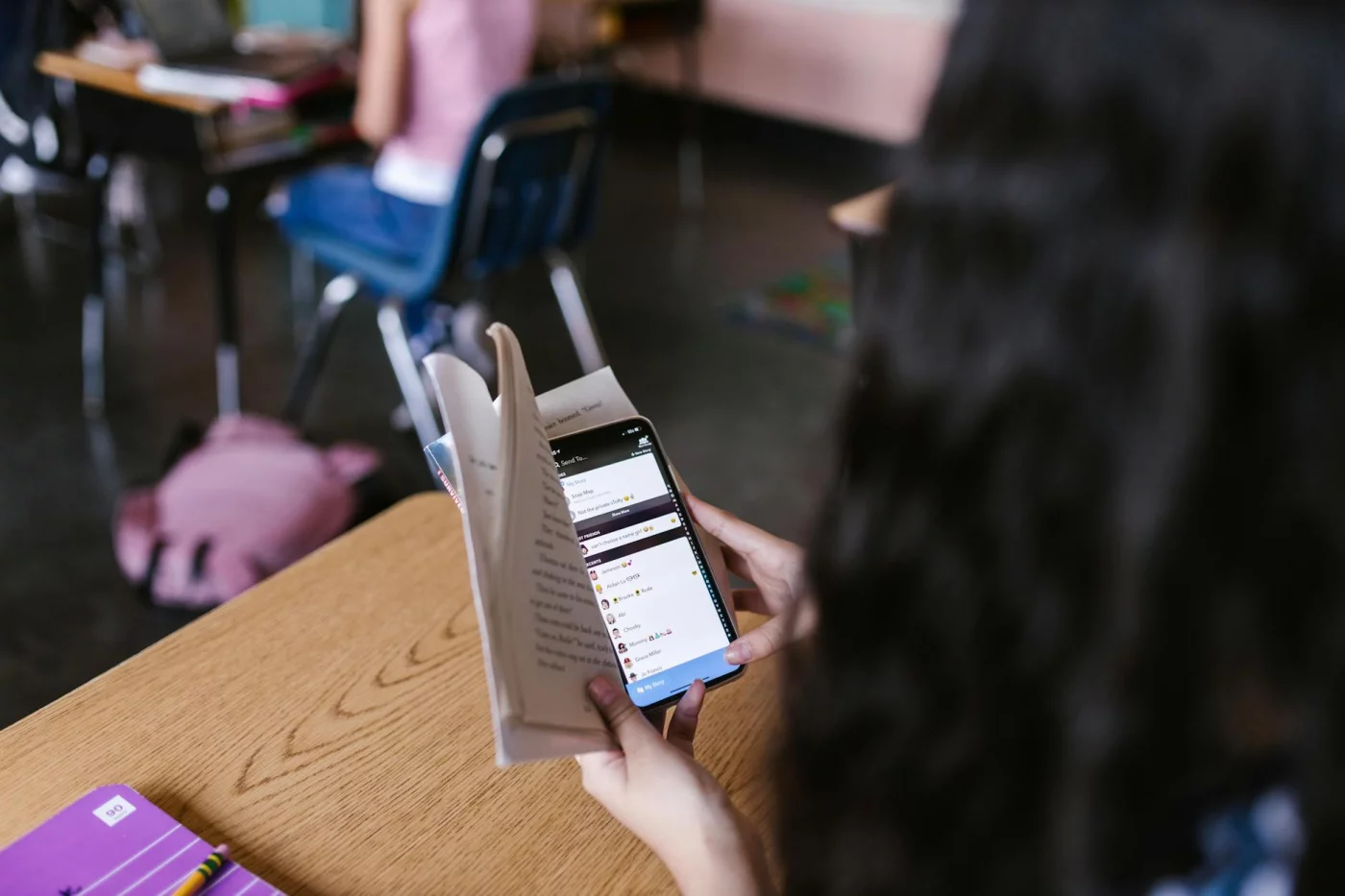
That matters because most people overcorrect. They delete everything, miss something important, then quit by day three.
Quick Reference: what to cut, keep, and redesign
Start with redesign, not deprivation. Personally, I think this is the part most people get wrong with a digital detox for students: they try to remove devices instead of removing triggers.
📋 Quick Reference
Phone: Cut social badges, autoplay apps, and lock-screen previews. Keep calls, maps, 2FA, and one emergency contact path. Redesign by using grayscale, app limits, and a no-phone morning routine.
Laptop: Cut always-open inboxes, extra tabs, and background chat popups. Keep course portals, work tools, and one task list. Redesign by using full-screen mode, separate browser profiles, and scheduled email checks.
Tablet: Cut entertainment-first home screens. Keep reading, annotation, and lecture slides. Redesign by moving streaming apps off the first screen and using it only for one academic or work function.
Smartwatch: Cut message mirroring and vibration for nonessential apps. Keep calendar alerts and true urgent calls. Redesign by allowing only calendar, timer, and health prompts.
Messaging apps: Cut instant-response habits. Keep one urgent channel per class or team. Redesign with pinned contacts, muted group chatter, and fixed response windows.
Here’s the comparison table this article should include, because it solves the real tension: detox action vs productivity risk vs safer alternative.
- Delete email app entirely → risk missing urgent academic updates → safer alternative: remove badge counts and check at 11 a.m. and 4 p.m.
- Keep phone on desk → risk constant attention pull → safer alternative: place phone behind you or outside the room during deep work.
- Mute all Slack or Teams alerts → risk delayed team coordination → safer alternative: allow mentions only and set two response windows.
- Block YouTube completely → risk losing useful lectures → safer alternative: log out, remove recommendations, and open only direct links.
And yes, attention residue is real. Research on task switching and interruptions summarized in a review on digital distraction and cognitive performance in PubMed Central suggests frequent switching can hurt working memory, speed, and accuracy, which is why quick resets matter more than heroic willpower. If you need a replacement for reflexive checking, try short mindful transitions between tasks instead of grabbing your phone.
A 7-day digital detox schedule that protects output
This 7 day digital detox checklist is built for busy people. A college student can protect lecture review and exam prep, while a remote worker can protect async work and reduce Slack checking without disappearing.
- Day 1: Audit and baseline. Check Screen Time or Digital Wellbeing, list your top five distracting apps, and write your must-not-miss channels. For a digital detox for students, define one protected block for study and one for admin.
- Day 2: Notification cleanup. Turn off nonhuman notifications, badges, previews, and vibrations. Keep only calendar, direct calls, and one urgent class or team channel.
- Day 3: Focus blocks and communication windows. Set 2-3 focused work blocks and 2 message windows. If standard timers annoy you, read why Pomodoro fails some people and match block length to task type.
- Day 4: Phone-free zones. Make one desk, one lecture review spot, or one meeting area phone-free. Remote workers should pair this with better physical cues and workspace design for focus.
- Day 5: Offline break replacements. Replace scrolling breaks with walking, water, stretching, paper notes, or two minutes of breathing. The goal is recovery, not stimulation.
- Day 6: Meeting and message cleanup. Leave low-value groups, archive stale channels, and convert status pings into async updates. Students can batch class-group replies after study blocks; remote workers can check chat after deliverables, not before.
- Day 7: Weekly review and reset. Keep what helped output, reverse what created friction, and simplify next week’s priorities. A digital detox schedule works better when it’s tied to three essential outcomes, which is why the 3 3 3 productivity rule fits well here.
What to measure each day
Don’t judge the detox by vibes alone. Measure whether your digital detox for students is reducing noise and preserving results.
- Total screen time
- Nonessential screen time
- Deep work minutes
- Assignment completion or key task completion
- Response window adherence
- Mood score from 1-10
- Sleep timing: bedtime and wake time
Quick example: if your screen time drops 90 minutes but deep work also drops, your setup is too restrictive. But if nonessential screen time falls, deep work rises by 30-60 minutes, and response windows hold, your digital detox routine for better focus is doing its job.
So here’s the deal: keep the plan measurable, reversible, and role-specific. If you want to turn this digital detox for students into a lasting system, FreeBrain’s focus and routine content can help you build it week by week. Which brings us to real-world setups for students, remote workers, and ADHD-friendly environments.
Real-world application: digital detox for students, remote workers, and ADHD-friendly setups
The 7-day plan works best when you adapt it to your role, not when you copy it blindly. That’s the real point of a digital detox for students and workers alike: protect output first, then cut the noise.
From building focus tools and watching how people actually work, I’ve noticed the biggest wins usually come from changing defaults and environment, not from trying harder. And yes, that sounds obvious. But it’s the part most people skip.
For students and college learners: reduce phone use without hurting grades
If you want a digital detox for students without hurting grades, start by protecting the academic essentials: lecture access, assignment tracking, and exam prep. Don’t begin with an all-day phone ban if your course materials live online. Begin with one protected block, like a no-phone morning routine, then expand once your system works.
For lectures, download slides, readings, and rubrics in advance. Use a printed task list or one index card for the day’s top 3 academic tasks. That way, when your phone is out of reach, you still know what to do next.
A good digital detox for college students also has to deal with dorm life and group chat chaos. So here’s the deal: set a clear check-in rule instead of hovering in every thread. Try this script: “I’m checking the group chat at lunch and at 6 p.m. If something affects tonight’s deadline, text me directly.”
That one sentence reduces social pressure and keeps you reachable for real problems. Worth it? Absolutely.
And here’s the academic upgrade most people miss: use reduced screen time to switch from passive review to active retrieval. Research summarized by Washington University in St. Louis and many learning scientists shows that retrieval practice improves long-term retention better than rereading alone. If you’ve been skimming notes on your phone, replace some of that with flashcards, blank-page recall, or quick self-quizzing. FreeBrain breaks this down well in active recall versus review.
- Download lecture slides before class or before your study block.
- Print your deadline list for the week.
- Check the LMS 2-3 times daily instead of reacting all day.
- Turn 30 minutes of passive review into 15 minutes of recall practice.
A digital detox for students works when it improves study quality, not just lowers screen time.
For remote workers and knowledge workers: detox at work without falling behind
A digital detox at work should reduce interruption, not reduce reliability. For remote teams, that means setting async norms, response windows, and meeting boundaries before you mute anything.
Use a script like this with coworkers or your manager: “I’m batching Slack at 11:30 and 4:30 so I can protect focus blocks. If something is time-sensitive, tag it urgent.” Simple. Clear. Hard to misunderstand.
Research on attention residue from Sophie Leroy’s work suggests that frequent task switching leaves part of your attention stuck on the previous task. For knowledge work, that’s expensive. A practical digital detox for remote workers often starts with fewer message checks, fewer meetings, and fewer open loops.
Try one measurable redesign target this week: reduce browser tabs from 25+ to 5 active tabs. Then triage email in batches: reply, defer, archive, or add to a task list. If you need a rule, use this:
- Check team chat 2-4 times per day.
- Decline or shorten meetings without a clear agenda.
- Keep one deep-work block fully notification-free.
This is how you do a digital detox at work without falling behind. You’re not disappearing. You’re replacing constant availability with predictable availability.
For ADHD-friendly setups: lower friction, clearer cues, better defaults
A digital detox for ADHD students needs a different tone. Research suggests lower-friction environments can help attention, but a digital detox is not treatment for ADHD. If symptoms are significant or impair school, work, or daily life, consult a qualified clinician.
Well, actually, this is where many plans fail: they ask for more self-control from people who are already spending too much effort on self-control. Better defaults beat willpower. Think visible timer, body doubling, one-task desk setup, and simpler phone placement rules like “phone in bag during class” or “phone charges across the room during writing blocks.”
For digital detox for students with attention variability, externalize cues. Put the next task in view. Use a paper checklist. Keep only the materials for the current task on the desk. And if audio helps, use one preselected playlist rather than browsing endlessly.
Which brings us to the bigger idea: digital detox and focus improve when the environment does the reminding for you. Lower friction. Clearer cues. Fewer decisions.
Next, let’s cover the mistakes that quietly ruin a digital detox for students, how long a detox should actually last, and what to do after the first reset week.
Common digital detox mistakes to avoid, how long it should last, and your next steps
So here’s the deal: after you’ve matched the setup to your study or work style, the next question is whether your digital detox for students will actually hold up under deadlines. And this is where most plans break—not because the idea is bad, but because the rules are too rigid to survive real life.
Mistakes that make a digital detox fail
The biggest mistake in a digital detox for students is going all-or-nothing on day one. Delete every app, ban every screen, then crash by Tuesday. A better move is removing friction from the worst triggers while keeping tools you genuinely need for classes, calendars, or group work.
- Don’t delete useful tools; log out, hide, or time-limit the distracting ones.
- Don’t keep notifications on and call it a detox; batch messages into set windows.
- Don’t swap Instagram for endless email or YouTube; distraction is still distraction.
- Don’t go silent without warning people; set communication expectations first.
If you want to protect a phone-free study block, your environment matters more than willpower. Creating a dedicated zone with strong workspace design for focus makes a digital detox for students much easier to sustain.
How long should a digital detox last?
How long should a digital detox last? Usually less than people think. A 24-hour reset helps you spot triggers fast, while a 7-day digital detox for students can reset defaults around checking, studying, and sleep.
But wait. Long-term success usually comes from weekly boundaries, not one dramatic cleanse. Research on habit formation suggests stable cues beat bursts of motivation, so the best digital detox tips for busy students focus on repeatable rules: one phone-free block, one notification window, one nightly cutoff. That’s where the real digital detox benefits show up.
Your next steps
The best digital detox for students is the one that protects output. If your grades, deadlines, or stress get worse, adjust the system instead of forcing it.
- Run your audit today.
- Choose one communication window.
- Set one phone-free study block.
- Use the checklist and 7-day plan to track what actually improves.
And if you want to keep going, use FreeBrain’s related focus, routine, workspace, and recovery articles to build a digital detox for students that lasts. Next, I’ll answer the most common questions and wrap this up with a simple final plan.
Frequently Asked Questions
What is a digital detox for students?
What is a digital detox for students? A digital detox for students means cutting back on low-value digital inputs like endless scrolling, constant notifications, and reflexive app checking while keeping the tech you actually need for classes, deadlines, research, and communication. It doesn’t mean quitting technology or deleting every app overnight. In practice, a digital detox for students is about using devices on purpose instead of letting them constantly interrupt your attention.
How do you do a digital detox without losing productivity?
How do you do a digital detox without losing productivity? Start with a quick audit: keep high-value tools for school and work, mute nonessential notifications, and set communication windows so messages don’t break up your day. A smart digital detox for students should protect performance, not hurt it, so track output metrics like assignment completion, deep work minutes, and average response times for a week. If your work quality stays steady or improves, you’ve probably removed noise rather than useful tools.
Does a digital detox improve focus?
Does a digital detox improve focus? Often, yes — especially when a digital detox for students reduces interruptions, attention residue, and the habit of reactive checking. The biggest gains usually come from simple changes: fewer notifications, better phone placement, and protected work blocks, not from a total tech ban. Research on task switching and interruption costs suggests that even brief disruptions can hurt concentration, which is why a digital detox for students works best when it lowers the number of times your attention gets pulled away.
How long should a digital detox last?
How long should a digital detox last? A 24-hour reset can help you spot your triggers, but a 7-day plan is usually better if you want to change your default habits. For most people, the best digital detox for students isn’t a one-time challenge — it’s a set of repeatable boundaries like phone-free study blocks, scheduled message checks, and app limits during classwork. Short test, long-term system. That’s what tends to stick.
Can a digital detox help with studying?
Can a digital detox help with studying? Yes, especially if your main problem is interruption, multitasking, or checking your phone every few minutes during study sessions. But wait, this is the part most people miss: a digital detox for students works best when you pair it with stronger study methods like active recall, a clear task list, and a distraction-free work zone. If you want a practical system, you can pair a digital detox for students with active recall study strategies so you’re not just removing distractions, you’re also studying better.
How do I reduce phone use while studying?
How do I reduce phone use while studying? Use a few simple barriers: put your phone out of reach, turn on Focus Mode, mute nonessential alerts, and check messages only during planned breaks. A digital detox for students gets much easier when you replace reflexive checking with a short offline reset like stretching, taking a 2-minute walk, or reviewing a paper task list. Three things matter: distance, silence, and a replacement habit.
How do remote workers do a digital detox?
How do remote workers do a digital detox? Remote workers usually do best with async norms, message batching, fewer meetings, and clear rules for what counts as truly urgent. The goal isn’t to disappear — it’s to stop constant checking while staying reliably reachable when it matters, which also makes sense in a digital detox for students balancing internships, group projects, or online classes. For broader guidance on healthy screen habits and boundaries, the American Psychological Association has useful resources on technology and well-being.
Can you do a digital detox without deleting apps?
Can you do a digital detox without deleting apps? Yes, and honestly, many people stick with it better that way. A digital detox for students often works best when you add friction instead of deleting apps entirely: remove apps from the home screen, log out after each use, mute notifications, or allow access only on desktop. That way, you keep the tools if you need them, but casual impulse checking becomes much less automatic.
Conclusion
A digital detox for students works best when you treat it like a system, not a dramatic reset. Start by auditing your screen time and spotting your biggest triggers, then protect your highest-focus hours with app limits, notification cuts, and device-free study blocks. Keep the tools that support real work, remove the ones that create frictionless distraction, and follow a simple 7-day schedule instead of trying to change everything overnight. And yes, this is the part most people get wrong: the goal isn’t less tech for its own sake. It’s better attention, better energy, and more intentional output.
If you’ve been feeling scattered, behind, or weirdly “busy” without getting much done, you’re not lazy and you’re not broken. Your environment matters. A practical digital detox for students can help you rebuild focus one small decision at a time — one quieter morning, one cleaner home screen, one uninterrupted study session. Personally, I think small wins matter more than perfect streaks. Miss a day? Fine. Reset fast and keep going.
Which brings us to your next move: pick one change and start today. Maybe that’s a phone-free first hour, a social app block during study time, or a full weekly review of your digital habits. If you want more help building a focus-friendly study system, read How to Focus on Studying and Spaced Repetition on FreeBrain.net. Use this digital detox for students as your reset point — then turn it into a routine that protects your attention and moves your work forward.