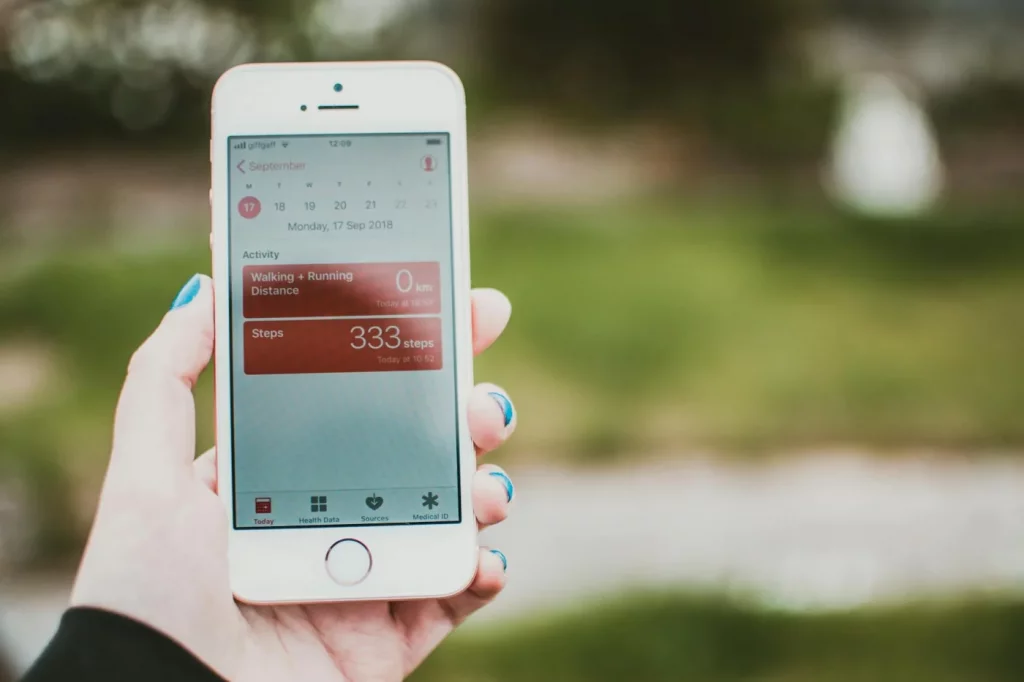
Yes — you can track habits without journaling, and for a lot of people it works better. If you’re looking for the best habit tracker app free, you probably don’t want daily writing, mood logs, or a bullet journal you’ll abandon by Thursday. You want something fast: one tap, one checkmark, done. And honestly, that low-friction approach is often what helps habits that actually stick.
Sound familiar? You start with good intentions, miss one day, then the whole system feels broken. Research on self-monitoring and behavior change suggests that simpler tracking can improve follow-through because it lowers effort and keeps the cue-reward loop visible; even broad evidence reviewed in behavior change research from the National Library of Medicine points in that direction. So if journaling feels like homework, that’s not a personal flaw — it’s often a design problem.
Here’s what you’ll get in this guide: the best habit tracker app free picks for iPhone and Android, the best no-writing options for ADHD, offline/privacy-first tools, and minimalist systems that take less than 10 seconds a day. I’ll also show you how to track habits without journaling using widgets, calendar X-marks, paper grids, and one-tap apps — plus a 5-minute setup method so you can build a system that supports consistency instead of perfection. Speaking of which — that’s the whole point of identity-based study habits: make tracking reinforce who you’re becoming, not just what you checked off.
I’m a software engineer and self-taught learner, and while building FreeBrain tools I kept testing minimalist tracking systems on myself because the fancy ones were too annoying to maintain. So this isn’t another bloated app roundup. It’s a practical, filtered guide to the best habit tracker app free options that actually get used.
📑 Table of Contents
- You can track habits without journaling
- The easiest no-journal methods compared
- Best habit tracker app free by use case
- Set up your tracker in 5 minutes
- Mistakes to avoid + quick weekly routine
- Frequently Asked Questions
- What is simple habit tracking without journaling?
- How do you track habits without journaling?
- What is the simplest habit tracker app?
- Does the iPhone have a free habit tracker?
- Which habit tracker is best for Android?
- Can you track habits without bullet journaling?
- How do you make habit tracking simple?
- Is journaling necessary for habit tracking?
- Conclusion
You can track habits without journaling
If the intro left you wondering whether writing is required, the short answer is no. Simple habit tracking without journaling works, and for a lot of people it works better because it removes friction from both the habit and the record. Curious about productivity and focus beyond this article? Our productivity and focus guide goes deeper.
That matters more than most readers think. If you’re looking for the best habit tracker app free, what you usually need first isn’t more features. It’s less effort.
What counts as habit tracking
Here’s the clean distinction: journaling means writing about the habit, while tracking means recording whether it happened. A checkmark, one tap, a streak counter, or a calendar X all count as habit tracking without bullet journaling.
So what is simple habit tracking without journaling? Think “read 1 page” and tap Done. Or “take medication” and mark it complete before you leave the bathroom. That’s enough. If you want a bigger behavior system behind it, start with habits that actually stick and keep the logging part tiny.
Personally, I think this is where people overcomplicate things. A bullet journal spread can work, sure. But a minimalist habit tracker without writing often wins because you actually use it.
Why low-friction systems work better
My rule of thumb is the 30-second rule: if logging takes more than 30 seconds, many people stop within days. OK wait, let me back up. Beginners usually need proof of completion, not deep reflection.
Research on self-monitoring and implementation intentions points in the same direction: specific actions tied to cues are easier to follow through on, especially when recording them is simple. The American Psychological Association’s overview of willpower and habit-related behavior and habit research indexed on PubMed both support the basic idea that clear cues and easy tracking help consistency.
As a software engineer building FreeBrain tools, I’ve seen the same pattern again and again: people abandon systems with too many taps, too much writing, or too much perfection. Tracking should support consistency and identity, not guilt, which is why I like tying it to identity-based study habits instead of streak obsession.
Who this guide is for
This guide is for students, busy professionals, self-directed learners, and ADHD-prone readers who want simple habit tracking without journaling on iPhone, Android, or built-in tools they already have. And yes, it’s for people who miss a day, forget to journal, then quit entirely.
- You dislike writing or never keep up with a journal.
- You want a free tracker before paying for anything.
- You need a visible cue, quick tap, and done.
One easy setup is pairing a habit with an existing cue — toothbrush, coffee, desk login — using ideas like these habit stacking examples. If ADHD, anxiety, or compulsive tracking patterns are significantly disrupting daily life, treat this article as education, not treatment advice, and consult a qualified clinician.
Next, I’ll compare the easiest no-journal methods so you can choose the best habit tracker app free for your use case in minutes.
The easiest no-journal methods compared
If you already know you can track habits without writing paragraphs, the next question is simpler: which format takes the least effort? For most people, the real choice isn’t the best habit tracker app free option first. It’s the lowest-friction method you’ll actually keep using, which is why systems with fewer steps often build habits that actually stick.

| Method | Daily logging | Setup | Offline | Best for | Main limitation |
|---|---|---|---|---|---|
| One-tap app | 2–5 sec | 2–5 min | Usually yes | Fast streak tracking | Free tiers may limit habits or stats |
| Home screen widget | 2–4 sec | 1–3 min | Sometimes | Forgetful users | Widget quality varies by device |
| Calendar checkmarks | 3–8 sec | 1–2 min | Yes | Simple visual chains | No built-in reminders |
| Paper grid | 3–10 sec | 2–5 min | Yes | Privacy-first minimalists | Easy to ignore if hidden |
| Built-in reminders/checklists | 2–6 sec | 1–4 min | Yes | No extra app | Weak trend views |
📋 Quick Reference
Choose a format before a tool. Prioritize four things: one tap, visibility, low setup, and easy review. App designs and free plans change, so principles matter more than brand names.
One-tap app
A one tap habit tracker app works best if you want a dedicated streak view and a satisfying “done” moment. That matters because visible progress supports consistency, and research on habit formation points to repetition in stable contexts as the key driver, not motivation spikes; see the overview in the NCBI chapter on habit formation. If you’re building identity-based study habits, a simple yes/no log is often enough.
Widget or home screen shortcut
This is great for forgetful users. On iPhone or Android, the cue stays visible, so you don’t have to remember to open anything. Reading 10 pages? A widget or streak app is often the best simple habit tracking app without journaling.
Calendar checkmarks and paper grids
The calendar method for habit tracking without journaling is the classic “don’t break the chain” approach: put an X on each day you do the habit. It’s ideal for stretching, walking, or one-minute review sessions. Paper grids are fully offline, private, and excellent for 1–3 habits, but they need to stay visible on your desk or wall.
Built-in reminders and checklists
If you don’t want another app at all, start here. Medication works well with recurring reminders and a single-tap checklist completion; flashcards work well when the checklist is tied to a cue using habit stacking examples, like “after lunch, open Anki.” The main tradeoff? Less motivation if you want charts, streaks, or trend views. And yes, if you’re comparing the best habit tracker app free choices, built-in tools still count.
- Medication: reminders or checklist
- Reading: widget or streak tracker
- Stretching: calendar X
- Flashcards: checklist linked to a study cue
Personally, I’d pick the method first and the app second. That’s also consistent with behavior guidance from the American Psychological Association on building healthy habits. Next, let’s match the best free option to your actual use case.
Best habit tracker app free by use case
If you want the best habit tracker app free, skip the giant app roundups. The real question is simpler: which option removes the most friction for your phone, your routine, and your attention span?
That matters because low-effort systems beat good intentions. If you’re building habits that actually stick, tracking should support consistency, not turn into another task.
Best for iPhone and iOS
For most iPhone users, Apple Reminders is the simplest built-in choice. You set a recurring reminder, tap complete, and move on. If your habit is health-related, some people prefer Apple Health-style logging depending on the habit and device setup.
- Best for: recurring daily habits, one-tap completion, no extra app
- Main limitation: fewer habit-specific streak views and charts
- Setup difficulty: very easy
- Offline: yes for core reminder use on device
Want even less? Use a calendar checkmark or home screen widget. And yes, simple habit tracking without journaling on iPhone is completely valid.
Best for Android
On Android, Loop Habit Tracker is a strong minimalist pick. At the time of writing, it’s widely used for simple tracking, works well offline, and doesn’t force journaling.
- Best for: Android users who want a clean, free, offline habit tracker app
- Main limitation: interface details can vary by Android version
- Setup difficulty: easy
- Offline: yes
Best for ADHD-friendly tracking
The best simple habit tracking app without journaling for ADHD is usually the most visible one. Think one tap, recurring reminder, home screen widget, and tiny completion rules tied to identity-based study habits.
Examples help: “take meds after brushing teeth” or “review 3 flashcards after opening laptop.” If your schedule shifts a lot, pair tracking with time-blocking for changing schedules.
If ADHD symptoms are seriously affecting school, work, or daily life, consult a qualified professional. For background on ADHD symptoms and support, the CDC’s ADHD resource page is a solid starting point.
Best for privacy-first or offline use
Privacy-first? A paper grid, local reminders, or an offline Android app often wins. No login. No feeds. No data-sharing worries. The tradeoff is less automation and fewer trend charts.
So which is the best habit tracker app free for you? Pick the one you’ll still use next Tuesday. Next, I’ll show you how to set your tracker up in 5 minutes.
Set up your tracker in 5 minutes
You’ve seen which option fits your use case. Now make it real. The best habit tracker app free is the one you can set up in one sitting and actually open tomorrow.
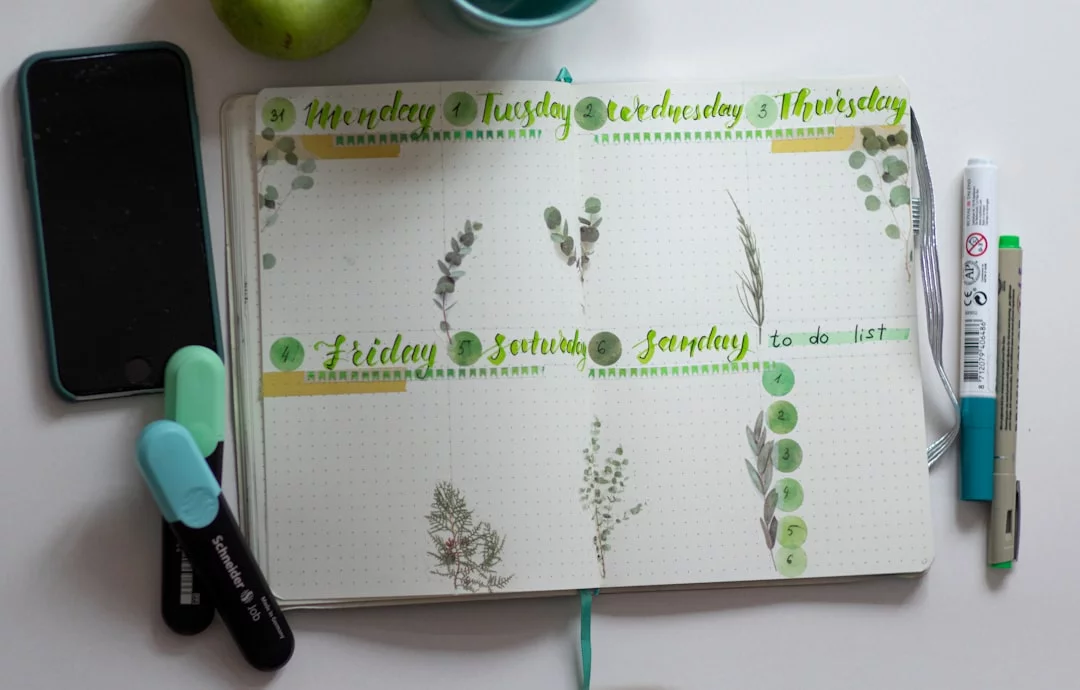
If you want habits that actually stick, keep the system tiny and identity-friendly, not perfect. That’s also why identity-based study habits work better than chasing huge streaks.
How to set it up fast
- Step 1: Pick one habit and one cue.
- Step 2: Choose the fastest format.
- Step 3: Define done and make it visible.
- Step 4: Review weekly, not daily.
Step 1: Pick one habit and one cue
Use this formula: “After I [existing action], I will [tiny habit].” For example: after coffee, read 1 page; after brushing teeth, take medication; after opening your laptop, review 5 flashcards. Need pairings? See these habit stacking examples.
Step 2: Choose the fastest format
Pick a method that takes 2 to 10 seconds. If you already live in Reminders or Calendar, start there; if you want streaks, use a one-tap habit tracker app; if you want privacy, use paper. The simplest system is usually the one you already open every day.
Step 3: Define done and make it visible
Vague habits fail. “Read 1 page” works; “read more” doesn’t. Add a visible cue: a widget, sticky note, recurring reminder, or a pinned checklist. Research on implementation intentions suggests specific if-then plans improve follow-through; see the overview on implementation intentions.
- Done = stretch for 30 seconds
- Done = review 5 flashcards
- Done = take medication once
Step 4: Review weekly, not daily
A 5-minute weekly reset is enough for most beginners using the best habit tracker app free or any no-journal system. Check only three things: did you do it, did the cue happen, and is the habit still small enough? That keeps one tap habit tracking without journaling from turning into another chore.
And if you want extra help, explore FreeBrain’s guides on habit stacking, procrastination, and focus systems. Next, let’s cover the mistakes that quietly break simple trackers — and the quick weekly routine that fixes them.
Mistakes to avoid + quick weekly routine
Your setup is done. Now the part that actually decides whether the best habit tracker app free helps you or becomes another abandoned icon.
Most behavior change failures aren’t about motivation. They’re about friction, overload, and expecting reflection when a simple routine tracker would do.
Mistakes that add friction
The biggest common habit tracking mistakes are predictable. You track 5-10 habits on day one, pick a beautiful system before choosing one behavior, then quit after one broken streak.
- Don’t maintain a tracker that takes longer than the habit itself.
- Don’t switch apps every week just because the last one felt boring.
- Don’t confuse logging with doing; checkmarks aren’t the behavior.
Research on self-monitoring suggests tracking can help, but only when the method stays easy enough to repeat. If you’re trying to learn habits that actually stick, boring is often better than impressive.
From experience: what actually sticks
After testing low-friction systems and studying how learners use simple checklists, the most reliable setups are boring on purpose. One habit. One cue. One visible mark.
Well, actually, that’s the part most people resist. But visible cues usually beat motivation spikes, and a plain checklist often outperforms the best habit tracker app free choice for overwhelmed users who want simple habit tracking without journaling.
Unstable schedule? Use cue-based tracking, not time-based tracking. “After coffee” survives chaos better than “8:00 AM.”
Your 10-second daily and 5-minute weekly routine
Keep it almost stupidly simple:
- Daily: tap done in 10 seconds. Don’t analyze.
- Weekly: spend 5 minutes asking keep, shrink, move, or delete?
- Upgrade from one habit to two or three only after 2-3 consistent weeks.
📋 Quick Reference
Missed one day? Resume the next cue. Broken streaks matter less than fast recovery. If a habit keeps failing, reduce activation energy first—something as small as the 5-minute rule for procrastination often works better than more reflection.
That’s the system: low friction, visible proof, quick resets. Next, I’ll answer the questions people usually have before choosing a tracker and wrapping this up.
Frequently Asked Questions
What is simple habit tracking without journaling?
Simple habit tracking without journaling means you record whether you did the habit with a tap, checkmark, streak counter, or calendar mark instead of writing reflections about your day. The goal is consistency and visibility, not daily writing. If you can see your recent completions in a few seconds, the system is doing its job.
How do you track habits without journaling?
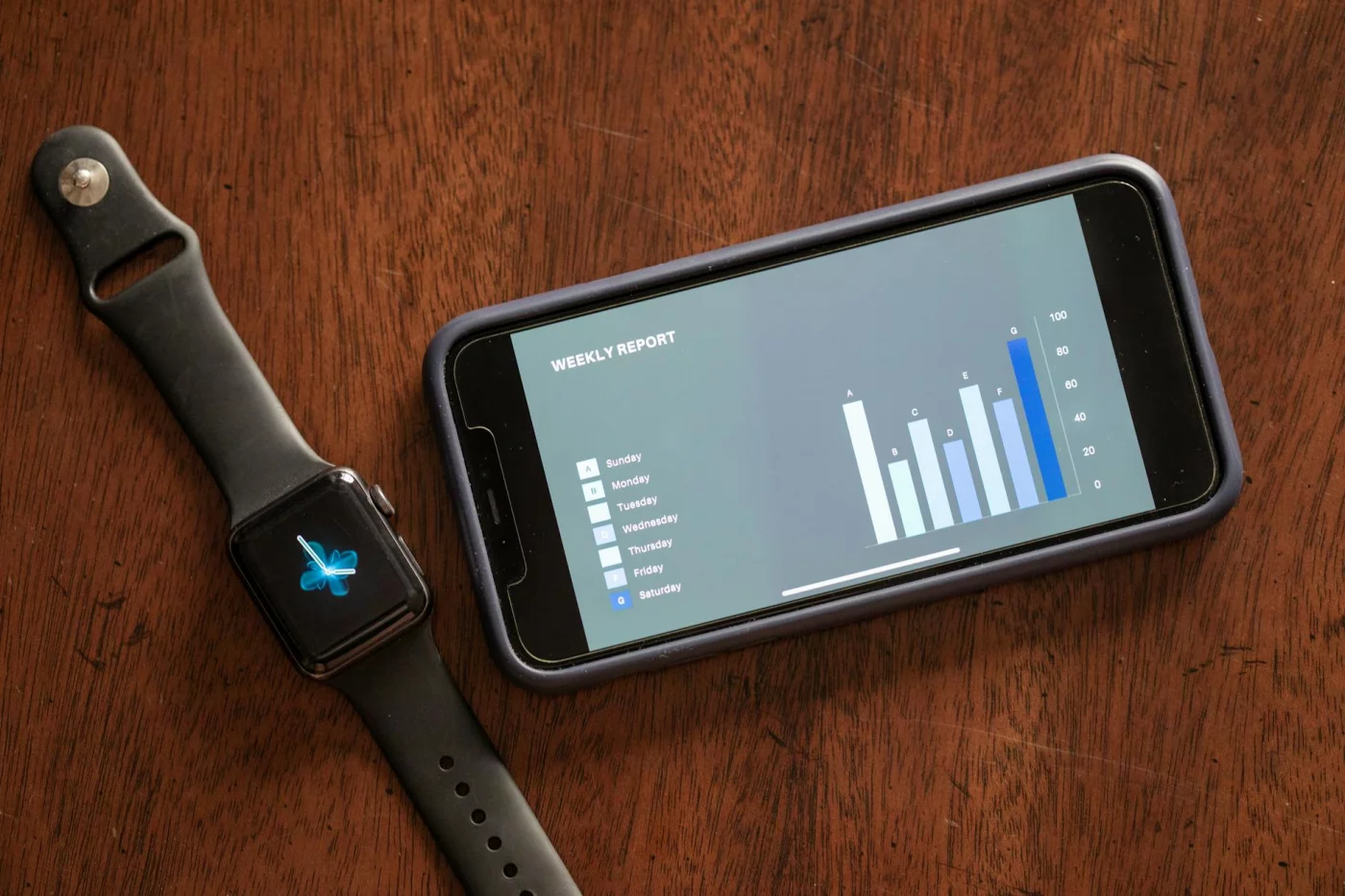
If you’re wondering how to track habits without journaling, start small: pick one habit, one cue, and one fast way to log it. For example, use a recurring Reminder after breakfast, tap a home screen widget, or place an X on your calendar the moment you finish. Keep the completion rule tiny—like “read 1 page” or “stretch for 2 minutes”—and review your streak once a week so the system stays easy to maintain.
What is the simplest habit tracker app?
For most people, what is the simplest habit tracker app comes down to this: it’s usually the app already on your phone, like Reminders, Notes, or a basic checklist app. But wait, if you want a dedicated option, choose one with one-tap logging, clear streaks, and almost no setup. Personally, I think the best habit tracker app free is often the one you’ll actually open every day, not the one with the most features.
Does the iPhone have a free habit tracker?
Yes—if you’re asking does the iPhone have a free habit tracker, built-in tools like Apple Reminders and Calendar can absolutely work. Recurring reminders, pinned lists, and widgets make them much better for no-journal tracking than most people realize. And if you want to keep things dead simple, set one daily reminder and mark it complete with a single tap.
Which habit tracker is best for Android?
If you’re searching which habit tracker is best for android, Loop Habit Tracker is a strong free choice because it’s simple, offline-friendly, and built around quick check-ins. Android also makes built-in systems practical through widgets, notification actions, and home screen shortcuts. For readers who want the best habit tracker app free without extra clutter, Loop is often the first app worth trying.
Can you track habits without bullet journaling?
Yes, can you track habits without bullet journaling has a simple answer: absolutely. A bullet journal is just one format, not a requirement for behavior change. Calendar marks, reminder apps, widgets, and even a paper grid on your desk can all work well without turning the process into journaling; for behavior basics, the American Psychological Association’s overview of habits is a useful starting point.
How do you make habit tracking simple?
If you want to know how do you make habit tracking simple, reduce the system to four parts: one habit, one cue, one tap, one weekly review. That’s it. If logging takes more than about 30 seconds, simplify either the tool or the habit itself—and if you need help choosing a method that fits your style, check FreeBrain’s study and productivity tools hub at FreeBrain.
Is journaling necessary for habit tracking?
No—is journaling necessary for habit tracking is one of those questions that sounds bigger than it is. Journaling can help some people reflect, spot patterns, and stay motivated, but it isn’t required for building consistency. For beginners, visible cues, fast completion logs, and a simple system usually matter more than writing about the habit every day.
Conclusion
You don’t need a journal, a fancy system, or 30 minutes of reflection every night. The simplest setup usually works best: pick one tracker you’ll actually open, limit yourself to 3-5 habits, make each habit painfully clear (“walk 10 minutes” beats “exercise”), and attach a 2-minute weekly review so missed days don’t quietly turn into dropped goals. And if you’re comparing options, the best habit tracker app free for you is usually the one that matches your style — visual streaks, reminders, or quick tap check-ins — not the one with the longest feature list.
That matters more than people think. A lot of habit systems fail because they ask too much, too early. But wait — that’s actually good news. It means you probably don’t need more motivation; you need less friction. If journaling has always felt heavy, inconsistent, or just plain annoying, you’re not doing it wrong. You’re just better suited to a lighter system. Start small today, make it easy to repeat tomorrow, and let consistency do the hard part.
If you want to keep building a study and productivity system that’s simple enough to stick with, explore more on FreeBrain.net. You might like How to Build Habits That Stick for behavior design basics, or Daily Routine for Students if you want a practical structure around your new tracker. Pick your tool, set up your first 3 habits, and give yourself one clean week of honest reps. That’s how real progress starts.