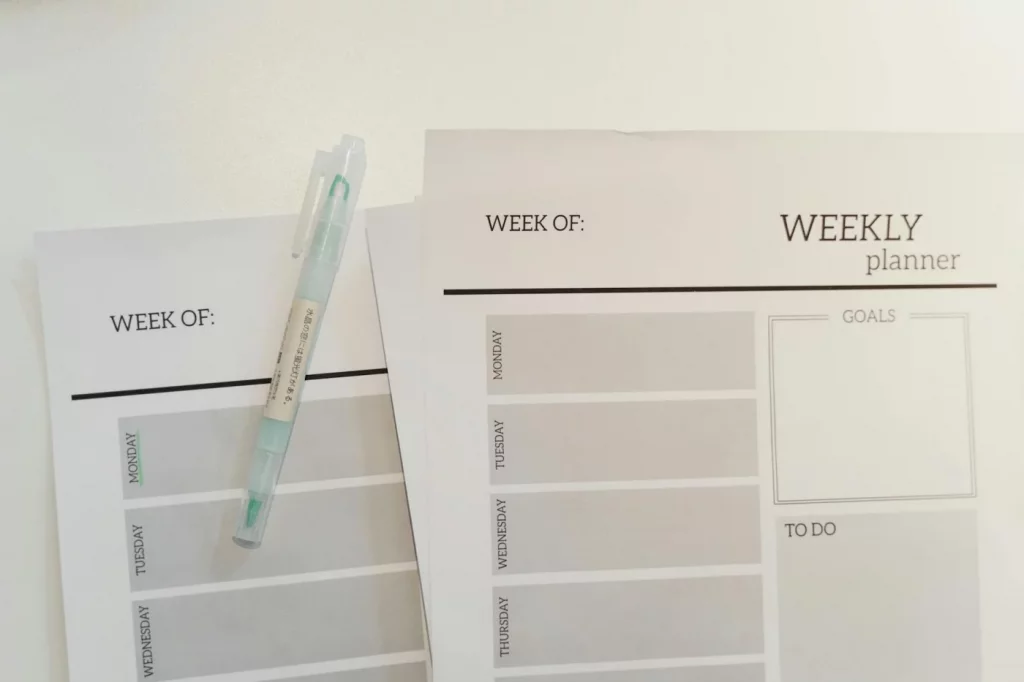
You don’t hate planning. You probably hate calendars. If every task in your week feels heavier the moment it needs a date and time, an undated weekly planner template can help you plan without that pressure. Think of it as weekly planning without calendars: a simple page that organizes your priorities, task buckets, notes, and focus blocks without forcing you to decide that everything must happen on Tuesday at 2:00 p.m.
Sound familiar? You open a planner, start assigning dates, fall behind by Wednesday, and then the whole thing feels ruined. That’s not a personal failure. Research on attention and executive function, including APA guidance on executive function, helps explain why rigid scheduling can backfire for some brains, especially when overwhelm, avoidance, or decision fatigue pile up. If that hits close to home, you might also recognize the pattern in task aversion vs laziness.
So here’s the deal. This guide will show you exactly what an undated weekly planner template is, how to use an undated weekly planner in a low-pressure way, and how to plan your week without a calendar by using task-based planning, rolling weekly to-do lists, theme days, and energy-based planning. You’ll also get ADHD-friendly adaptations, including ways to pair your weekly plan with short focus sprints like these Pomodoro tweaks for ADHD, instead of relying on rigid hour-by-hour schedules.
I’m a software engineer, not a neuroscientist. But after building FreeBrain tools and testing planning systems for self-directed learning, I’ve found that an undated weekly planner template often works better than a dated planner when your real problem isn’t motivation — it’s friction. And yes, that distinction matters more than most productivity advice admits.
📑 Table of Contents
- Why calendar-free planning works
- The simple weekly template
- How to use it each week
- Real-world examples and ADHD tweaks
- Mistakes, template, and quick answers
- Frequently Asked Questions
- What is a weekly planner diary with no dates?
- How do you use an undated weekly planner?
- How do you plan your week without a calendar?
- What is the difference between an undated planner and a calendar?
- Is an undated weekly planner better for ADHD?
- Do people with ADHD like planners?
- How do you make a rolling weekly to-do list?
- Conclusion
Why calendar-free planning works
If dated planners keep turning into guilt books, you’re not imagining it. A lot of people freeze when planning means assigning every task to a day, hour, and perfect sequence before real life has even happened.
An undated weekly planner template solves that by giving you structure without overcommitting. It’s a one-page weekly layout with no prefilled dates, built to hold priorities, task groups, and notes without locking everything to the calendar.
What it is in plain English
So here’s the deal. If you’ve wondered what is a weekly planner diary with no dates, it’s basically a reusable weekly page for planning without calendars first and scheduling second.
Most versions include five core areas:
- a brain dump
- top 3 priorities
- task buckets by project or life area
- flexible focus blocks, like a 60-minute deep work block
- notes, reminders, or carryovers
That matters because working memory is limited, and research on cognitive load and external memory supports getting tasks out of your head and into a visible system.
Who tends to do better with it
Students, self-directed learners, busy professionals, and people with time blindness often do better with low-pressure planning. Why? Weekly structure asks fewer decisions than daily scheduling, and it’s easier to recover after one messy day.
Personally, I think this is the part most people get wrong: avoidance isn’t always laziness. Sometimes it’s shame, overload, or task aversion vs laziness showing up in planner form.
Some readers with ADHD also find flexible external systems helpful, and short intervals can fit well inside a weekly plan with Pomodoro tweaks for ADHD. Educational note only: for diagnosis or treatment questions, consult a qualified clinician. The APA’s overview of ADHD from the American Psychological Association is a solid starting point.
Undated vs dated: the real tradeoff
Dated planners reward consistency. But wait—they also punish missed days, because skipped pages can feel like visible failure. An undated weekly planner template lowers restart friction since you can miss a week without “wasting” anything.
Dated systems still help if your life runs on appointments, classes, or recurring meetings. Undated wins when you’re juggling study projects, home tasks, or unpredictable energy. After building FreeBrain tools and testing low-pressure planning methods alongside work and learning projects, I’ve found the best planner is the one you’ll reopen.
Next, I’ll show you the simple weekly template itself and how to fill it out in minutes.
The simple weekly template
If calendar-free planning works for your brain, this is the page that makes it real. I’ll give you a copyable undated weekly planner template later, but first you need the structure.
The 5 parts that belong on one page
One page matters because you can see the whole week at once. Less hiding, less friction, and fewer abandoned plans when life shifts.
This planning template has five parts: brain dump, top 3 priorities, theme buckets, flexible focus blocks, and an undated weekly planner with notes. Why these five? They cover both action and recovery, so when the week changes, your system bends instead of breaking.
- Brain dump: everything on your mind
- Top 3: only the must-move tasks, guided by the 80/20 rule for studying
- Theme buckets: Study, Admin, Home, Deep Work, Errands, Follow-ups
- Flexible focus blocks: 3-6 blocks, not fixed timestamps; think a 60-minute deep work block
- Notes: carryovers, constraints, reminders
What to write in each box
Brain dump items can be messy: email professor, refill prescription, review chapter 4, invoice client, laundry, call landlord. Then tighten them up. “Study biology” is vague; “do 20 flashcards + 1 practice set” is usable.
For task based weekly planning, keep just three priorities for the week. A few actions often drive most progress, which fits what cognitive load research suggests about limited working memory, and the working memory overview on Wikipedia is a decent plain-language refresher.
Your rolling weekly to do list should also include 3-6 flexible blocks like “2 deep study blocks,” “1 admin sprint,” or “1 life maintenance block.” If shorter intervals help, borrow ideas from Pomodoro tweaks for ADHD. And notes? Write things like “low energy Wednesday” or “lab report due soon.”
📋 Quick Reference
One-page layout: brain dump, top 3, theme buckets, focus blocks, notes.
Best use: weekly planning without calendars template for people who hate rigid scheduling.
Rule of thumb: if you can’t scan it in 30 seconds, it’s too crowded.
What to leave out
Don’t cram every possible task onto the page. Don’t map all 7 days hour by hour. And don’t duplicate your calendar if you already use one for appointments.
The page should feel usable at a glance in under 30 seconds. Research on executive function from the National Institute of Mental Health helps explain why simpler systems are often easier to follow. Next, I’ll show you exactly how to use this undated weekly planner template each week.
How to use it each week
Now turn the simple layout into a real weekly planning system. An undated weekly planner template works best when you use it to guide choices, not to predict every hour.
Step 1-2: Dump everything, then cut to three
How to use an undated weekly planner
- Step 1: Spend 5-10 minutes on a full brain dump. Write down study tasks, work tasks, and life tasks in one place: “review chapters 4-6,” “reply to client email,” “book dentist,” “laundry,” “fix login bug.” Research on cognitive load, including APA’s overview of working memory, helps explain why externalizing tasks reduces mental clutter.
- Step 2: Then switch modes. Don’t prioritize by guilt. Ask: if only three things got done this week, which three would matter most? A student might cut a long list down to “finish biology review,” “complete practice test,” and “email professor,” using the 80/20 rule for studying to find the highest-payoff work.
Step 3-4: Sort by type and assign focus blocks
Next, group tasks by type, not date. Buckets like Deep Work, Admin, Home, Calls, and Study Review reduce switching costs, which matters because attention residue is real, as described in Wikipedia’s summary of attention residue.
- Deep Work: coding, writing, exam practice
- Admin: email, forms, scheduling
- Study Review: flashcards, summaries, quizzes
Step 4: Assign theme days or flexible blocks. Think Monday = admin + planning, Tuesday/Thursday = focused work, Friday = catch-up. If strict schedules make you rebel, try a 60-minute deep work block instead. A developer juggling meetings might reserve two blocks for coding and push calls into one admin window.
Step 5-6: Keep a rolling list and reset midweek
Step 5: Build a rolling weekly to do list. Unfinished tasks stay visible and move forward without being rewritten every day. That’s a big reason people prefer an undated weekly planner template when they’re learning how to plan your week without a calendar.
Step 6: Do a 10-minute review on Wednesday afternoon or Thursday morning. Drop unrealistic tasks, re-rank the top three, and ask: What still matters? What got blocked? What can wait without drama? If shame kicks in, read our piece on task aversion vs laziness.
If you want, copy this flow into your own page or pair it with FreeBrain’s related planning resources. Next, I’ll show real-world examples, including ADHD-friendly tweaks.
Real-world examples and ADHD tweaks
So that’s the weekly setup. Now let’s make it real. From experience balancing work and learning projects, the weekly systems that lasted were visible, forgiving, and didn’t depend on perfect timing.
From experience: what actually sticks
After building and testing planning workflows, I’ve found that a low-pressure weekly workflow beats a “perfect” one almost every time. An undated weekly planner template works because missed days don’t ruin the page, which matters if rigid calendars trigger shame, avoidance, or task aversion vs laziness.
Example week: student and working adult
A student’s page might hold 3 must-move tasks, 2 study blocks for new material, 1 review block, admin tasks, and a rolling list for carryover. If finals are coming, those weekly buckets can plug into a bigger 30-day exam study plan without turning the week into a minute-by-minute schedule.
- Study block 1: chapter problems
- Study block 2: flashcards + recall
- Review block: past mistakes
For a working adult, energy based planning for the week is often better: deep work in your sharpest window, meetings midday, errands and email later. If you need flexible focus time, try a 60-minute deep work block instead of rigid scheduling.
ADHD-friendly adjustments
For ADHD or overwhelmed minds, keep the planner open, use 3 categories if 5 feels heavy, cap the rolling list at 8–12 items, and shorten work intervals if long sessions spark avoidance. Research summarized by the CDC’s ADHD overview also notes that executive function challenges can affect planning and follow-through.
The best undated weekly planner for adhd is usually the one you’ll actually see and reuse. Daily pages can help on chaotic days, appointment-heavy days, or shutdown recovery, but the weekly page should stay home base; short sprints like these Pomodoro tweaks for ADHD fit well inside that system.
This section is educational, not medical advice. If ADHD, anxiety, or other mental health concerns are significantly affecting daily functioning, consult a qualified professional. Next, let’s cover common mistakes, a simple template, and quick answers.
Mistakes, template, and quick answers
If the earlier examples felt doable, good. Now let’s make sure your system survives real life next week, not just a motivated Sunday night.
What usually goes wrong
Three mistakes break most planner method setups. First, people treat an undated weekly planner template like a calendar and assign exact times to everything. Fix: use task buckets and 3-6 flexible focus blocks instead, especially if rigid scheduling makes you shut down; that’s also why I’d read toxic productivity explained.
- Too many priorities: if everything matters, nothing moves. Fix: choose 3 must-do outcomes, then park the rest on a rolling list.
- No weekly review: without a reset, tasks pile up and create friction. Fix: spend 10 minutes midweek moving, deleting, or shrinking unfinished items.
The point is simple: your plan should lower pressure, not add it.
Copy this one-page template
Paste this weekly planning without calendars template into Notes, Notion, or paper:
Brain Dump:
Top 3 Priorities:
Theme Buckets: Study / Admin / Errands / Home
Focus Blocks (3-6):
Rolling List:
Notes:
Want an undated weekly planner with notes for studying? Add “review,” “practice,” and “submit.” For work, swap in meetings, deep tasks, and follow-ups.
Quick reset for next week
📋 Quick Reference
Keep it visible. Choose 3 priorities. Sort by task type. Plan by energy, not fantasy. Review midweek.
The best undated weekly planner template is the one you’ll still use next week, not the one that looks perfect on day one. Start messy, keep it flexible, and then check our FreeBrain guides on deep work, procrastination, and study planning. Next, I’ll answer the common questions people still have before they commit to this system.
Frequently Asked Questions
What is a weekly planner diary with no dates?
A weekly planner diary with no dates is a planner page, printable, or notebook layout that organizes your week without preprinted calendar dates. In other words, if you’re wondering what is a weekly planner diary with no dates, it’s a flexible system for mapping priorities, task buckets, and notes without needing to use every day in order. That makes it useful if your schedule changes a lot or you skip days and don’t want wasted pages. An undated weekly planner template gives you structure, but without the pressure of keeping up with fixed dates.
How do you use an undated weekly planner?
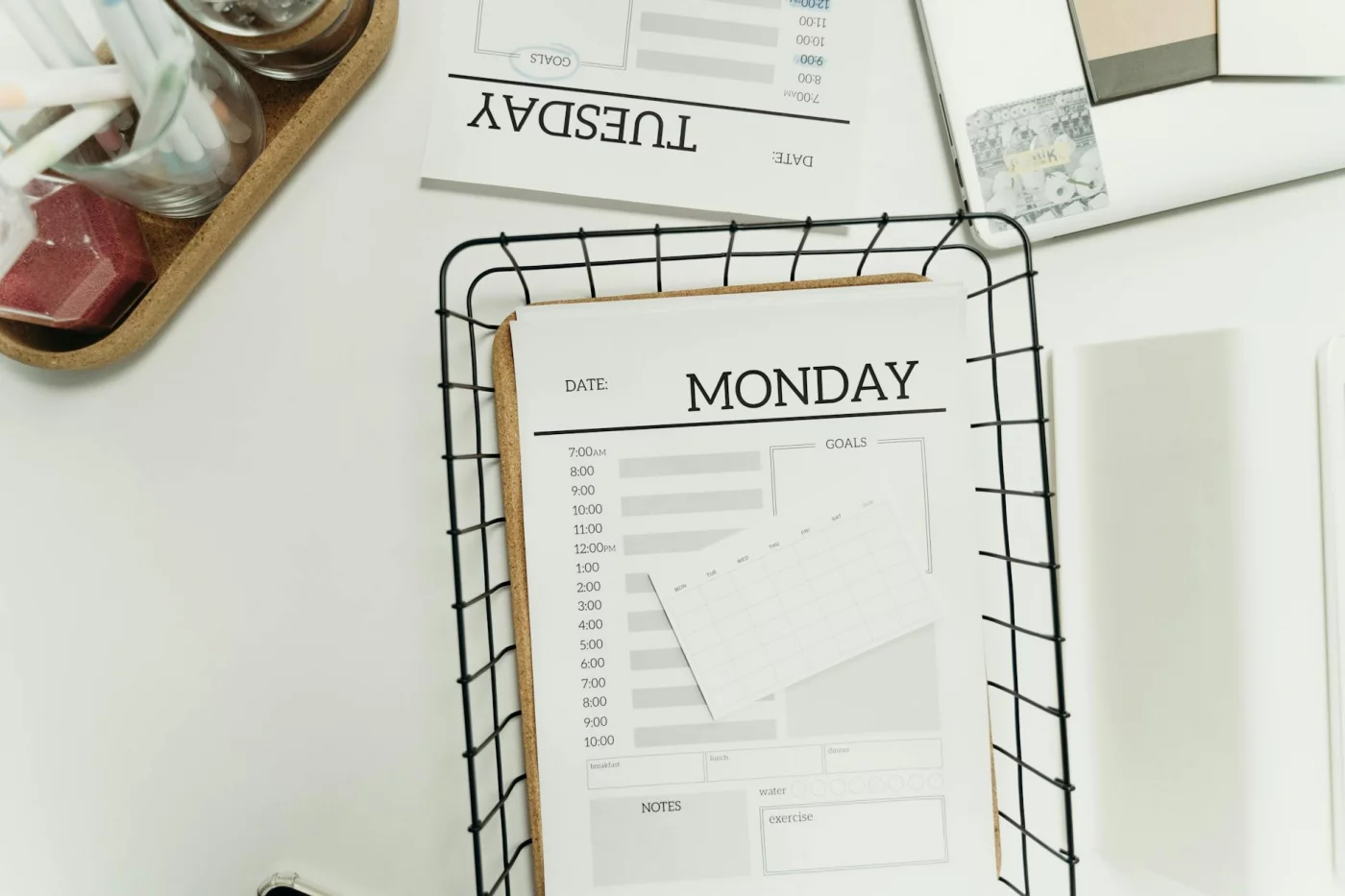
If you want to know how to use an undated weekly planner, start simple: do a brain dump, pick your 3 must-move priorities, then sort the rest into categories like admin, deep work, errands, or follow-up. After that, assign flexible focus blocks instead of packing every task into a specific hour, and check the page again midweek to adjust. Personally, I think this is where most people overcomplicate things — your undated weekly planner template should help you see the week clearly, not turn into another thing to maintain.
How do you plan your week without a calendar?
The easiest answer to how to plan your week without a calendar is to use a one-page weekly layout with three parts: priorities, task categories, and a rolling list. You don’t need to assign everything to Monday, Tuesday, or Wednesday; instead, you track what matters this week and pull from that list as time opens up. But wait — if you do have fixed appointments, keep those in a calendar and manage your actual work inside the planner. A simple undated weekly planner template works best when it separates time-specific events from flexible tasks.
What is the difference between an undated planner and a calendar?
The short version of undated weekly planner vs dated planner is this: a calendar is mainly for date-specific events, deadlines, and appointments, while an undated planner is better for flexible task planning and weekly priorities. With a calendar, unused days are just part of the system; with an undated planner, you can pause, restart, and carry unfinished tasks forward without wasting pages. Which brings us to the real benefit — if your weeks aren’t predictable, an undated weekly planner template usually gives you more room to adapt.
Is an undated weekly planner better for ADHD?
For some people, yes — the best undated weekly planner for adhd can reduce restart friction and the shame that comes from missing a few days in a dated planner. A flexible weekly layout often feels easier to return to because you can pick back up without seeing a trail of blank pages. That said, it isn’t a treatment, and the right setup depends on your routines, support, and specific challenges. For ADHD-related planning concerns, it’s smart to read evidence-based guidance from sources like the CDC’s ADHD resource page and talk with a qualified professional if you need clinical support.
Do people with ADHD like planners?
Some do, some really don’t. A good weekly planning system for adhd adults is usually visible, simple, and forgiving rather than rigid, which is why many people prefer weekly spreads over detailed daily pages. Research and clinical guidance around ADHD often point to the value of external supports, but the system has to be easy enough to keep using. And yes, that’s the catch — many people struggle with planners that demand perfect daily follow-through, while weekly planning can feel more realistic and easier to maintain.
How do you make a rolling weekly to-do list?
To build a rolling weekly to do list, keep one short list of active tasks for the week and move unfinished items forward during your review instead of rewriting them every day. Three rules help a lot: cap the list so it stays usable, mark true priorities so everything doesn’t feel equally urgent, and delete low-value tasks that no longer matter. OK wait, let me back up — the point isn’t to preserve every task forever; it’s to keep your weekly plan current enough that you’ll actually use it. If your list keeps growing, trim it first, then rebuild your undated weekly planner template around what still matters this week.
Conclusion
The big idea is simple: plan your week around reality, not perfect calendar blocks. Start with 3-5 priority outcomes, map them onto the days you actually have energy and time for, leave breathing room for spillover, and review the plan before the week starts. And if your schedule changes — which it probably will — an undated weekly planner template makes it easy to reset without feeling like you’ve already “failed.” That’s the part most people miss. A good weekly plan isn’t rigid; it’s adjustable.
You don’t need a prettier system. You need one you’ll keep using. If you’ve struggled with consistency, distraction, or the all-or-nothing trap, you’re not behind — you probably just needed a planning method that fits real life. Personally, I think that’s why this works so well: it gives you structure without boxing you in. One solid weekly reset can change how your next seven days feel, and those weeks add up fast.
Want to keep improving your system? Explore more practical tools and guides on FreeBrain.net, including how to build a study plan that you actually follow and time blocking for students. Then grab your undated weekly planner template, fill in this week’s top priorities, and make your plan usable by tomorrow morning. Small plan, clear next step, real momentum.