If you keep waking up and reaching for your phone, the fastest fix is simple: make the habit harder, less rewarding, and less necessary. The main side effects of using phone at night are delayed sleep, more awakenings, a harder time falling back asleep, and next-day brain fog — and those problems usually improve when you set a cutoff time, move the phone away from the bed, silence alerts, and swap in a short wind-down routine.
You probably know the pattern. You wake up at 2:17 a.m., check one notification, then glance at the time, then open messages, then somehow you’re fully awake and wondering why your brain won’t shut off. And here’s the kicker — research on light exposure and sleep timing, including PubMed Central research on sleep and circadian rhythms, helps explain why even “just a quick check” can turn into a much longer sleep disruption.
This article is built for that exact problem. You’ll learn the real side effects of using phone at night, why you might be constantly checking phone for messages, when should you stop looking at your phone before bed, where should you keep your phone at night, and how to stop checking phone at night on both iPhone and Android. If this habit spills into the rest of your day too, start with our guide on stop phone addiction for students — then come back here for the overnight reset.
More specifically, I’ll walk you through the sleep science behind middle-of-the-night checking, the settings that remove the biggest triggers, and a simple 7-day reset you can start tonight. You’ll also get a practical replacement plan, because knowing the side effects of using phone at night isn’t enough if your hand still reaches for the screen on autopilot.
I’m a software engineer, not a neuroscientist — but I’ve spent years building learning tools, testing behavior-change systems, and translating research into routines people can actually stick to. Personally, I think this is the part most articles miss: you don’t just need less screen time, you need a better default behavior, which is why we’ll also tie this into a realistic bedtime routine for adults that makes nighttime phone checking much less likely.
📑 Table of Contents
- Why you keep checking at night
- Side effects of using phone at night
- The 5-step fix that works
- Settings and mistakes to avoid
- 7-day reset and quick reference
- Frequently Asked Questions
- How do I stop checking my phone in the middle of the night?
- When should you stop looking at your phone before bed?
- Where should you keep your phone at night?
- Is it bad to check your phone during the night?
- How do I stop obsessively checking my phone for messages at night?
- How to stop checking phone at night on iPhone?
- How to stop checking phone at night on Android?
- Is it OK to keep your phone near your head while sleeping?
- Conclusion
Why you keep checking at night
So here’s the direct answer: the fastest way to reduce the side effects of using phone at night is to make checking harder, less rewarding, and less necessary. That means a cutoff time, your phone out of reach, alerts silenced, and a simple replacement routine like this bedtime routine for adults.
This article is educational, not medical advice. It draws on sleep hygiene, light exposure, arousal, and habit research, and not every nighttime awakening is caused by phone use. From building FreeBrain tools and testing behavior-change systems as a software engineer, I’ve found that friction and physical distance usually beat motivation alone. If you also struggle during the day, this guide on how to stop phone addiction for students can help.
The cue-reward loop behind the habit
Here’s the loop. A cue shows up: a buzz, screen glow, boredom, stress, loneliness, unfinished work, or checking the time. The routine is simple: unlock and check. The reward is relief, novelty, or certainty.
And bedtime cues hit differently than daytime ones. You’re tired, less guarded, and more likely to go from “I’ll just check the clock” to 12-20 minutes in messages or social apps. Research on arousal and blue light and sleep helps explain why a small check can become a bigger wake-up event, and the CDC’s sleep hygiene guidance supports reducing late-night stimulation.
- Cue: notification sounds or lock-screen previews
- Routine: constantly checking phone for messages
- Reward: brief reassurance and novelty
People often call this a dopamine loop. Well, actually, it’s better to think of dopamine as reward prediction and novelty-seeking, not a magic “phone addiction” chemical. The brain learns that checking might give you something useful, so the habit triggers fire faster next time.
Why checking feels urgent after waking up
Why do you keep checking your phone at night even when you know it’s a bad trade? Usually it’s reassurance-seeking: “Did anyone text?” “Did I miss an email?” “What time is it?” For students, it may be class messages. For parents, family updates. For busy professionals, work alerts.
But wait. A 5-second glance can become a full alerting event because your brain shifts from drowsy to problem-solving mode. Evidence reviewed by the NIH and sleep researchers suggests nighttime light, emotional content, and mental activation can all delay getting back to sleep; see this NIH overview of sleep and circadian rhythms.
Which brings us to the next section: the actual side effects of using phone at night, and why this habit can cost you more than a few lost minutes.
Side effects of using phone at night
So here’s the deal: the habit isn’t harmless. The main side effects of using phone at night are slower sleep onset, more awakenings, lighter sleep, and worse focus, mood, and energy the next day.
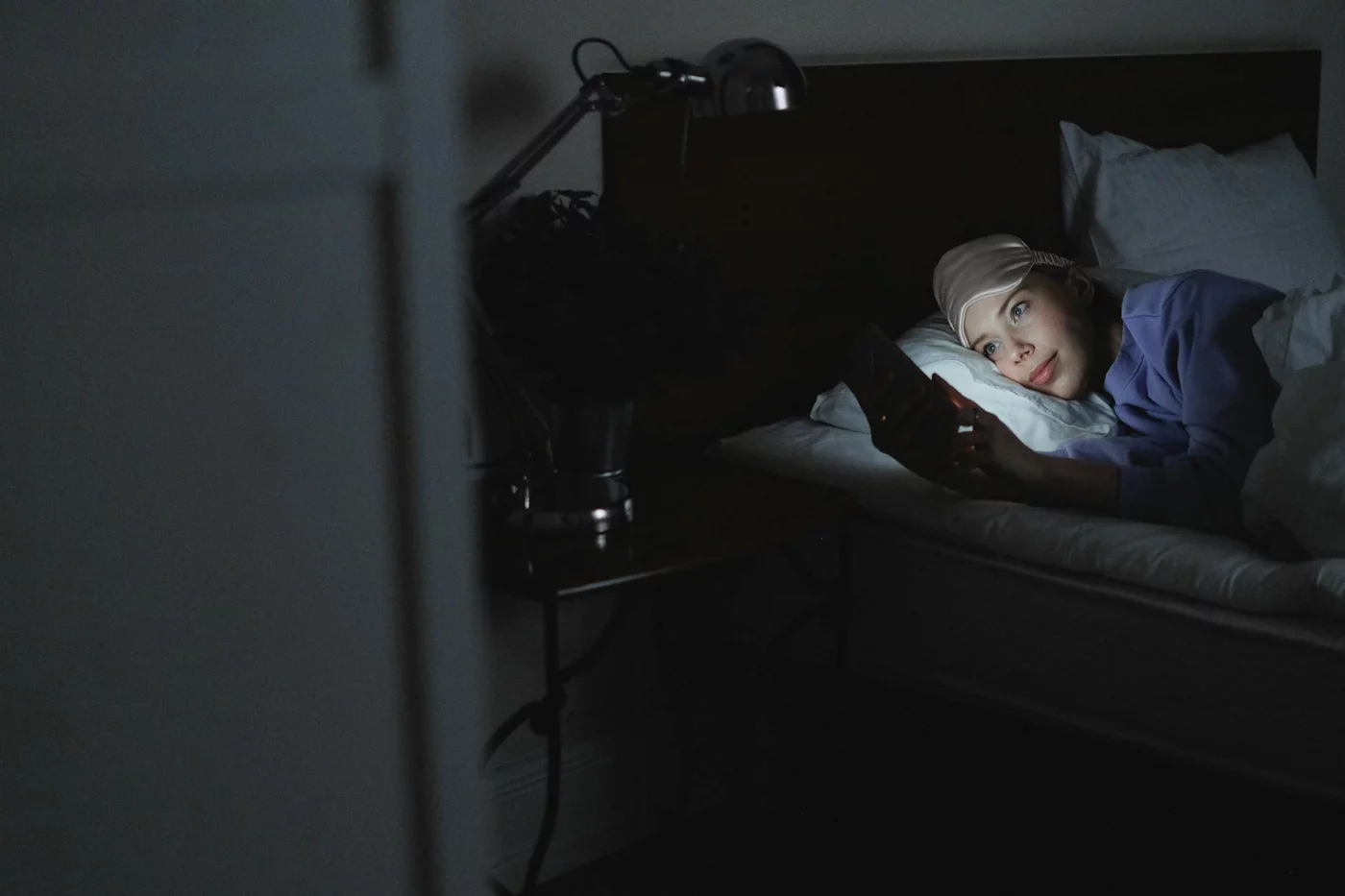
Two things drive this. Light can shift your circadian rhythm and delay melatonin timing, while messages, news, and scrolling raise mental arousal even with low brightness. If this pattern feels familiar, it often overlaps with the broader habit loop covered in stop phone addiction for students.
What it does to falling asleep
Sleep latency just means how long it takes you to fall asleep. And yes, blue light and sleep timing are connected: Harvard Health’s review of blue light and melatonin timing explains why bright evening light can push sleep later.
But wait. Night mode helps a bit, not a lot, because stimulating content still wakes your brain up. For a deeper breakdown, see our guide on blue light and sleep and build a better bedtime routine for adults.
Why middle-of-the-night checks hit harder
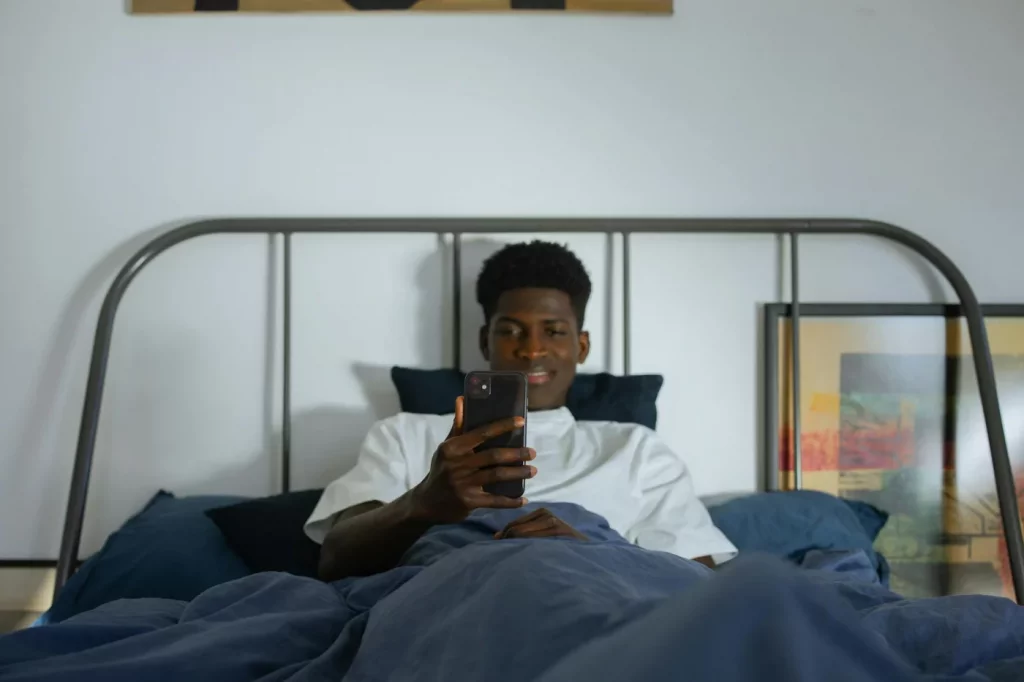
Middle of the night phone checking often turns a brief awakening into sleep fragmentation. Is it bad to check your phone during the night? Usually, yes.
- 2:07 a.m. wake-up
- Check the time
- See a message preview
- Reply, then browse for 10 minutes
- Alertness rises, and it’s harder to fall back asleep
That chain matters because broken sleep hurts attention, patience, and energy the next day. Evidence summarized by the CDC’s sleep hygiene guidance and PubMed-backed research on smartphone use and sleep disturbance points the same way: more nighttime phone use is linked with more sleep disruption and next day fatigue. Which brings us to the fix that actually works.
The 5-step fix that works
So here’s the deal: the side effects of using phone at night usually don’t improve because you “try harder.” They improve when you change the setup. If you want a realistic way to stop phone addiction for students and adults alike, start with a system you can follow tonight.
From testing behavior-change setups, I’ve found that changing the environment beats trying to resist the urge in bed. And yes, that sounds obvious. It still works better than relying on willpower at 11:47 p.m.
How to break the night-checking loop
- Step 1: Set a cutoff 30-60 minutes before bed.
- Step 2: Charge your phone outside arm’s reach.
- Step 3: Silence nonessential notifications.
- Step 4: Replace scrolling with one low-stimulation activity.
- Step 5: Make wake-ups boring, not interactive.
Step 1: Set a real cutoff
For many people, stopping 30-60 minutes before bed is a practical starting point. If 60 feels fake, start with 30 and treat it as your digital curfew. Consistency matters more than perfection, especially because blue light and sleep timing can affect melatonin, a point also covered in NIH sleep guidance on circadian rhythms and melatonin.
Step 2: Move it out of reach
Where should you keep your phone at night? Best options: a dresser across the room, the hallway, or outside the bedroom. That extra distance adds friction, which interrupts automatic checking. If you use your phone as an alarm, buy a cheap alarm clock; if you wake to check the time, turn the clock away.
Step 3: Remove triggers and replace the routine
Turn off previews, badges, vibration, and nonessential alerts. If you’re worried about emergencies, let Favorites through Do Not Disturb. Then swap the habit: use a paper book, light stretching, or a short reset from these one-minute mindfulness breaks. Research summarized by the American Psychological Association on why sleep matters makes the tradeoff pretty clear.
- If you check messages at 2 a.m., don’t unlock the phone.
- If you check the time repeatedly, hide the clock face.
- If your mind races, do 6 slow breaths or a brief body scan.
Need a replacement routine? Start with this bedtime routine for adults. Next, let’s tighten the settings and fix the mistakes that keep this habit alive.
Settings and mistakes to avoid
You’ve got the 5-step fix. Now make your phone stop fighting back, because the side effects of using phone at night usually come from cues, notifications, and easy access.
iPhone and Android settings to use tonight
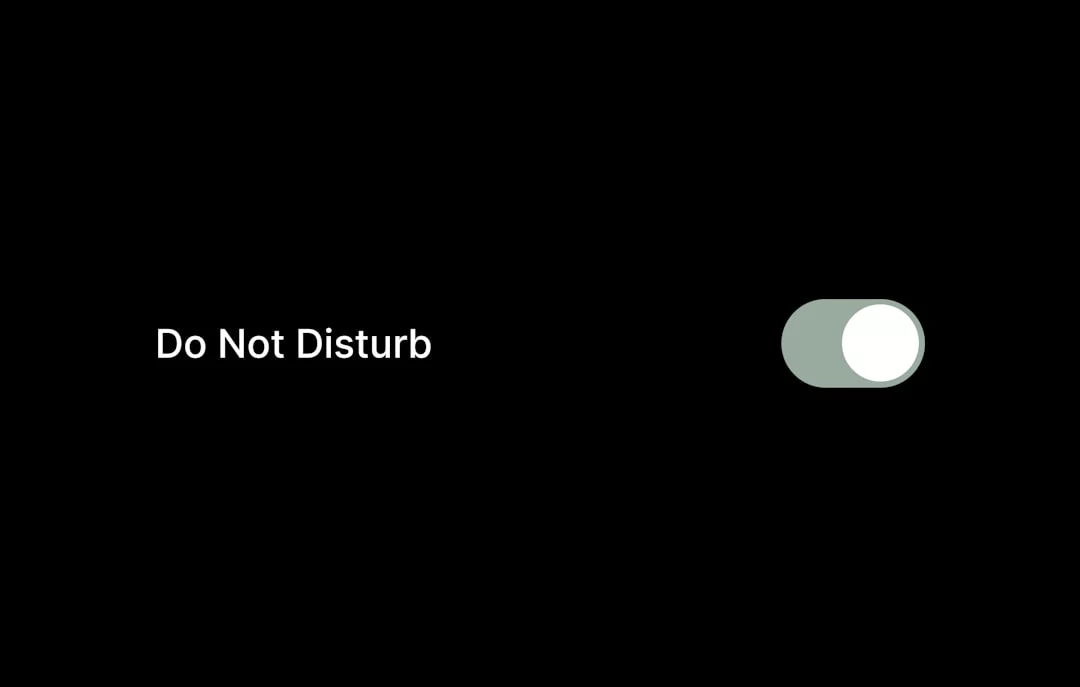
If you’re figuring out how to stop phone addiction for students, start with friction. On iPhone, turn on Focus or Do Not Disturb, allow calls from Favorites for emergencies, hide lock screen notifications, use Scheduled Summary, switch on grayscale in Accessibility, and set Screen Time app limits. On Android, use Bedtime mode, Do Not Disturb, notification categories, grayscale or Extra Dim, app timers in Digital Wellbeing, and remove tempting apps from the home screen.
- Charge your phone outside the bedroom
- Keep only alarm and emergency functions available
- Use digital minimalism phone rules to reduce visual cues
Grayscale helps because the screen looks dull, so your brain gets less reward from “just one check.” And yes, research on blue light and sleep supports the idea that light exposure can delay melatonin timing; the NCBI overview of sleep physiology gives the bigger picture.
Common mistakes that keep the habit alive
This is the part most people get wrong. Blue-light filters alone won’t fix the side effects of using phone at night if you’re still checking messages, the time, or social apps at 2 a.m.
Don’t keep the phone under your pillow or inches from your face. Is it ok to keep phone near head while sleeping? For most readers, the bigger problem isn’t speculative fear; it’s sleep disruption, cue-triggered waking, and reinforcing the checking loop. Also, don’t use the same device for alarm and entertainment if you can avoid it.
And don’t go full detox overnight. If you’re checking phone all the time, a gradual reset works better than a strict plan you’ll quit by day two. Which brings us to a simple 7-day reset.
7-day reset and quick reference
Settings help, but they only work if your nights follow a simple script. So here’s the practical reset for the side effects of using phone at night: fewer cues, fewer checks, and less sleep disruption.
A simple 7-day reset
Keep this tiny and repeatable. If you’re wondering how to break the habit of checking your phone before sleep, don’t aim for perfection; aim for a lower check count.
- Days 1-2: Pick a cutoff time and move your charger out of reach.
- Days 3-4: Turn on Do Not Disturb and hide lock-screen previews.
- Days 5-6: Add a replacement routine: paper book, stretch, or one-minute mindfulness breaks.
- Day 7: Review slips. What triggered them—stress, boredom, on-call worries, exam-week message anxiety?
Use a tiny score each night: 0 checks, 1 check, or 2+ checks. For students during exam weeks, one planned check before cutoff often works better than constant scanning. For professionals on-call, allow priority contacts only. And if you slip once? That’s data, not failure. The goal is fewer checks, shorter checks, and faster return to sleep.
Quick reference for tonight
📋 Quick Reference
- Set your cutoff time
- Place phone across the room
- Turn DND on
- Use a backup alarm
- Choose one replacement activity
- No time-checking after lights out
Research on sleep and arousal suggests reducing friction beats adding guilt. Well, actually, that’s the part most people miss: better bedtime phone habits usually come from changing the environment, not “trying harder.”
If nighttime checking is driven by panic, compulsive reassurance-seeking, persistent insomnia, or significant anxiety, talk with a qualified healthcare professional. And if you want extra support, FreeBrain’s mindfulness, anxiety, and weekend habits for brain health content can help you stay consistent after a rough week.
That’s the reset. Next, I’ll answer the most common questions about the side effects of using phone at night.
Frequently Asked Questions
How do I stop checking my phone in the middle of the night?
If you want to learn how to stop checking your phone in the middle of the night, start by making the habit harder: move your phone out of reach, turn on Do Not Disturb, and remove lock-screen previews so waking up doesn’t instantly turn into checking. And here’s the part most people miss — you need a replacement behavior. If you wake up, don’t keep checking the time; try 6 slow breaths, a short body scan, or a 2-minute meditation instead.
When should you stop looking at your phone before bed?
A practical answer to when should you stop looking at your phone before bed is 30 to 60 minutes before lights out. If that feels unrealistic, start with 20 to 30 minutes for a few nights and build up over a week. Personally, I think consistency matters more than perfection, because one of the common side effects of using phone at night is that your brain stays mentally “on” longer than you expect.
Where should you keep your phone at night?
If you’re wondering where should you keep your phone at night, the best spot is outside the bedroom or at least across the room, not within arm’s reach. Need it for emergencies? Keep calls audible for favorites only, but place the device far enough away that you can’t grab it half-asleep. That small bit of friction helps more than people think.
Is it bad to check your phone during the night?
Is it bad to check your phone during the night? It can be, especially because screen light, notifications, and mental stimulation may make it harder to fall back asleep. But wait — the bigger issue for most people isn’t one quick glance by itself; it’s repeated sleep fragmentation and the next-day fatigue that can follow, which are among the more noticeable side effects of using phone at night.
How do I stop obsessively checking my phone for messages at night?
If you’re trying to figure out how to stop obsessively checking your phone for messages, reduce the cues that trigger reassurance-seeking: hide message previews, mute nonessential apps, and decide exactly which contacts can break through at night. Quick sidebar: if anxiety is driving the habit, phone settings alone may not be enough. Pair them with a calming routine like slow breathing or journaling, and if it starts to feel compulsive, it’s worth talking with a qualified mental health professional. You might also find it helpful to build a better wind-down routine using FreeBrain’s sleep content hub if that’s available on your site structure.
How to stop checking phone at night on iPhone?
For how to stop checking phone at night iphone, use the built-in tools first: turn on Focus or Do Not Disturb, disable lock-screen previews, set Screen Time limits for your most tempting apps, and switch to grayscale if bright colors pull you in. Well, actually, the highest-impact change is often simpler than all of that — charge your iPhone outside the bedroom. Apple also explains Focus modes here: iPhone Focus settings.
How to stop checking phone at night on Android?
If you need a plan for how to stop checking phone at night android, start with Bedtime mode or Do Not Disturb, trim down notification categories, and use Digital Wellbeing app timers for the apps you open on autopilot. Speaking of which — dimming the screen or using grayscale can make late-night checking much less rewarding. And yes, one more trick works surprisingly well: remove tempting apps from the first home screen so sleepy checking takes extra effort. Google’s overview of Digital Wellbeing features is here: Digital Wellbeing on Android.
Is it OK to keep your phone near your head while sleeping?
Is it ok to keep phone near head while sleeping? If your goal is better sleep, it’s usually smarter to keep it farther away so you don’t check it automatically when you wake up. For this article, the main concern isn’t fringe claims — it’s habit reinforcement, sleep disruption, and the side effects of using phone at night, like fragmented rest and harder return-to-sleep moments. So here’s the deal: distance helps because convenience is often the trigger.
Conclusion
If you want this to work, keep it simple: move your phone out of arm’s reach, set a hard “last check” time 30–60 minutes before bed, turn on bedtime or focus settings that block the usual triggers, and follow the 7-day reset long enough for your brain to stop expecting one more scroll. That’s the real fix. Not more willpower, but fewer cues, less friction, and a repeatable night routine. And yes, reducing the side effects of using phone at night often starts with changing your environment, not trying to “be more disciplined.”
But wait. If you’ve been checking your phone at night for months or years, don’t expect one perfect evening to solve it. You’re not failing if the urge still shows up. You’re retraining a habit loop, and that takes a little repetition. Personally, I think this is the part most people get wrong: they quit after one rough night, when the real progress usually shows up after a few consistent evenings. Stick with the small changes. Better sleep often comes back gradually, then all at once.
Want more practical help? Explore more sleep and focus strategies on FreeBrain.net, starting with Sleep Hygiene for Students and How to Focus Without Your Phone. If the side effects of using phone at night have been draining your energy, attention, or mood, use tonight as your reset point. Charge your phone away from the bed, set your cutoff time, and make the next check tomorrow morning—not five minutes from now.