

If you’re wondering why use pubmed for research, the short answer is simple: it’s free, credible, and far better than a random Google search when you need evidence on health, neuroscience, psychology, or learning. And if you’ve been asking why use pubmed for research instead of just skimming blog posts or AI summaries, you’re already thinking the right way.
More people are fact-checking claims now. Students, writers, clinicians, and self-learners want the original source — not a confident summary that may flatten nuance or miss limits entirely, which is part of the bigger conversation around how AI affects student learning. PubMed matters here because it connects you to real biomedical and life-science research through the official PubMed database from the National Library of Medicine.
So what is it, exactly? PubMed is a free search engine for research papers and article records, anyone can use it, and yes, you can absolutely use it even if you’re not a doctor, librarian, or grad student. That’s a big part of why use pubmed for research: you get a cleaner path to primary sources, better filters, and fewer junk results when the topic actually matters.
This article will show you how to use PubMed for research in plain English. You’ll learn how to turn a messy question into a smart search, how to search in PubMed using keywords without getting buried, when to use MeSH terms, how to use PubMed advanced search, how to compare PubMed vs Google Scholar for literature review, and how to find free full text legally.
And that’s not all. I’ll also show you how to read abstracts without overreacting to a flashy result, when a paper is worth opening in full, and how to export citations without making your workflow annoying. If your goal is a full project, our better literature review guide goes deeper, and if you struggle with dense papers, I’ll point you to a faster way to read scientific papers quickly.
Quick sidebar: I’m a software engineer, not a librarian. But I built FreeBrain by translating research into practical tools, and I use PubMed constantly to verify claims in brain health, memory, and study-skills content. So this won’t be a library-science lecture. It’ll be a tested beginner workflow you can actually use today.
📑 Table of Contents
- Why use PubMed for research?
- A beginner workflow that actually works
- Search smarter with MeSH and Advanced Search
- Read results without getting misled
- Save papers, export citations, and use this checklist
- Frequently Asked Questions
- How do you properly use PubMed as a beginner?
- Can I use PubMed for research if I am not a medical student or scientist?
- Can you use PubMed for free?
- How do you search in PubMed using keywords and MeSH together?
- How do you actually read PubMed articles without getting overwhelmed?
- Is PubMed better than Google Scholar for a literature review?
- How do you find free full text articles on PubMed?
- How do you export citations from PubMed to Zotero or another citation manager?
- Conclusion
Why use PubMed for research?
If the intro gave you the big picture, here’s the practical answer. Why use PubMed for research? Because it’s free, maintained by the U.S. National Library of Medicine, and especially useful when your topic touches health, neuroscience, psychology, memory, sleep, or learning.
If you want the deeper literature-review version, use this better literature review guide. This section is the beginner-friendly version.
- What is PubMed? A search database for biomedical and life-science research.
- Can anyone use it? Yes. You don’t need a university login to search it.
- Can you use PubMed for free? Yes. Searching is free, though some papers are paywalled.
- Why is it better than random web results? It helps you trace claims back to actual studies instead of recycled summaries.
What PubMed is — and what it isn’t
In plain English, PubMed is a free database for finding biomedical and life-science literature through PubMed from the National Library of Medicine. It includes citations, abstracts, and links to some full-text papers, while the broader institution behind it is the U.S. National Library of Medicine.
But wait. PubMed isn’t a quality stamp. Indexed studies can still be weak, outdated, underpowered, or contradicted later. So yes, can I use PubMed for research? Absolutely. Just don’t confuse “found in PubMed” with “settled science.”
And when you’re deciding whether an abstract is worth your time, it helps to know how to read scientific papers quickly before opening the full paper.
Why more beginners are using it now
More students are fact-checking claims about sleep, memory, ADHD, supplements, focus, and study methods. Why now? Because people are getting more cautious with social-media advice and with polished summaries that don’t always show where the claim came from.
That’s also why readers are tracing AI-generated overviews back to primary sources, especially after seeing how easily confident summaries can flatten nuance; our piece on how AI affects student learning gets into that risk. At FreeBrain, we use primary research to check neuroscience and study-skills claims, and this guide comes from hands-on use, not library jargon.
PubMed or Google Scholar?
Personally, I think this is the part most people get wrong. PubMed vs Google Scholar for literature review isn’t an either-or fight.
- Use PubMed for precise biomedical searches, filters, abstracts, and controlled vocabulary.
- Use Google Scholar for broader discovery, citation trails, and interdisciplinary papers.
So, why is PubMed good? It’s usually better when your question is narrow and evidence-based. Google Scholar is often better when you’re mapping a field. Next, I’ll show you a beginner workflow that turns a messy question into a search that actually works.
A beginner workflow that actually works
So now that you know why use PubMed for research, the next step is turning that idea into a search you can actually run. If you’re checking claims about learning, sleep, or even how AI affects student learning, this is the workflow that keeps you close to primary sources instead of recycled summaries.

Start with a question, not a database
Beginners usually start too broad. “Memory and sleep” sounds fine, but it’s not a usable research question.
A better frame is topic + population + outcome: “How does sleep affect memory consolidation in college students?” That’s the core of how to use PubMed for research beginners without getting buried in thousands of results. For intervention questions, PICO can help: population, intervention, comparison, outcome. But wait—if you’re not comparing treatments, a simpler question is often enough.
How to build a first PubMed search
- Step 1: Write one clear question with a population and outcome.
- Step 2: Pull out the main concepts: sleep, memory consolidation, college students.
- Step 3: List 5-10 synonyms before searching.
- Step 4: Combine terms with Boolean operators.
- Step 5: Scan results first, then add filters one at a time.
List synonyms before you search
This is the part most people skip. And it costs them good papers, because authors don’t all use the same wording.
- sleep
- REM sleep
- sleep deprivation
- memory
- memory consolidation
- recall
- students
- young adults
Personally, I’d keep a scratchpad open and add terms from titles and abstracts as I go. If you want a related example topic, our piece on REM sleep and memory research shows the kind of question that works well in PubMed.
Build your first search string
Here’s the best way to search PubMed for beginners: start with a keyword search, not a perfect one. A bad search is just: sleep memory students. Better?
(sleep OR “sleep deprivation” OR “REM sleep”) AND (memory OR “memory consolidation” OR recall) AND (students OR “young adults”)
Plain English: AND narrows, OR broadens, quotation marks keep phrases together, and parentheses group ideas. Overdo specificity too early, though, and you’ll hide useful studies. When results come in, read the abstract before chasing the full text; our guide on how to read scientific papers quickly helps with that, and the official PubMed Help documentation explains current search behavior.
Use filters carefully
Use filters after your first scan, not before. Why? Because result patterns teach you which terms PubMed is recognizing and which study types dominate the topic.
A practical order is:
- publication type, such as review
- recent years
- humans
- age group, only if truly needed
Well, actually, this is where beginners often over-filter and miss foundational studies. PubMed’s interface can change, so verify current filter options in the National Center for Biotechnology Information resources rather than relying on old screenshots alone. Which brings us to the next upgrade: searching smarter with MeSH and Advanced Search.
Search smarter with MeSH and Advanced Search
Once your basic workflow works, the next upgrade is search precision. That’s a big part of why use PubMed for research makes sense: you can trace claims back to primary sources instead of relying on summaries, especially when topics like how AI affects student learning get oversimplified online.
If you’re doing a broader evidence hunt, our better literature review guide goes deeper. Here, I want to show the practical jump from “good enough” searching to cleaner, reproducible results.
When MeSH beats plain keywords
MeSH terms, short for medical subject headings, are PubMed’s controlled vocabulary. In plain English, they group papers even when authors use different words for the same idea. That matters for broad concepts, messy terminology, and any literature review where precision counts.
Try combining both systems, not choosing one. For example: ((sleep[Title/Abstract] OR "Sleep"[MeSH Terms]) AND ("Memory Consolidation"[MeSH Terms] OR memory[Title/Abstract])) AND (students[Title/Abstract] OR "Young Adult"[MeSH Terms]). That’s useful if you’re checking topics like REM sleep and memory research.
But wait. MeSH can lag behind very new topics because indexing takes time. So the best searches usually mix keywords with MeSH, and you can confirm current tagging in the NCBI MeSH Database.
How to build a search step by step
- Open PubMed Advanced Search Builder.
- Choose a field like Title/Abstract or MeSH Terms.
- Add one concept at a time, then combine sets with AND/OR.
- Review results and refine without retyping everything.
Field choice matters because title/abstract searching is broader, while MeSH is cleaner once papers are indexed. If you later need to judge whether a result is worth opening, this pairs well with our guide on how to read scientific papers quickly.
Use search history for better reviews
Search history is the underrated feature beginners miss. You can compare Search #1 versus Search #3, see exactly what changed, and document your logic for a cleaner review process. That’s a practical reason why use PubMed for research, especially when you need reproducibility.
And yes, this is where PubMed becomes much better for literature review work. For current field tags and search behavior, verify details in the official PubMed Help documentation. Next, let’s look at how to read the results page without getting misled.
Read results without getting misled
Once you’ve searched well, the next job is judging results fast. That’s a big part of why use PubMed for research keeps coming up—especially now that more students are tracing bold claims back to sources after reading summaries about how AI affects student learning.
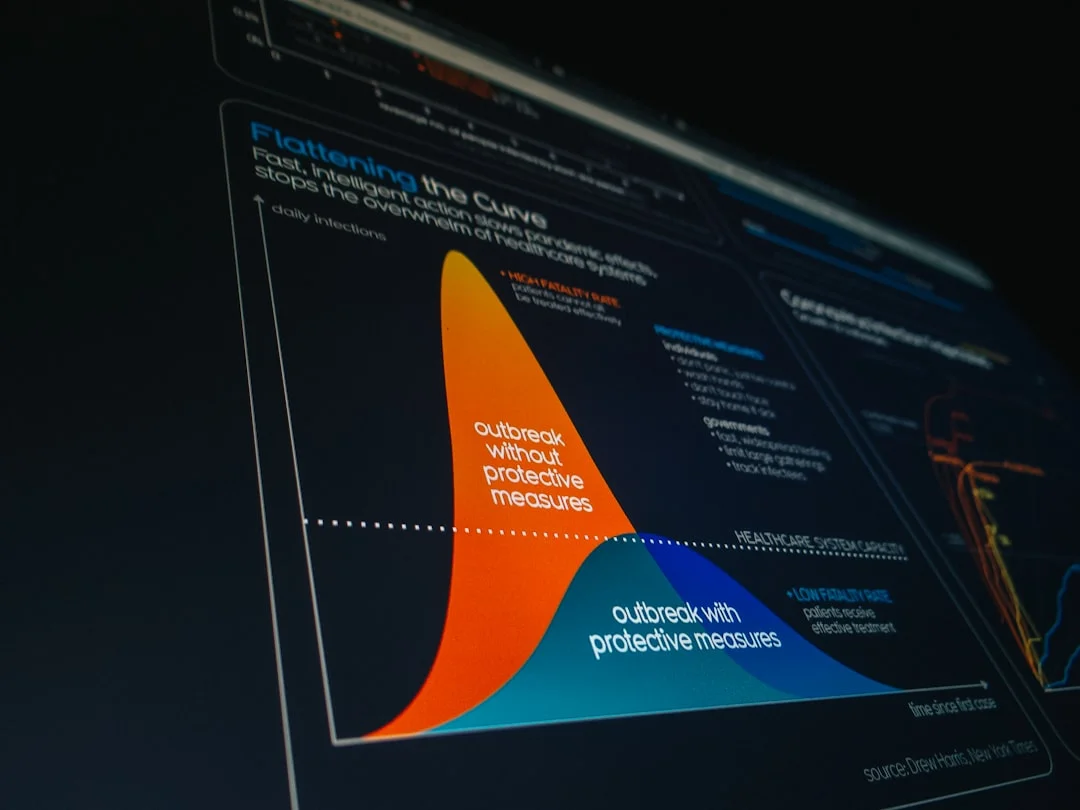
What to scan first on the results page
Use a 20-second skim. Check the title, journal, year, abstract snippet, publication type, and whether “Free full text” appears. Publication type labels save time because “systematic review” and “meta-analysis” usually help you map a topic faster than a single case report.
- Title: does it match your question?
- Journal and year: is it recent and credible?
- Study type: review, trial, cohort, cross-sectional, case report, or animal study?
- Related articles: worth opening when your first search term was too narrow.
How to read an abstract fast
Here’s how to actually read PubMed articles at the abstract stage: question, sample, method, result, limitation, takeaway. Don’t trust only the final sentence. Authors sometimes write a conclusion that sounds stronger than the data.
For how to read PubMed abstracts for research, abstracts are enough for relevance screening, but not for methods detail, effect size, or practical interpretation. If the claim matters for a citation or decision, open the paper and read scientific papers quickly. And if you want the bigger workflow, our better literature review guide goes deeper.
Common mistakes beginners make
Most beginners filter too early, trust abstracts too quickly, and assume indexed means high quality. It doesn’t. A simple evidence ladder helps: reviews and meta-analyses summarize broad evidence; randomized trials test interventions; cohort studies track patterns over time; cross-sectional studies show snapshots; case reports and animal studies can generate ideas, not settle human questions. PubMed’s own official PubMed help documentation is useful if you want the interface details.
This article is educational, not medical advice. If you’re searching ADHD, sleep disorders, anxiety, or supplements, consult a qualified healthcare professional before making health decisions.
From experience: what saves the most time
From checking claims for FreeBrain articles, the fastest way to avoid bad conclusions is comparing 3–5 abstracts before opening one full text. Well, actually, that habit catches weak samples and overconfident conclusions surprisingly often. Review articles are usually the fastest way to understand a topic before chasing individual studies, which is another reason why use PubMed for research works so well when you care about evidence quality.
Next, save the papers you want, export citations, and use a simple checklist so good sources don’t disappear.
Save papers, export citations, and use this checklist
Once you’ve judged a result well, the next move is simple: save what matters and make your search reusable. If you’re still figuring out why use pubmed for research, this is where it starts paying off.
Find free full text the right way
PubMed is an index, not a giant folder of PDFs. That means a record can be useful even when the article itself isn’t free.
To learn how to find free full text on PubMed, use the “Free full text” filter, then check whether the paper is available in PubMed Central, the NIH’s legal full-text archive. But wait—not every strong paper will be free, so if a result matters, also check your school, library, or institutional access.
Export citations and save your search
Save PMIDs for quick retrieval, add strong papers to Collections, and turn on alerts for ongoing topics like sleep and memory or attention research. Why bother? Because literature reviews are iterative, and good searchers don’t start from zero every week.
For how to export citations from PubMed, use “Cite” or “Send to” and export into Zotero, EndNote, or another manager supported in PubMed Help. Zotero is beginner-friendly, and citation export saves a shocking amount of cleanup time.
Quick Reference: the 7-step checklist
📋 Quick Reference
- Define one clear question.
- List synonyms and related terms.
- Run a basic keyword search.
- Add MeSH terms.
- Scan abstracts and study type.
- Save PMIDs and export citations.
- Refine and repeat; switch to Google Scholar or ask a librarian if PubMed comes up thin.
Real-world application: three searches to copy
- Memory + sleep: “REM sleep” AND memory consolidation
- Focus topics: attention AND executive function AND adolescent
- Reviews fast: learning AND memory AND systematic review
For ADHD-related attention topics, keep it educational, not diagnostic, and consult a qualified clinician for personal care decisions. And that’s really why use PubMed for research: you can build a repeatable search strategy, save evidence legally, and improve it over time. Run one search today, save one collection, and bookmark this checklist before we wrap up with the FAQ and final takeaways.
Frequently Asked Questions
How do you properly use PubMed as a beginner?
If you’re learning how to properly use PubMed, start with one clear question, then write down 3-5 synonyms for the main concepts before you search. Begin with a simple keyword search, skim the titles and abstracts, and only after that add filters or MeSH terms to narrow things down. And don’t try to build the perfect query on your first attempt — save useful citations, notice which terms keep showing up, and refine from there.
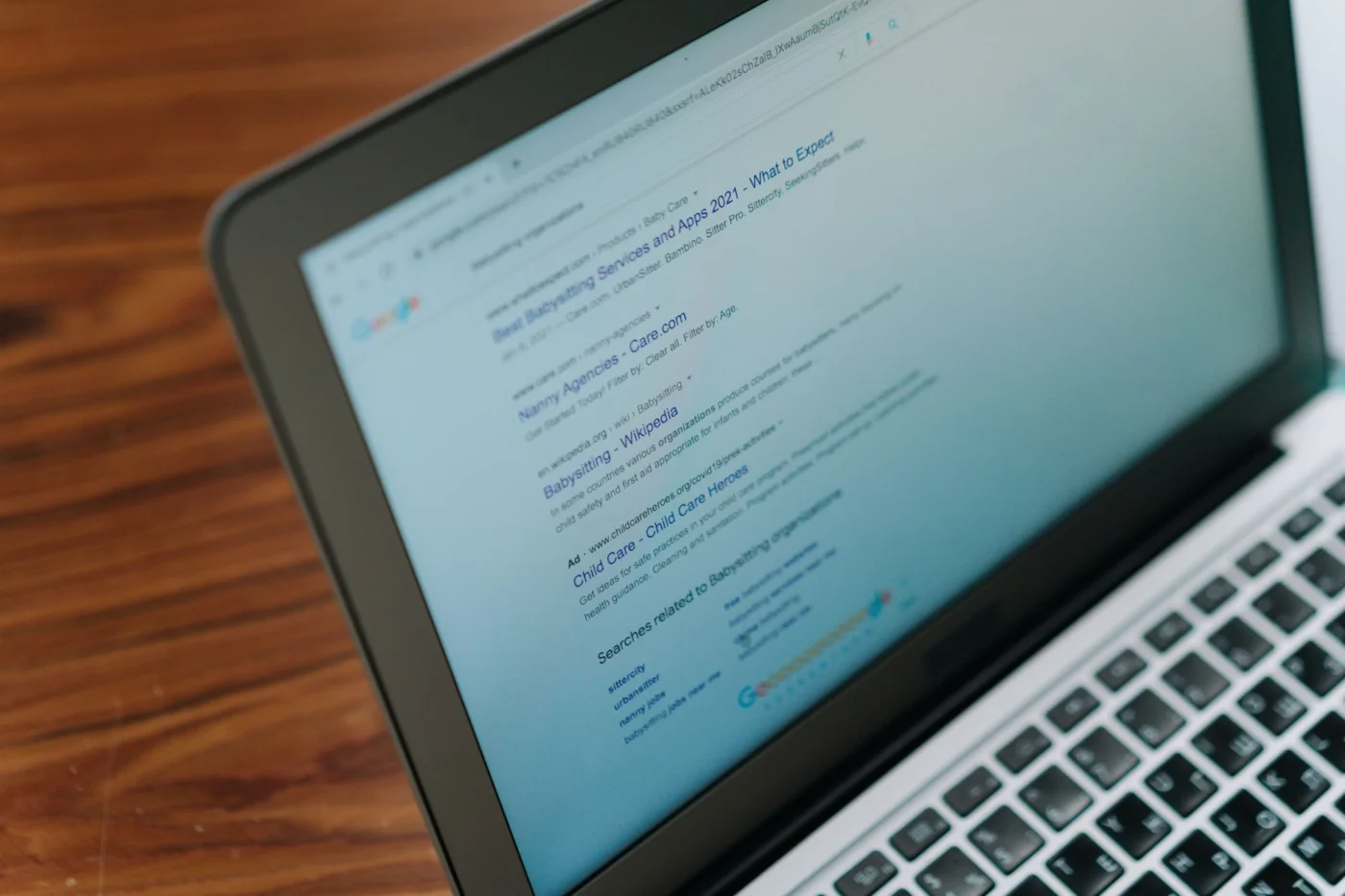
Can I use PubMed for research if I am not a medical student or scientist?
Yes — can I use PubMed for research if I’m not a scientist? Absolutely. PubMed is free and open to anyone, and it’s especially useful for students, teachers, self-learners, writers, and professionals who want access to primary studies or review papers. The real skill isn’t having a formal title; it’s learning how to search well and judge study quality, which is a big part of why use PubMed for research makes sense even outside academia.
Can you use PubMed for free?
Yes, can you use PubMed for free is an easy one: PubMed itself is completely free to search. Some records include free full text, while others only give you the citation and abstract, so access varies by journal. For legally free papers, check PubMed Central, which is one of the best sources for full-text biomedical articles.
How do you search in PubMed using keywords and MeSH together?
If you want to learn how to search in PubMed using keywords and MeSH together, use keywords for the words real people type and MeSH for PubMed’s controlled subject terms. Then combine them with AND and OR so you catch both newer papers that may not be fully indexed yet and older papers filed under standard headings. In practice, this mixed approach is usually better than relying on only keywords or only MeSH.
How do you actually read PubMed articles without getting overwhelmed?
The best answer to how to actually read PubMed articles is to stop trying to read every paper from top to bottom. Screen titles and abstracts first, then check five things: study type, sample size, methods, main result, and limitations. Use the full paper only when the study really matters for a decision, citation, or deeper understanding — and if you want a practical workflow, our FreeBrain study tools can help you organize notes and comparisons as you go.
Is PubMed better than Google Scholar for a literature review?
For pubmed vs google scholar for literature review, the honest answer is that each tool does a different job. PubMed is usually better when you need precise biomedical or health-related searching, while Google Scholar is often better for broader discovery, citation trails, and interdisciplinary topics. So why use PubMed for research at all? Because when accuracy, filters, indexing, and clinical relevance matter, PubMed usually gives you cleaner search control — but for most literature reviews, using both is the smartest move.
How do you find free full text articles on PubMed?
To learn how to find free full text on PubMed, run your initial search first and then apply the Free full text filter so you don’t narrow too early. Look for links to PubMed Central or publisher pages that clearly offer open-access versions, and check the abstract page for access options. But wait — not every useful paper will be free, so save the citation anyway in case you need it later through a library, author copy, or institutional access.
How do you export citations from PubMed to Zotero or another citation manager?
If you’re figuring out how to export citations from PubMed, use PubMed’s citation or send-to options to download citation data in a format your reference manager can import. While you’re still screening papers, it also helps to save PMIDs and build collections so you don’t lose strong candidates. Tools like Zotero can then organize authors, titles, tags, and notes, which makes your research process much easier once your source list starts growing.
Conclusion
So here’s the practical version. If you want better sources fast, start with a simple question, run a basic PubMed search, then tighten it with filters, MeSH terms, and Advanced Search when the results get messy. Skim titles and abstracts first, check the study type before trusting a claim, and watch for common traps like tiny samples, animal studies, or headlines that oversell the findings. Then save the papers that matter, export citations right away, and use a repeatable checklist so your research process stays clean instead of turning into tab chaos. That’s really the core answer to why use pubmed for research: it helps you find stronger evidence and think more clearly about what you’re reading.
And if PubMed has felt intimidating, you’re not behind. Most beginners don’t struggle because they’re “bad at research” — they struggle because nobody showed them a workflow that makes sense. Personally, I think this is the part that changes everything. Once you know how to search smarter and judge studies more carefully, research stops feeling like random Googling and starts feeling like a skill you can build. One search at a time, you get faster, sharper, and much harder to mislead.
Want to keep going? Explore more practical study and research strategies on FreeBrain.net, including How to Read Scientific Papers and Evidence-Based Study Methods. If you came here wondering why use pubmed for research, the next step is simple: open PubMed, test the workflow from this article, and build your own evidence-first research habit today.